|
Work progress 0.97
|
|
| SpaceEngineer | Date: Friday, 09.11.2012, 17:19 | Message # 256 |
 Author of Space Engine
Group: Administrators
 Russian Federation
Messages: 4800
Status: Offline
| Quote (Salvo) If it possible in the same way you could make the transition of some biomes just a bit smoother, for example sand and snow, because now is a bit unrealistic
It is not "the same way". And no, transition between snow and sand/rocks must be hard. Where did you see the smooth transition between them?

|
| |
| |
| Salvo | Date: Friday, 09.11.2012, 20:18 | Message # 257 |
 Star Engineer
Group: Local Moderators
 Italy
Italy
Messages: 1400
Status: Offline
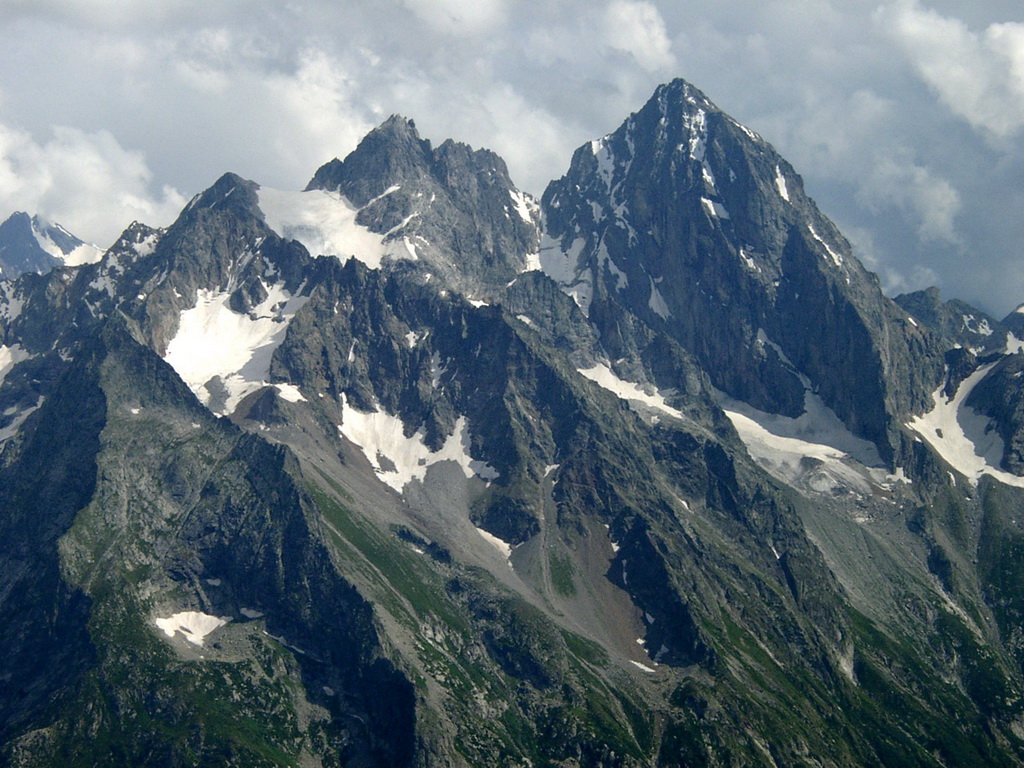
| What i mean is that if you zoom in so much you will see this effect:

Edited (badly) with photoshop:

Quote (SpaceEngineer) It is not "the same way". And no, transition between snow and sand/rocks must be hard.
Don't worry 
The universe is not required to be in perfect harmony with human ambition.
CPU: Intel Core i7 4770 GPU: ASUS Radeon R9 270 RAM: 8 GBs
(still don't know why everyone is doing this...)
Edited by Salvo - Friday, 09.11.2012, 20:38 |
| |
| |
| SpaceEngineer | Date: Friday, 09.11.2012, 22:13 | Message # 258 |
|
Author of Space Engine
Group: Administrators
Russian Federation
Messages: 4800
Status: Offline
| Quote (Salvo) What i mean is that if you zoom in so much you will see this effect:
There are indeed some regions where such hard transitions are visible, it is a bug, I don't know how to fix it, and left it as it is, I thought having hard transitions somewhere is not bad.
|
| |
| |
| SpaceEngineer | Date: Saturday, 10.11.2012, 14:10 | Message # 259 |
|
Author of Space Engine
Group: Administrators
Russian Federation
Messages: 4800
Status: Offline
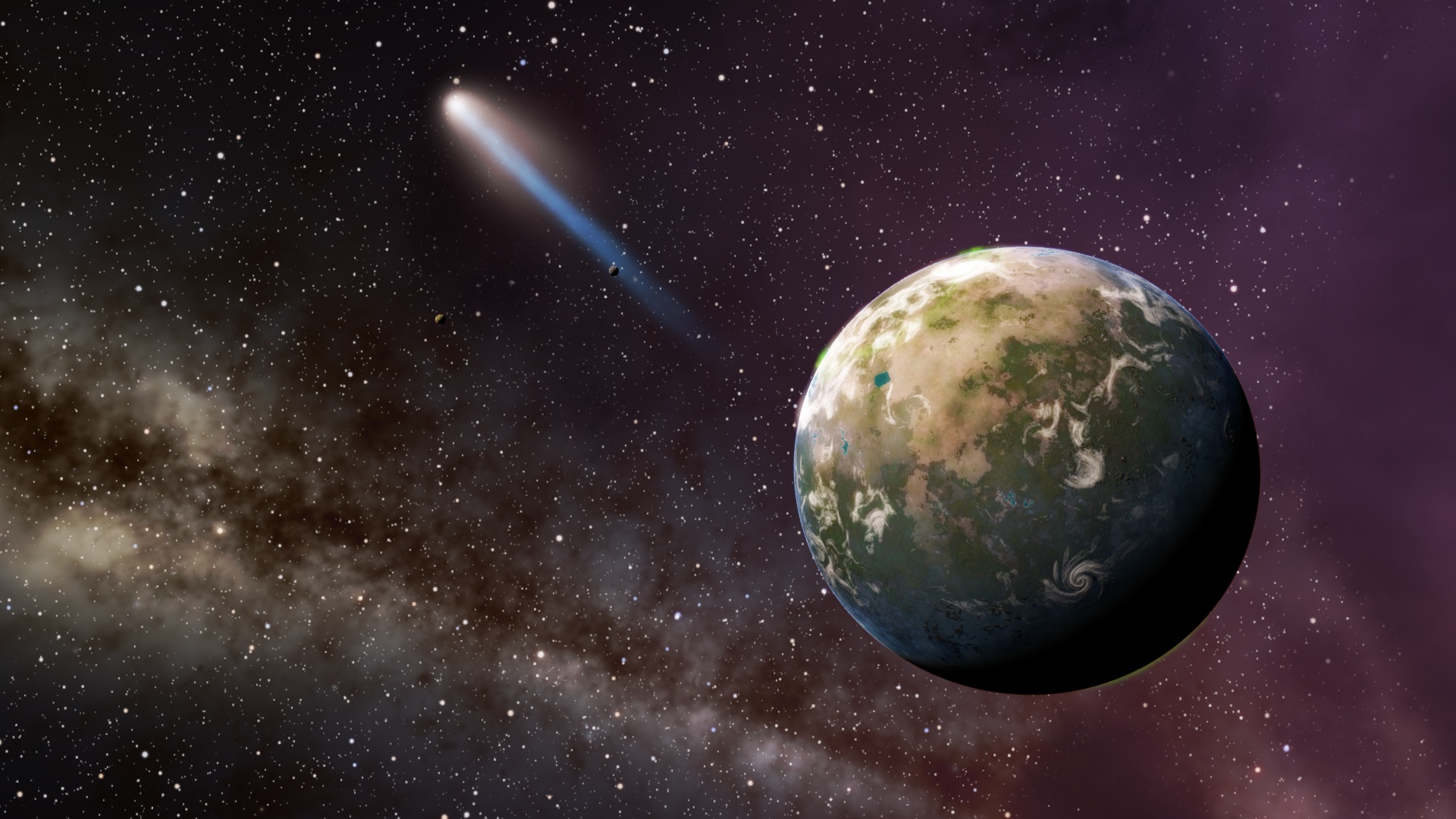
| This comet almost hit the planet:

|
| |
| |
| HarbingerDawn | Date: Saturday, 10.11.2012, 14:13 | Message # 260 |
 Cosmic Curator
Group: Administrators
 United States
Messages: 8717
Status: Offline
| Quote (SpaceEngineer) This comet almost hit the planet:
That looks amazing!
All forum users, please read this!
My SE mods and addons
Phenom II X6 1090T 3.2 GHz, 16 GB DDR3 RAM, GTX 970 3584 MB VRAM
|
| |
| |
| DoctorOfSpace | Date: Saturday, 10.11.2012, 14:14 | Message # 261 |
 Galaxy Architect
Group: Global Moderators
 Pirate
Messages: 3600
Status: Offline
| Quote (SpaceEngineer) This comet almost hit the planet:
Oh my that looks awesome

Intel Core i7-5820K 4.2GHz 6-Core Processor
G.Skill Ripjaws V Series 32GB (4 x 8GB) DDR4-2400 Memory
EVGA GTX 980 Ti SC 6GB
|
| |
| |
| Salvo | Date: Saturday, 10.11.2012, 15:12 | Message # 262 |
|
Star Engineer
Group: Local Moderators
Italy
Messages: 1400
Status: Offline
| 0.9.7 versioin will be awesome 
Quote (SpaceEngineer) it is a bug, I don't know how to fix it
Got it 
The universe is not required to be in perfect harmony with human ambition.
CPU: Intel Core i7 4770 GPU: ASUS Radeon R9 270 RAM: 8 GBs
(still don't know why everyone is doing this...)
|
| |
| |
| SpaceEngineer | Date: Sunday, 11.11.2012, 17:37 | Message # 263 |
|
Author of Space Engine
Group: Administrators
Russian Federation
Messages: 4800
Status: Offline
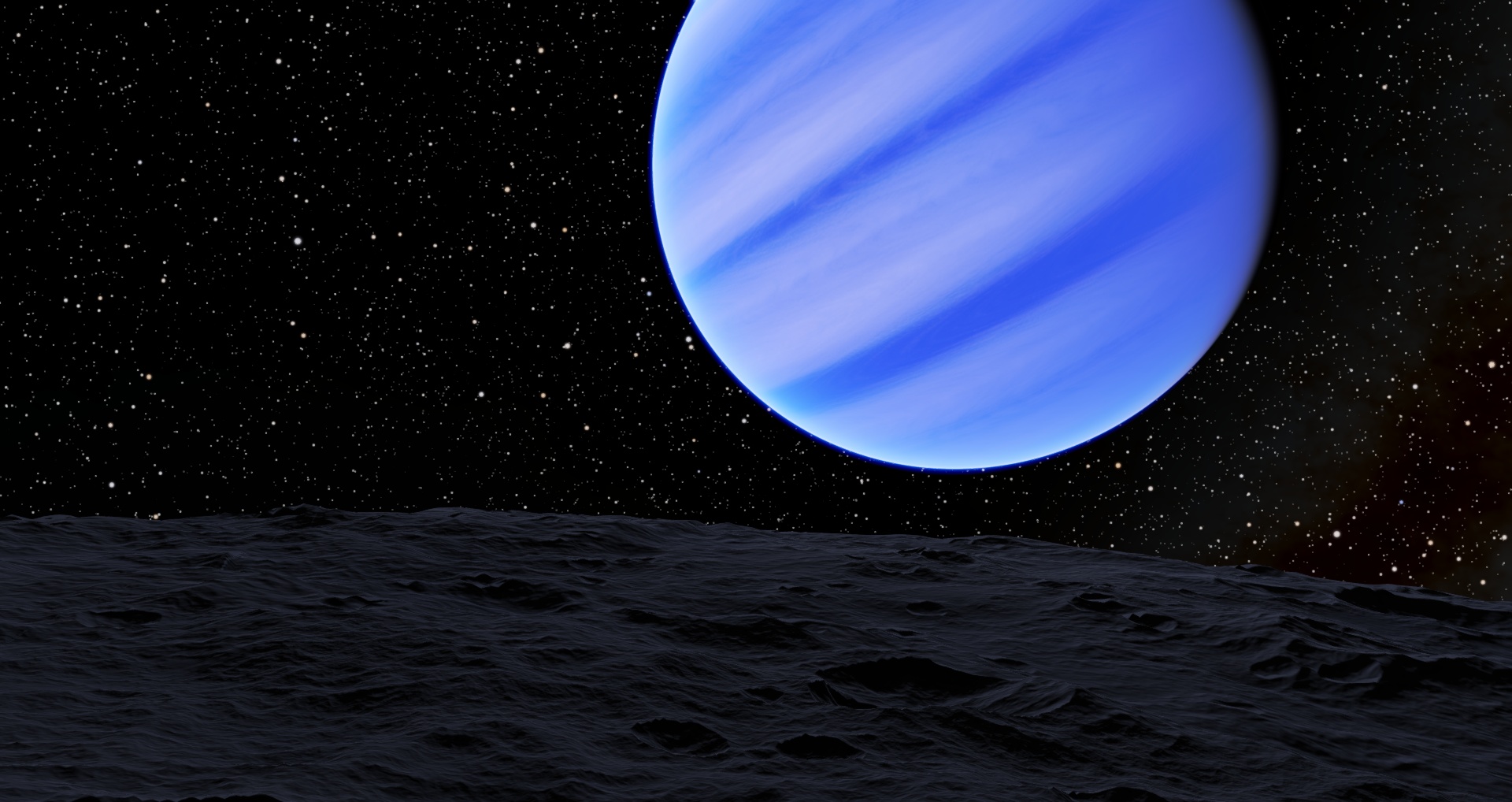
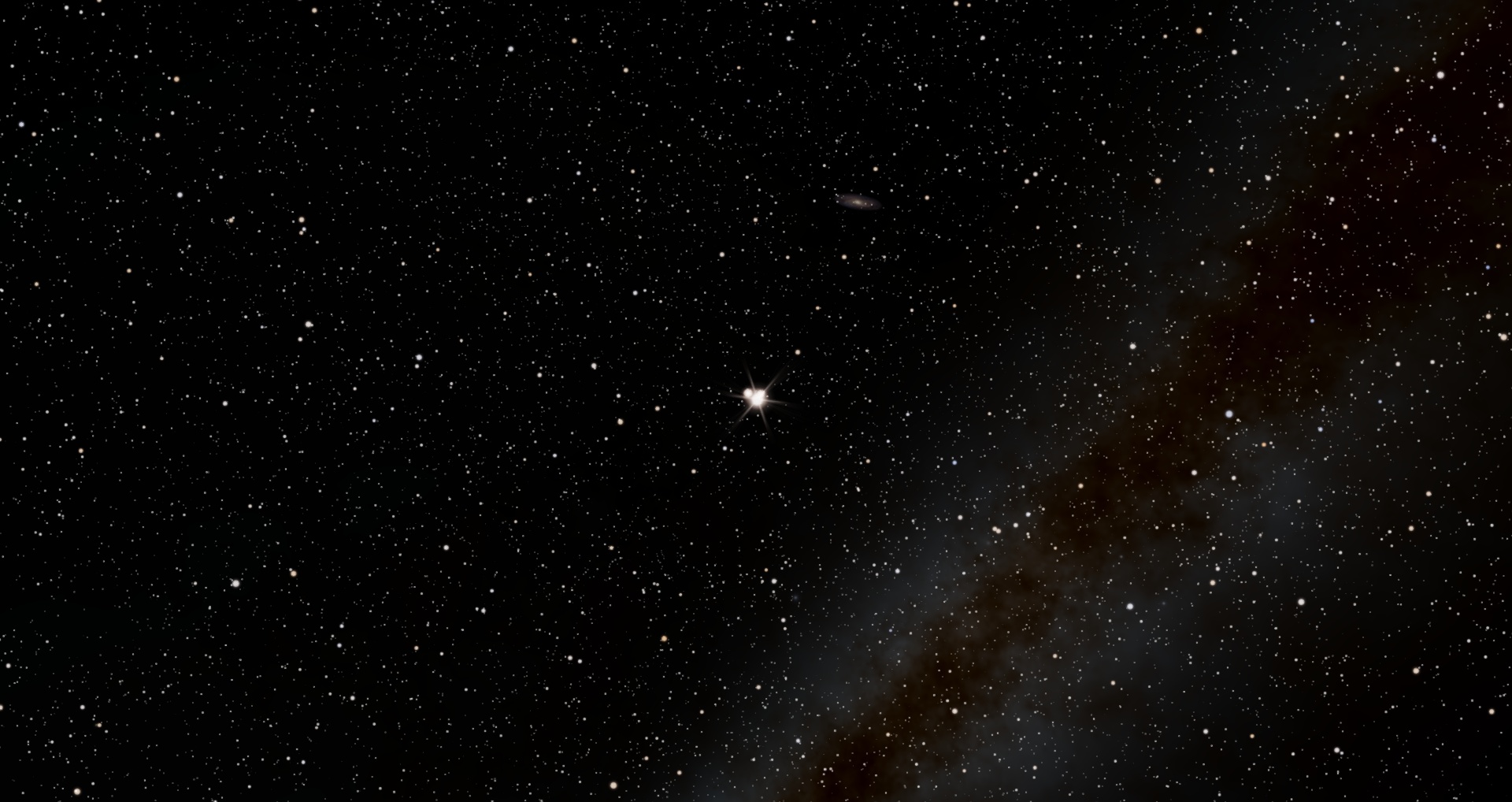
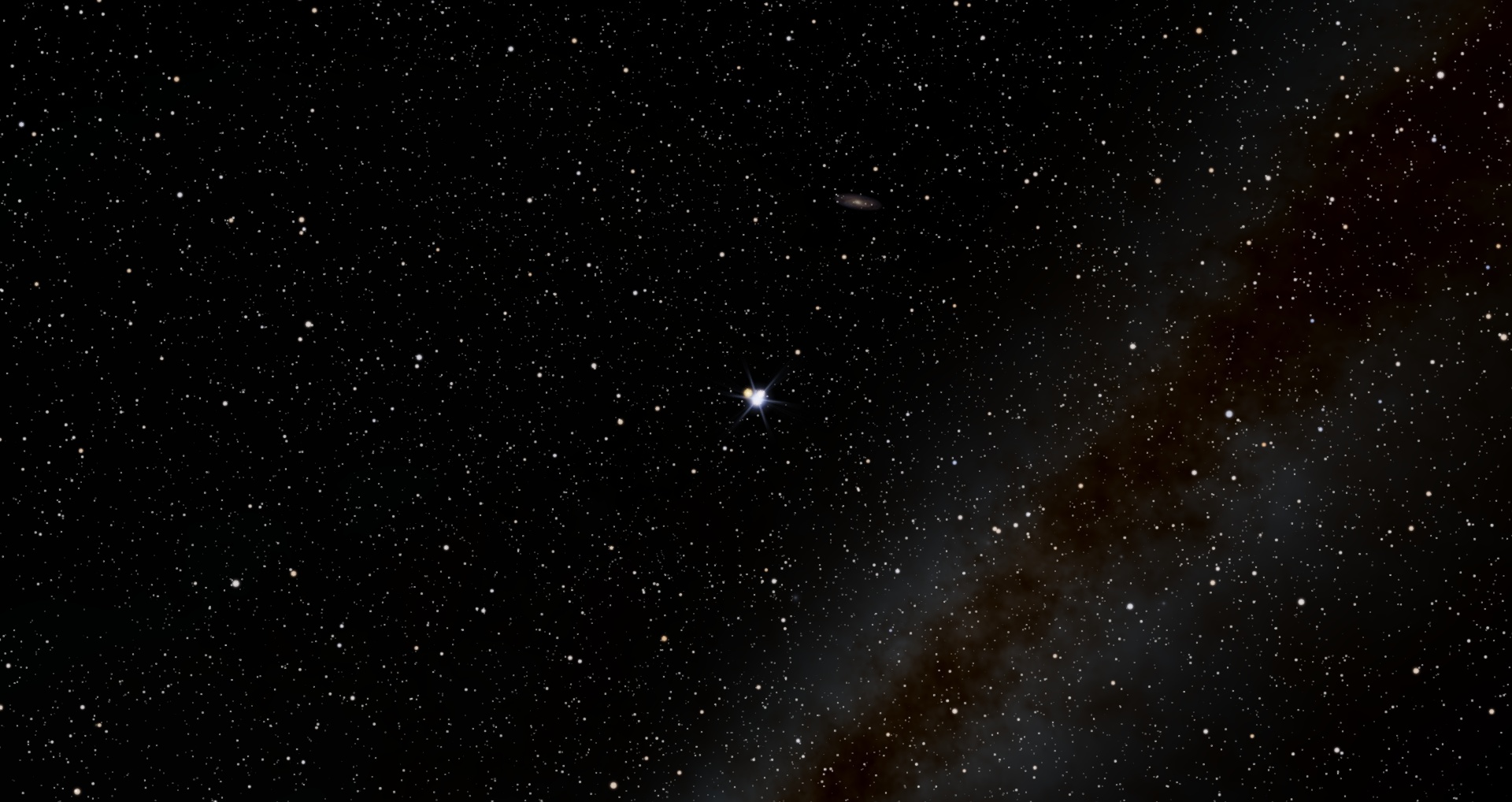
| As you've probably noticed, SE doesn't take into account the color of the planet when it calculates the illumination of moons (and vice versa). Now I've fixed this. The method is very tricky. Analytic calculation of color of the planet is almost impossible - it should take into account the color table used for the surface texture generation, clouds and water coverage, and atmosphere color. So I made things easier - I just render a planet into a small texture (viewed from sun, so it's at full phase), then it read this texture back to CPU and sums up all pixels to calculate average color. This gives the true color of the planet taking into account all its features - real surface texture, clouds pattern, atmosphere and even rings!
This procedure is fast enough, so it even can be used for real-time update of a planet's color. I've implemented several settings - compute color once, when planet first comes into view of field, update color every half second, and disable updating color. In the real-time updating mode, the effect fixes full eclipse issues - when the moon is in the shadow of the planet, it does not illuminate the planet.
Another thing is the distance from which the color should be calculated. Now we should be able to approach the planet to see its disk. After that, if you leave the planet, its star-like particle will have a proper color. It is possible to calculate the color of every object from any distance, but this may hit performance, because there are hundreds of objects in a typical planetary system. It is also possible to calculate a color for every body when a planetary system is being generated, but this also will increase the generation time.
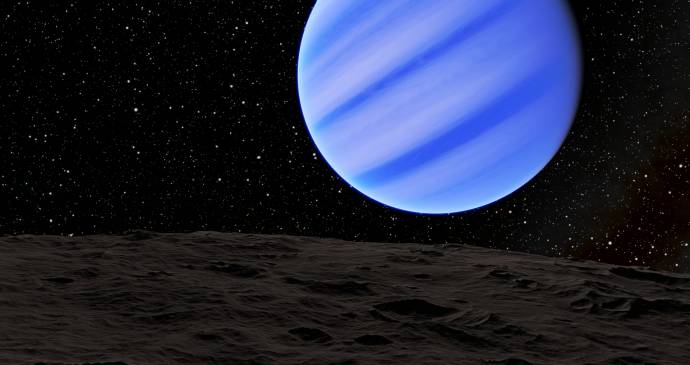
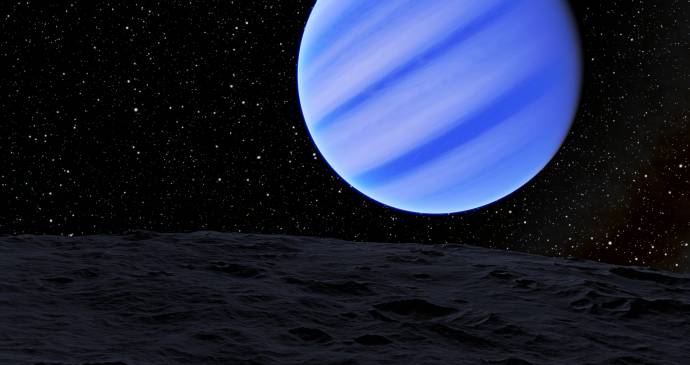
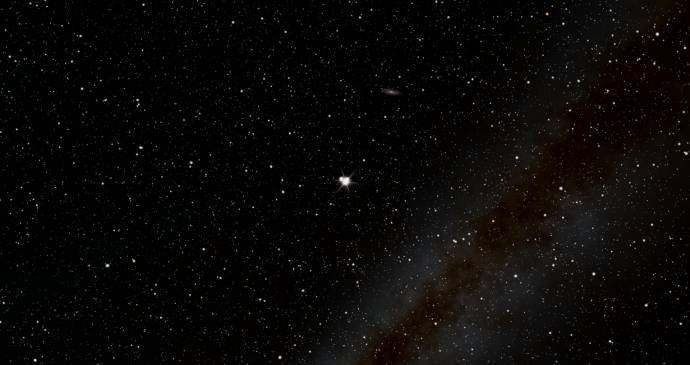
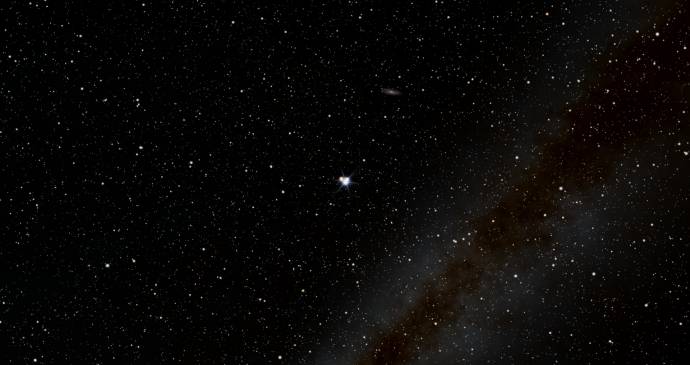
Here are the screenshots showing the same scene, before and after a planet's color calculation (view it at full size). The first two are a view on a blue gas giant from its moon, and the next two are from far away, where it looks like a star (note the color of some small yellow moon near the gas giant):
*
|
| |
| |
| HarbingerDawn | Date: Sunday, 11.11.2012, 17:44 | Message # 264 |
|
Cosmic Curator
Group: Administrators
United States
Messages: 8717
Status: Offline
| I was hoping that you would implement this! Absolutely fantastic ♥
All forum users, please read this!
My SE mods and addons
Phenom II X6 1090T 3.2 GHz, 16 GB DDR3 RAM, GTX 970 3584 MB VRAM
|
| |
| |
| apenpaap | Date: Sunday, 11.11.2012, 17:49 | Message # 265 |
 World Builder
Group: Users
 Antarctica
Messages: 1063
Status: Offline
| Very odd... I thought this was already implemented. Check out the difference in illumination of Phobos and Naiad:


I suppose that so far it's only implemented in our Solar System, then. It'll be great to see it expanded to procedural worlds!
I occasionally stream at http://www.twitch.tv/magistermystax. Sometimes SE, sometimes other games.
|
| |
| |
| neutronium76 | Date: Sunday, 11.11.2012, 18:05 | Message # 266 |
 World Builder
Group: Users
 Greece
Messages: 718
Status: Offline
| Quote (SpaceEngineer) This comet almost hit the planet
This is not an in-game screenshot of the new version, right? This is a photoshop image, right?
And regarding the correct color illumination of the planet's moons: Can't believe that you also did this! What should we expect from version 0.98? You are so much spoiling us  ! !
PC1:Core i7 970@3.34GHz, 6 cores/12 threads, 12GB DDR3 RAM@1.34GHz, 2x(SLI) GTX-580 GPUs 3GB VRAM(GDDR5)@1GHz, OS:Win7x64SP1
PC2:Core2Quad X9770@3.2GHz, 2 cores/4 threads 4GB DDR2 RAM@1GHz, GTX-285 GPU 1GB VRAM(DDR3)@1.24GHz, OS:WinVistax64SP2
Edited by neutronium76 - Sunday, 11.11.2012, 18:08 |
| |
| |
| HarbingerDawn | Date: Sunday, 11.11.2012, 18:17 | Message # 267 |
|
Cosmic Curator
Group: Administrators
United States
Messages: 8717
Status: Offline
| Quote (apenpaap) I thought this was already implemented
No, for some Solar system objects color was put in the catalog manually (check the SolarSys.sc). Otherwise it was assumed to be white.
Quote (neutronium76) This is not an in-game screenshot of the new version, right? This is a photoshop image, right?
It's a screenshot
All forum users, please read this!
My SE mods and addons
Phenom II X6 1090T 3.2 GHz, 16 GB DDR3 RAM, GTX 970 3584 MB VRAM
|
| |
| |
| SpaceEngineer | Date: Sunday, 11.11.2012, 18:52 | Message # 268 |
|
Author of Space Engine
Group: Administrators
Russian Federation
Messages: 4800
Status: Offline
| Forgot to mention: in the real-time updating mode, the effect fixes full eclipse issues - when the moon is in the shadow of the planet, it does not illuminate the planet. However, I should solve this issue analytically, by upgrading the eclipse code.
Quote (apenpaap) Very odd... I thought this was already implemented. Check out the difference in illumination of Phobos and Naiad: I suppose that so far it's only implemented in our Solar System, then. It'll be great to see it expanded to procedural worlds!
For this purpose, planet scripts have the parameter Color. For procedural generated planets, this color was always white. So now this script parameter is no longer necessary.
Quote (neutronium76) This is not an in-game screenshot of the new version, right? This is a photoshop image, right?
This is screenshot of course.
Edit: Ah, Harb ninja
|
| |
| |
| Salvo | Date: Sunday, 11.11.2012, 19:04 | Message # 269 |
|
Star Engineer
Group: Local Moderators
Italy
Messages: 1400
Status: Offline
| If a blue planet is iluminated by orange light (by a red dwarf, for example) the moon will be half orange and half blue?
The universe is not required to be in perfect harmony with human ambition.
CPU: Intel Core i7 4770 GPU: ASUS Radeon R9 270 RAM: 8 GBs
(still don't know why everyone is doing this...)
|
| |
| |
| HarbingerDawn | Date: Sunday, 11.11.2012, 19:24 | Message # 270 |
|
Cosmic Curator
Group: Administrators
United States
Messages: 8717
Status: Offline
| Quote (SpaceEngineer) Forgot to mention: in the real-time updating mode, the effect fixes full eclipse issues - when the moon is in the shadow of the planet, it does not illuminate the planet.
YAY!!!
All forum users, please read this!
My SE mods and addons
Phenom II X6 1090T 3.2 GHz, 16 GB DDR3 RAM, GTX 970 3584 MB VRAM
|
| |
| |
 ENG
ENG New site


 Russian Federation


 Italy
Italy 

 United States
 Pirate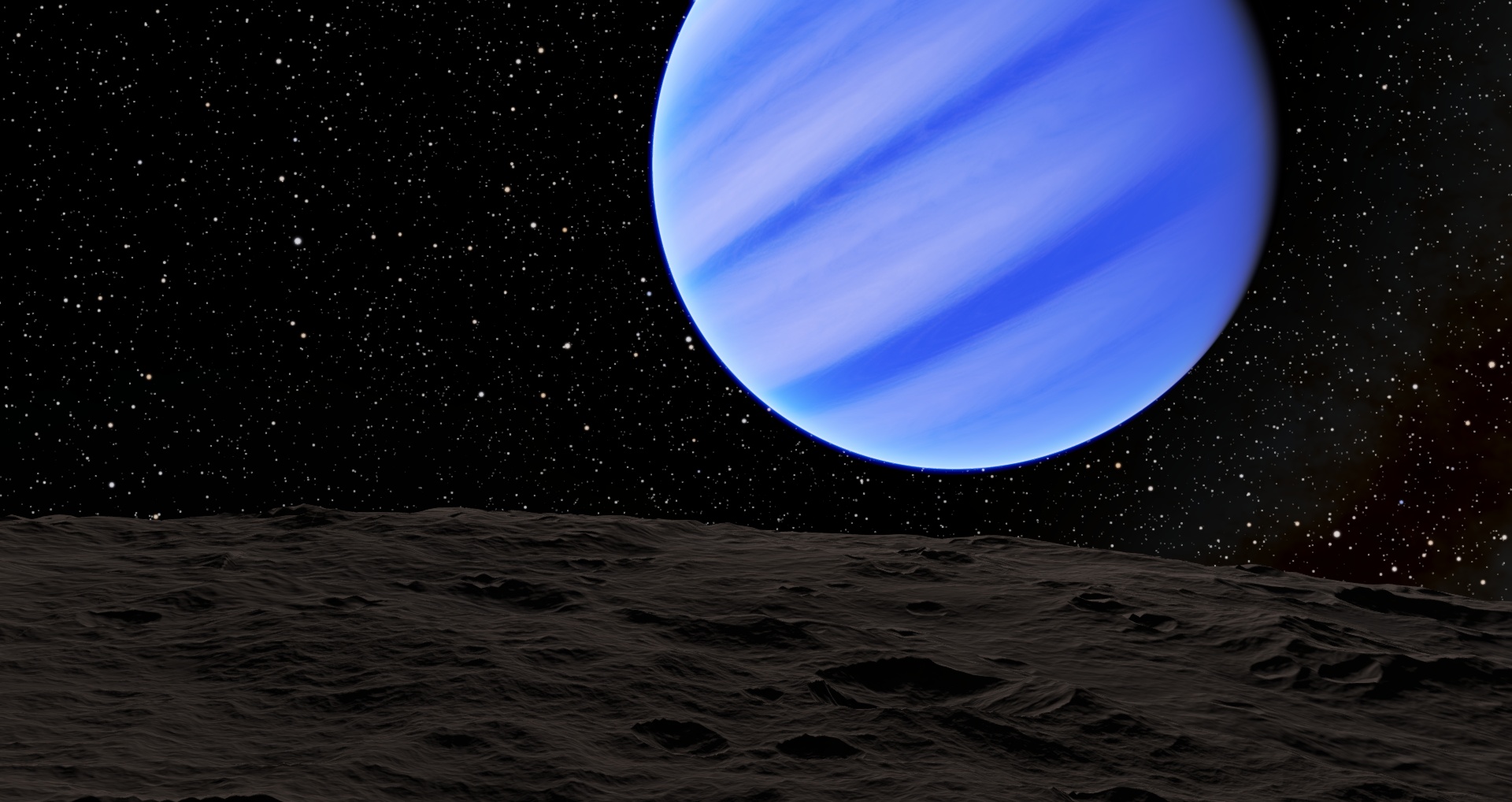

 Antarctica
 Greece