|
Work progress and public beta test - 0.9.7.4
|
|
| Alek | Date: Sunday, 27.09.2015, 18:27 | Message # 526 |
 Pioneer
Group: Users
 United States
Messages: 326
Status: Offline
| Apparently something went wrong here because all the planets in Space Engine after downloading the new patch have now become atmosphere models and unsaturated, monocolor balls
Living among the stars, I find my way. I grow in strength through knowledge of the space I occupy, until I become the ruler of my own interstellar empire of sorts. Though The world was made for the day, I was made for the night, and thus, the universe itself is within my destiny.
|
| |
| |
| PlutonianEmpire | Date: Sunday, 27.09.2015, 18:32 | Message # 527 |
 Pioneer
Group: Users
United States
Messages: 475
Status: Offline
| I delved a little bit further into my issue I posted last night, bottom of the previous page, second to last post.
First, I performed a fresh install, going straight from 0.972, to 0.973, and to 0.974 Patch 6. Sure enough I got the same issue, this time taking care to save each se.log file.

But this is where I noticed something new. I changed DepthBufferMode to 0, then got the "Compiling new Shaders", and when it finished loading, I grabbed a screenshot in game of that first new boot up. And on a hunch I went into main.cfg, and I noticed that DepthBufferMode had reset itself to 1. I had to change it back to 0, restarted, and THEN the planets started showing up.
But the startup view was away from the ships, so I went there, and saw them Z-fighting.

I used 7-Zip because the bugs7.zip was more than 600 kb.
That's my update for this bug. 
Specs: Dell Inspiron 5547 (Laptop); 8 gigabytes of RAM; Processor: Intel® Core™ i5-4210U CPU @ 1.70GHz (4 CPUs), ~2.4GHz; Operating System: Windows 7 Home Premium 64-bit; Graphics: Intel® HD Graphics 4400 (That's all there is :( )
|
| |
| |
| parameciumkid | Date: Sunday, 27.09.2015, 20:15 | Message # 528 |
 Explorer
Group: Users
United States
Messages: 277
Status: Offline
| Quote Donatelo200 (  ) Yep reversed Z-buffer causes an instant crash on intel. However with it turned off I am still getting the frequent crashes that plagued patch 5.
I tried setting DepthBufferMode to 0 with no effect. SE still crashed immediately as it had in Patch 5, with everything in SE.log and the error popup exactly the same.
P.S. I just observed something interesting. I saved user.cfg with the DepthBufferMode set to 3, then ran SE, and when I reopened the file after SE crashed, I found it had set back to 1 (reversed) again. SE seems to be overriding this value and resetting it.
Intel HD Graphics 4000 ;P
Edited by parameciumkid - Sunday, 27.09.2015, 20:20 |
| |
| |
| JCandeias | Date: Sunday, 27.09.2015, 21:23 | Message # 529 |
 Pioneer
Group: Translators
 Portugal
Messages: 387
Status: Offline
| The old bug with clouds being seen below liquid horizons seems to be back. See an example, highlighted by a big red arrow:

They let me use this!
|
| |
| |
| sza-shaman | Date: Sunday, 27.09.2015, 22:53 | Message # 530 |
|
Observer
Group: Newbies
 Pirate
Messages: 9
Status: Offline
| Great job guys! I can use magnitude limit 11 and more and fly without any lag or crash. Guys you need to test it with speed velocity 200 Mly/per second. Intel core duo 2x 4 ghz with 4gb ram and gtx650 ti 1gb ram. Thank you guys i appreciate your work! Keep up the good work.
Update: I am still getting lags during loading of any planet terrain. I never had this problem with the version 9.7.2.
Edited by sza-shaman - Sunday, 27.09.2015, 23:49 |
| |
| |
| Snowfall | Date: Monday, 28.09.2015, 18:51 | Message # 531 |
 Space Tourist
Group: Users
 Canada
Messages: 30
Status: Offline
| Hello, i dont really know how to search to see if this problem has been mention before. i mean what do i even call it?
I have been having an annoying cloud/atmosphere bug when making planets for my solar systems.
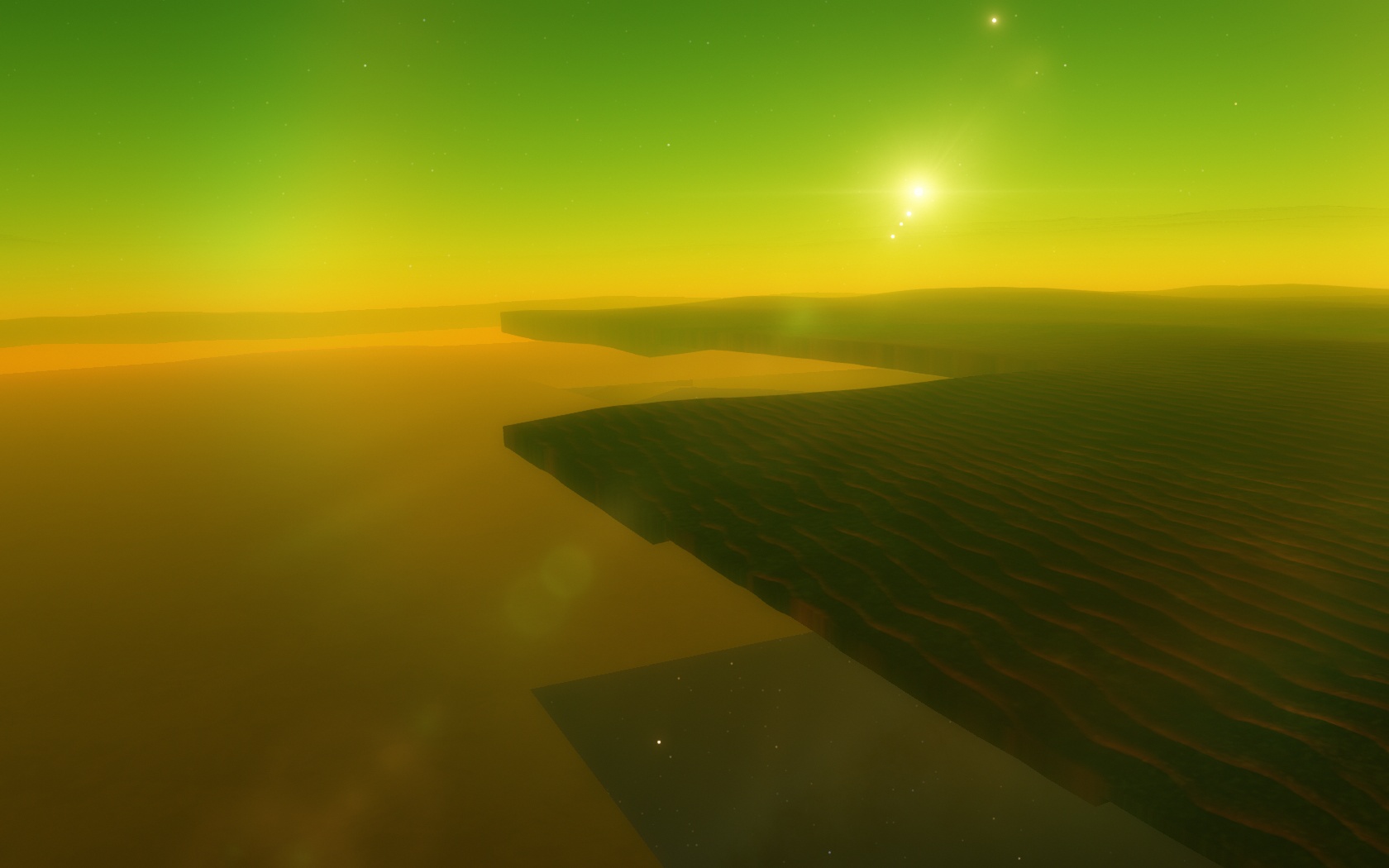
I am using the mars atmosphere model for one of my cold titan desert moons and i made some dust storm clouds to compliment the worlds dusty surface. though for some annoying reason they look like this when i do it.

I did some messing around with the atmosphere and clouds trying everything to get them to work. and i found out the problem but its really odd. see, i want my moon to have an atmospheric pressure of 1.6 bars. But if i use that it glitches out the clouds. But if i go and change the atmospheric pressure to 0.000001 bars it works perfectly fine and the clouds are well. what?

I really do think this is a glitch, because why does atmospheric pressure have to do with if or not clouds have transparency issues or not. I'm guessing it has something to do with the mars atmosphere? but still, why atmospheric pressure.
here is my atmosphere.
Code
Atmosphere
{
Height 50
Greenhouse 6
Pressure 1.6 // i want 1.6 bars. but clouds glitch out. 0.000001 bars works well for some reason.
Model "mars"
Bright 14.0
Opacity 0.6
SkyLight 6.0
}
I am using the latest NVIDIA GeForce GTX 650 drivers and have the latest Space Engine patch 06 installed. (it did the same thing in patch 05 too)
Any ideas?
sorry for my dyslexia.
never stop imagining beautiful things.
|
| |
| |
| DeathStar | Date: Monday, 28.09.2015, 19:35 | Message # 532 |
|
Pioneer
Group: Users
 Croatia
Messages: 515
Status: Offline
| I'm having an unusally low FPS when looking at planets - it drops from 60FPS down to 10...
|
| |
| |
| DoctorOfSpace | Date: Monday, 28.09.2015, 20:05 | Message # 533 |
 Galaxy Architect
Group: Global Moderators
Pirate
Messages: 3600
Status: Offline
| Quote DeathStar ( ) it drops from 60FPS down to 10...
Try playing with the LOD and the loader time settings.
Intel Core i7-5820K 4.2GHz 6-Core Processor
G.Skill Ripjaws V Series 32GB (4 x 8GB) DDR4-2400 Memory
EVGA GTX 980 Ti SC 6GB
|
| |
| |
| JCandeias | Date: Monday, 28.09.2015, 20:22 | Message # 534 |
|
Pioneer
Group: Translators
Portugal
Messages: 387
Status: Offline
| I started out with pretty low FPS, then cranked loader time all the way up and FPS returned to normal, which is about 5-6 when on planets with atmospheres and clouds (and even lower in case of multiple cloud layers and/or aurorae).
They let me use this!
|
| |
| |
| Ettore_bilbo | Date: Monday, 28.09.2015, 21:10 | Message # 535 |
|
Space Pilot
Group: Users
 Italy
Italy
Messages: 93
Status: Offline
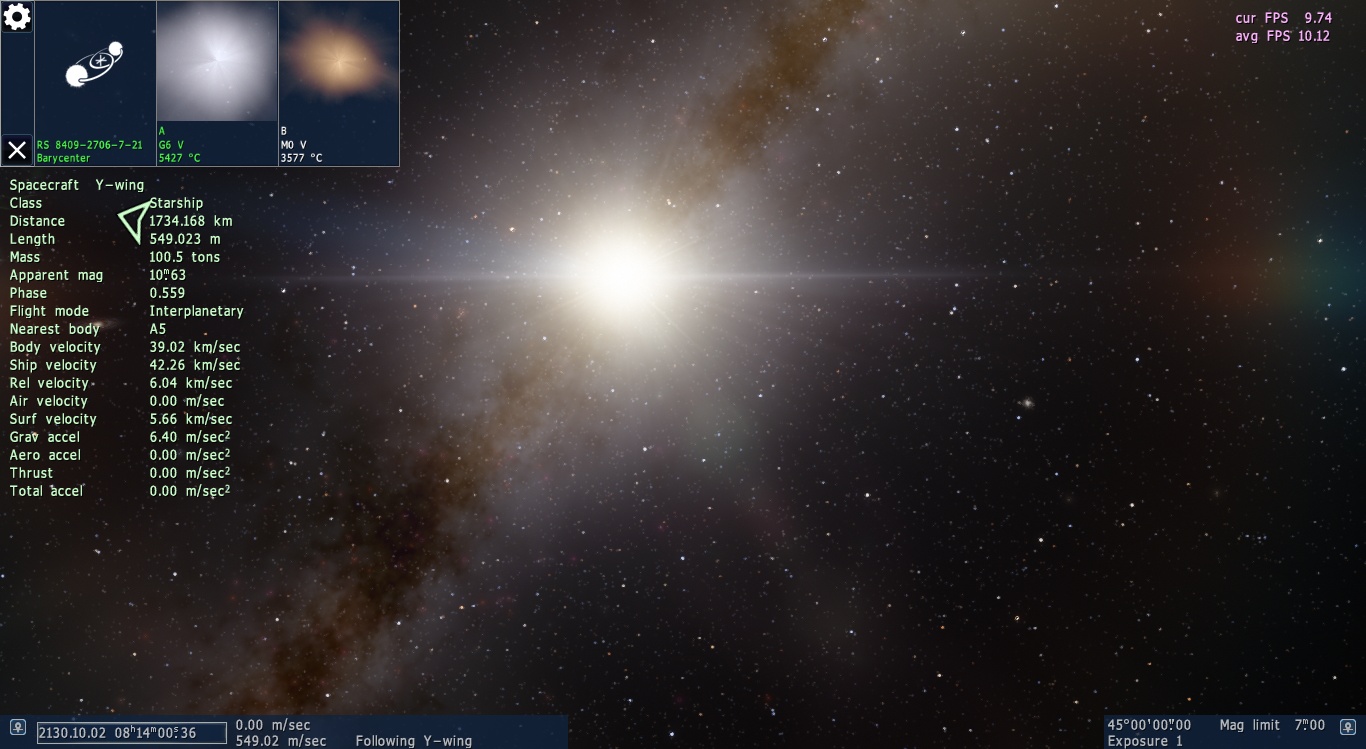
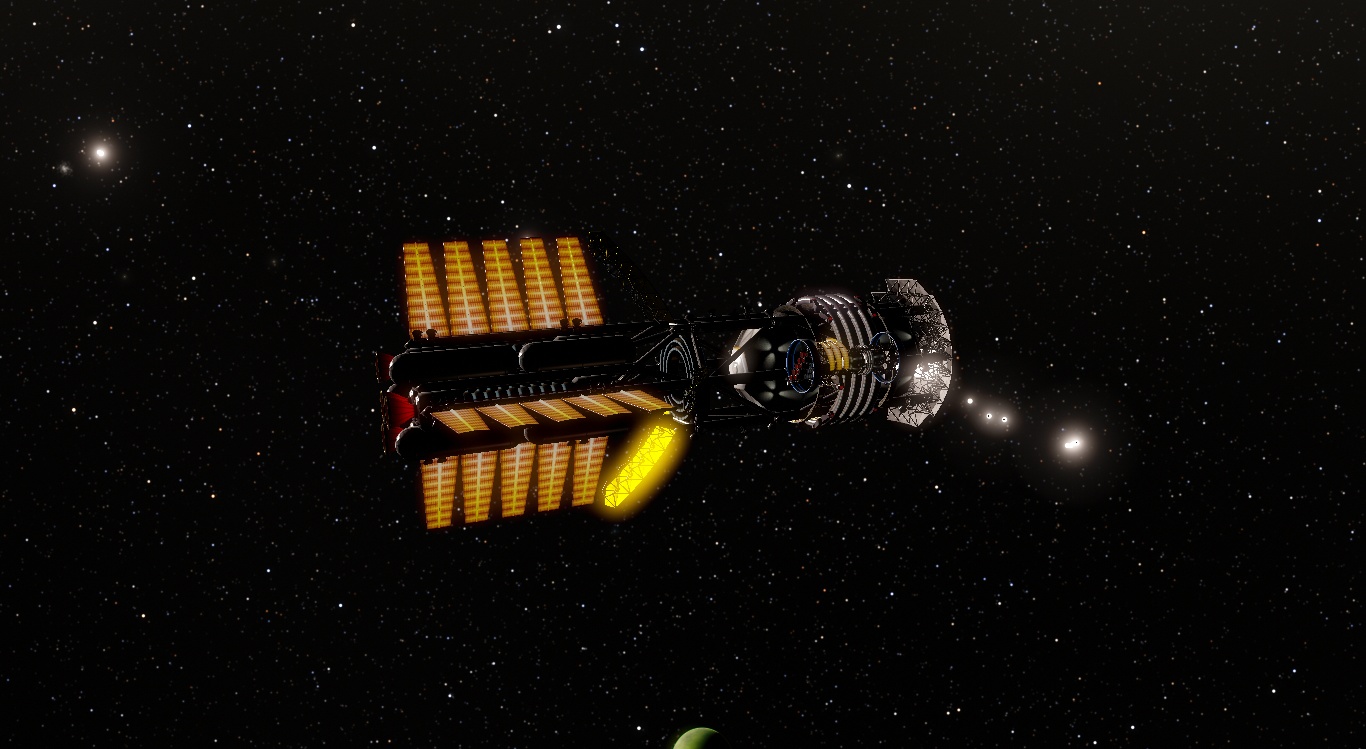
| i noticed that if i close and then reopen SE, the ships change their position and orbit (longer the program remains off more orbit is different) and sometimes the docked shuttle undock without reason.
for example this is the difference after 4-5 minutes


|
| |
| |
| the_other_roots | Date: Tuesday, 29.09.2015, 01:26 | Message # 536 |
|
Observer
Group: Users
 Germany
Messages: 17
Status: Offline
| Great patch! The performance has improved.
But sadly the missing rectangles on planet surfaces still occur:

Edited by the_other_roots - Tuesday, 29.09.2015, 02:07 |
| |
| |
| sinsforeal | Date: Tuesday, 29.09.2015, 02:23 | Message # 537 |
 Space Pilot
Group: Users
United States
Messages: 129
Status: Offline
| the_other_roots, Are you on intel HD?
"Man once looked up at the stars and wondered, Now all we do is look at our hands and hesitate"
|
| |
| |
| Ettore_bilbo | Date: Tuesday, 29.09.2015, 09:25 | Message # 538 |
|
Space Pilot
Group: Users
Italy
Messages: 93
Status: Offline
| this is the error when the ship undock without apparent reason

|
| |
| |
| HarbingerDawn | Date: Tuesday, 29.09.2015, 09:59 | Message # 539 |
 Cosmic Curator
Group: Administrators
United States
Messages: 8717
Status: Offline
| Quote Ettore_bilbo ( ) this is the error when the ship undock without apparent reason
Yes, this looks like it happens when docked ships do not load at the same time.
All forum users, please read this!
My SE mods and addons
Phenom II X6 1090T 3.2 GHz, 16 GB DDR3 RAM, GTX 970 3584 MB VRAM
|
| |
| |
| Ettore_bilbo | Date: Tuesday, 29.09.2015, 13:18 | Message # 540 |
|
Space Pilot
Group: Users
Italy
Messages: 93
Status: Offline
| Quote HarbingerDawn ( ) Yes, this looks like it happens when docked ships do not load at the same time.
ahhh, this means that docked ships are loaded before mother ship and SE don't recognize ID number...
Also the problem with orbits is caused by the same reason? because of the shift of the planets in universe before the ship is loaded?
|
| |
| |
 ENG
ENG New site


 United States



 Portugal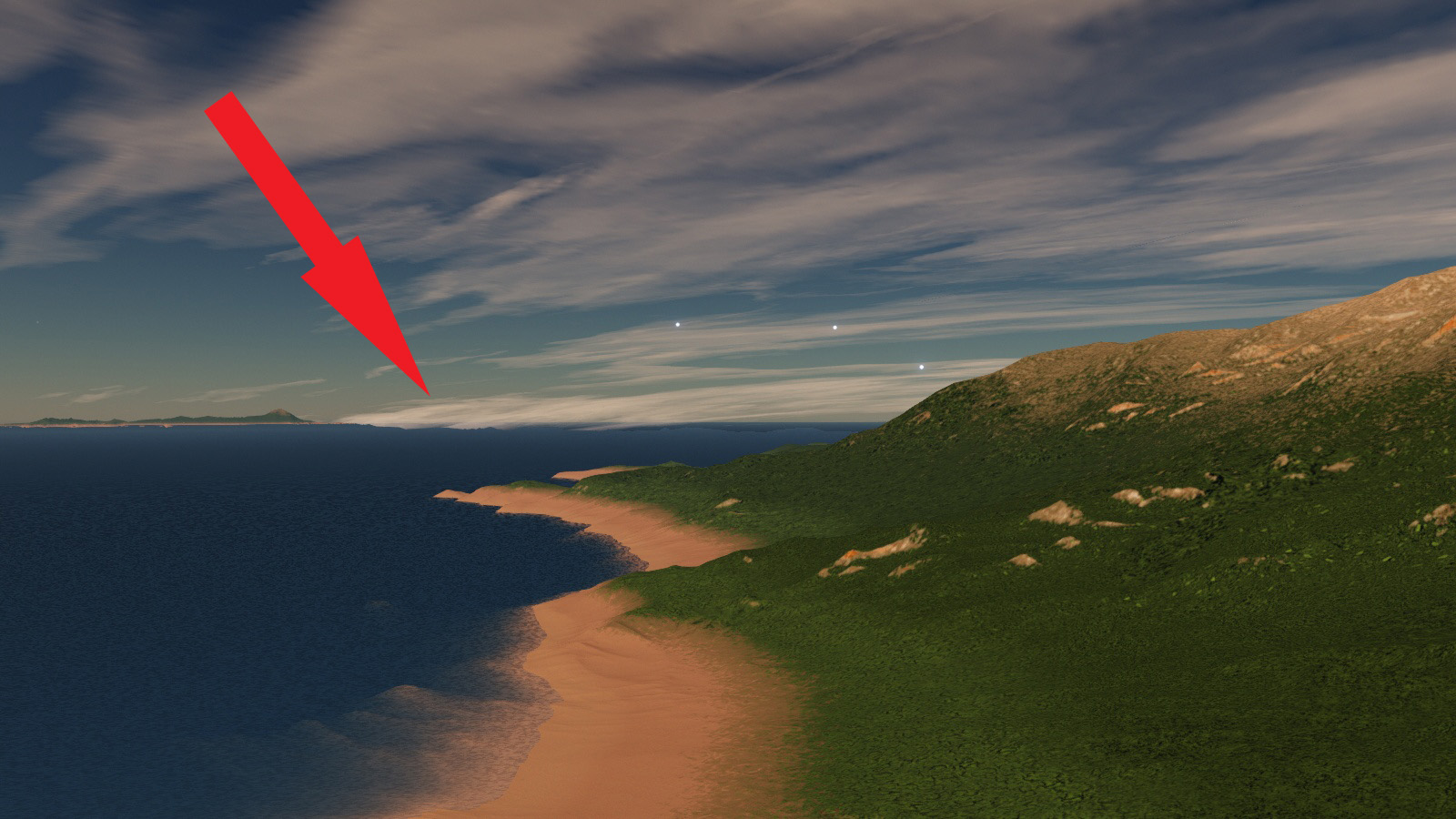

 Pirate
  Canada
 Croatia
 Italy
Italy  Germany