I appreciate your efforts to make this software prettier and more functional, but my hype about Patch 6 is dampened by once again being unable to run it.
If the online privacy statement is not available, please read our privacy statement offline: C:\windows\system32\en-US\erofflps.txt
Through tedious googling, I've come up with a new guess as to what's wrong. If you have time, please have a look at these pages: http://serverfault.com/questio....2008-r2 https://technet.microsoft.com/en-us/library/cc738483%28v=WS.10%29.aspx https://msdn.microsoft.com/en-us/library/8dbf701c.aspx Apparently, either a "/GS" or "Buffer Overflow" is occurring and raising an exception that's being misleadingly flagged as a DEP exception, or the program runs code from a memory location that was not specifically marked as executable when it was compiled. There seems to be a setting in Visual Studio (presumably this is relevant) that tells the linker whether the compiled program is to be "NX-compatible" or not, which in turn determines whether DEP ends up stepping in when it runs. My guess is it's more likely the first error: some variable's getting initialized or modified somewhere and overflowing somewhere it shouldn't. Since the problem arose between patches 4 and 5, I recommend having a look at whatever was changed in between those versions.
The symptoms are as follows, and fairly similar to how it was before: - The splash screen opens normally - In Patch 6, the "compiling shaders first time" phase never occurs, even if I delete the cache folder and remove the hardware data of the previous launch. I can't tell for sure if this is a bug or not. - When the splash screen is finished, the SE window appears, but fails to display a menu and instead simply shows a solid gray background and immediately crashes with the above error message. - SE.log doesn't show any fatal errors and appears to run perfectly until it abruptly cuts off during the shader loading phase.
Yep reversed Z-buffer causes an instant crash on intel. However with it turned off I am still getting the frequent crashes that plagued patch 5. Here is my log.
Changes: Docking functionality for space ships Ship editor is updated to support docking ports Added ship's autopilot command "fly to" (normal space mode) Improved quality and performance of the logarithmic z-buffer Implemented reversed floating point z-buffer: -- Rendering orbital paths with proper order with planets and ships -- Fixed z-fighting issues on water and clouds -- Allowed to place camera up to few centimeters to planet surface or space ship
Bugfixes: Fixed inability to change ship's hyperfactor if engines are off Fixed autopilot warp to stars Fixed "rotate to ship" command Fixed ship's gravity acceleration display Fixed procedural stars generation in dwarf galaxies
Notes: New z-buffer is enabled by default. It may not work on Intel. To switch back to normal z-buffer, set DepthBufferMode 0 in main.cfg Only default ships are updated to use new docking function. DoctorOfSpace is working on his addons now.
Great patch space engineer! Keep up the great work! 10/10 would download again.
"Man once looked up at the stars and wondered, Now all we do is look at our hands and hesitate"
Hmm. I noticed something interesting. When first starting up the new Patch, I never got the "compiling shaders first time" message. When the game finished loading. everything was empty except the galaxies and the star sprites. I looked through the SE.log, and sure enough it was giving errors saying it was unable to find the shaders. Following SpaceEngineer's, recommendation, I switched the DepthBufferMode to 0. It fixed the shader errors, but unfortunately, nothing still shows up on screen except the stars and the galaxies. Only a single planet loaded in the start up system, in the planet finder (F2).
I did delete my cache folder before installing the patch.
Here is my last se.log. I spaced out on saving the earlier ones though.
EDIT: Curiously, when first installing the patch, I noticed that in the user.cfg, and even after I ran SE with the new patch, user.cfg did not update the graphics card info. It retained the initial info that came with the install package, even after SE was executed, ran, and closed. Changing the DepthBufferMode to 0 fixed the issue, and user.cfg updated to my Intel Card.
Also, an in-game screenshot after running it just now.
Specs: Dell Inspiron 5547 (Laptop); 8 gigabytes of RAM; Processor: Intel® Core™ i5-4210U CPU @ 1.70GHz (4 CPUs), ~2.4GHz; Operating System: Windows 7 Home Premium 64-bit; Graphics: Intel® HD Graphics 4400 (That's all there is :( )
Edited by PlutonianEmpire - Sunday, 27.09.2015, 06:13
Edit 4 Oct Reinstlled and every error here are gone... Found out that my catalog was damaged during the installation of previous versions, sorry
I'm so impressed my how patch 6 has been working on my computer, everything is even smoother and more beautiful to look at and cruise around than before. All this I'd say is amazing work
So far so good there's only two anomalies that I have spotted.
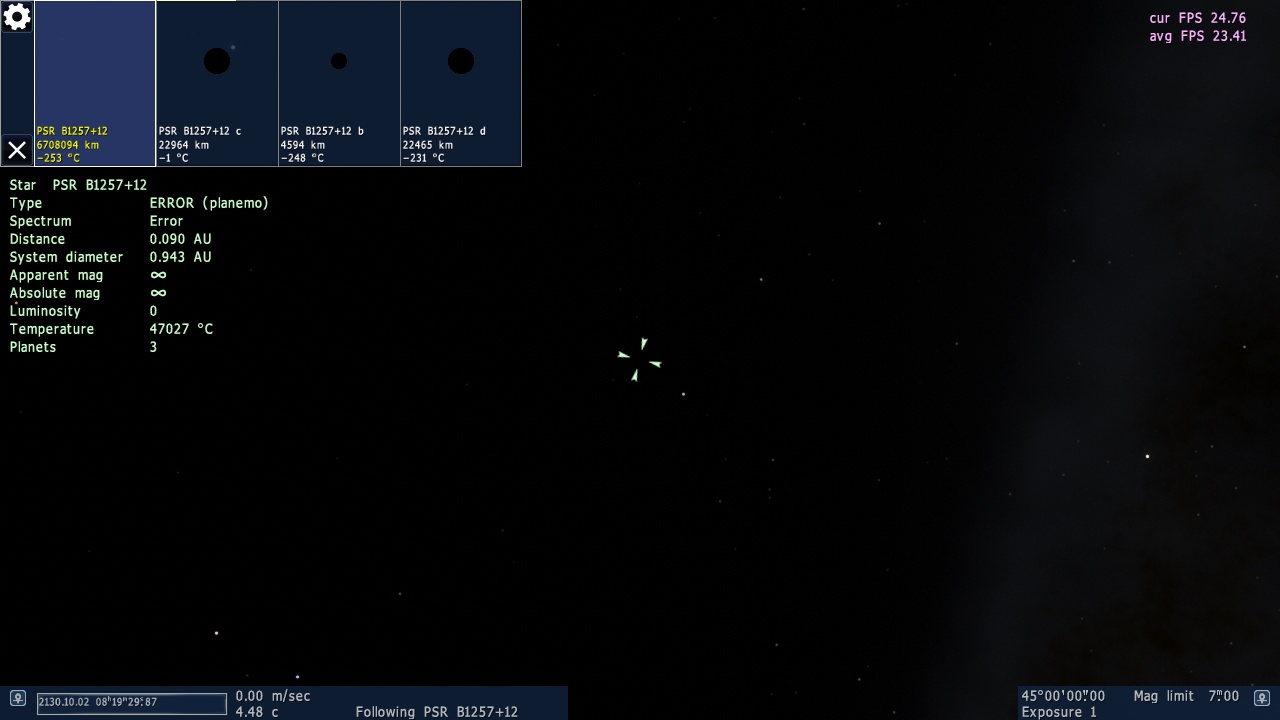
The first one. It is about neutron stars (only tested on catalog ones) I get this error message in information box. I found that this situation doesn't affect the majority of pulsars/neutron stars, maybe it's only some typo in the catalog file
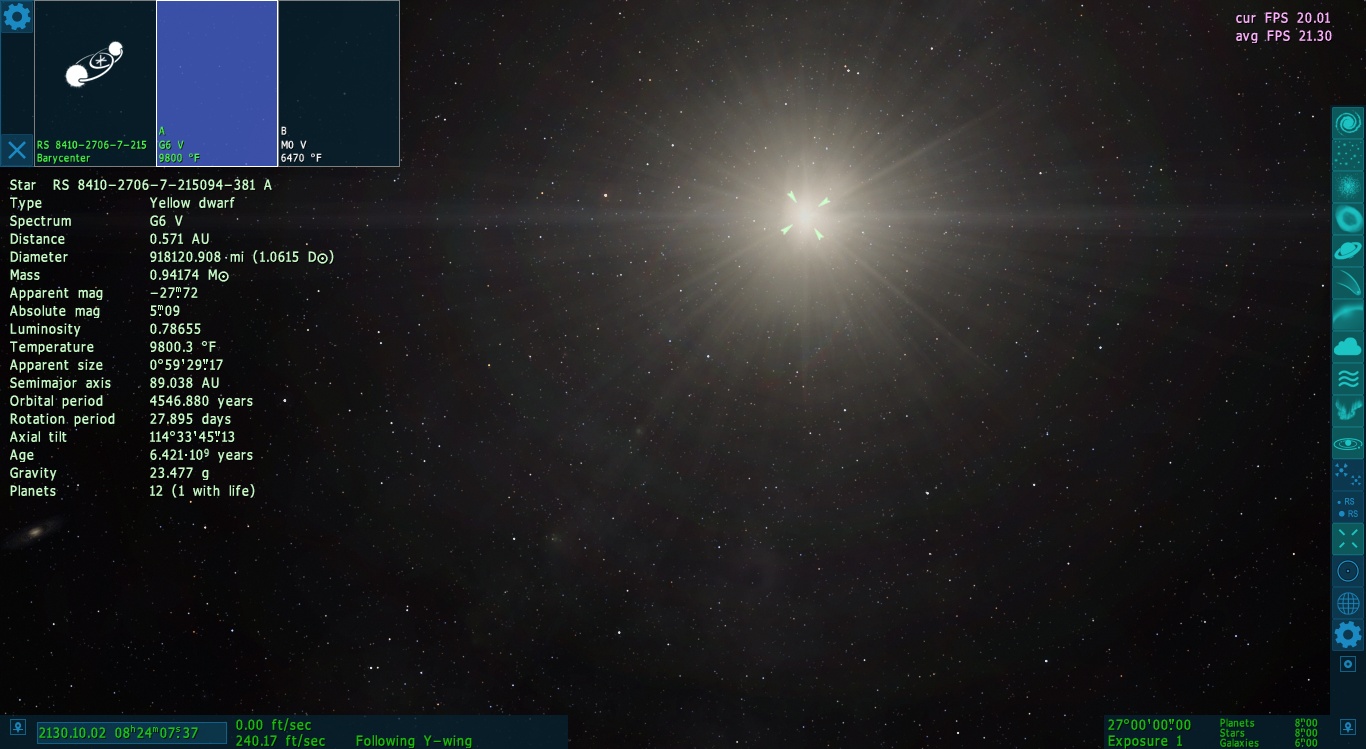
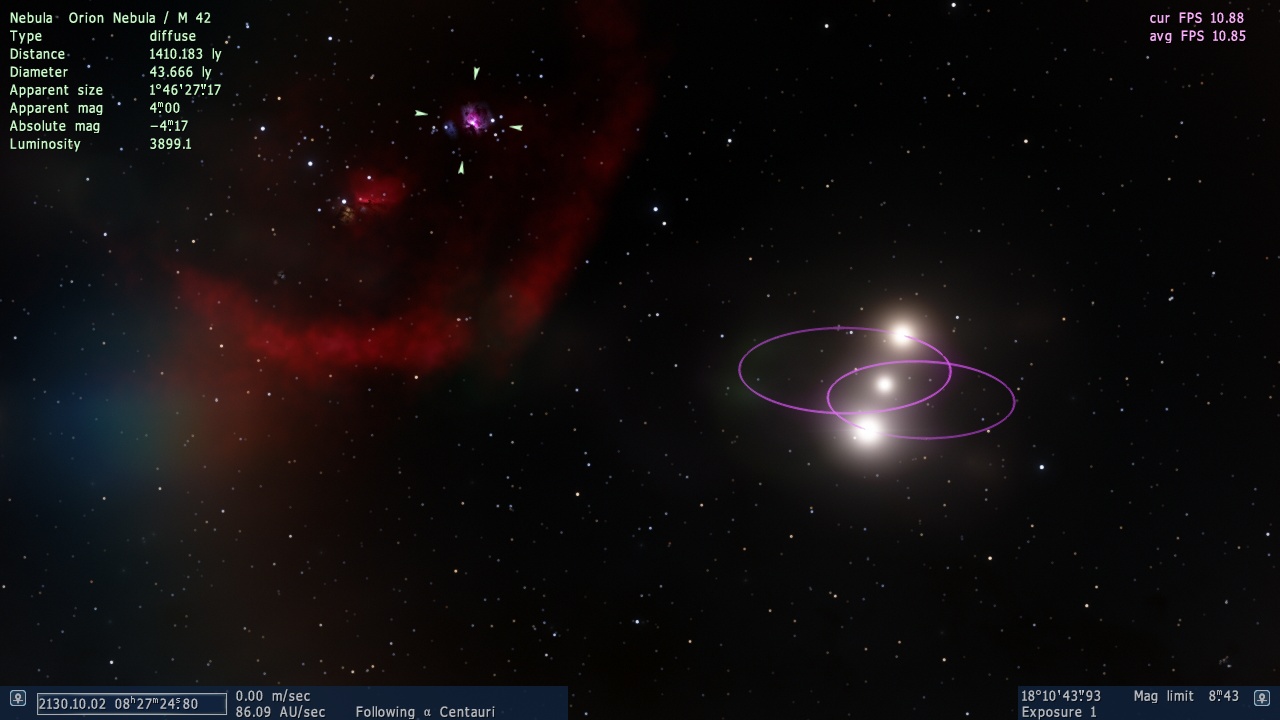
The second one: Turns out that quite a few "UNKNOWNs" are here in the new beta, as a test pilot I kinda enjoyed them ... note that the barycenter of this system has its own planets while all their parent stars are far beyond. Also notice that such planets aren't listed in the F2 dropdown menu. [EDIT] one additional picturem... well... to contrast the beautiful new sense of depth and the good old "third star"
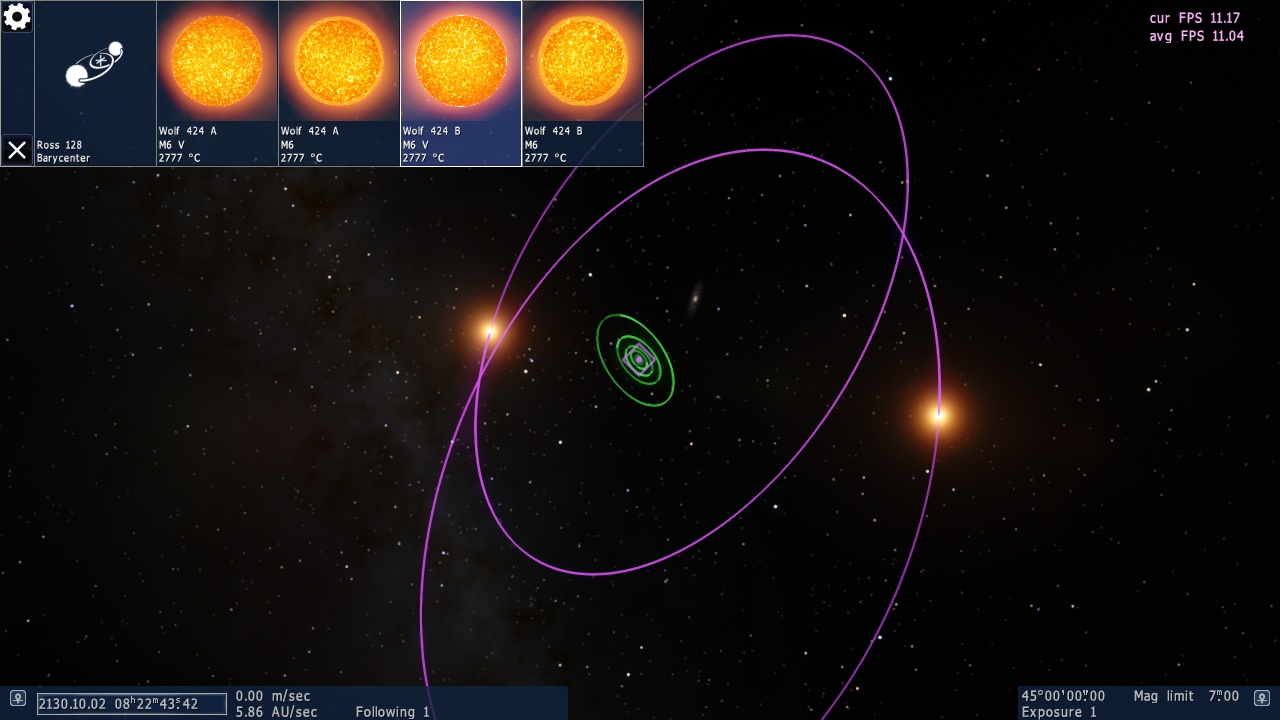
maybe something is wrong with your Space Engine installation. It looks like you've got twice the star catalog. Look at the picture with Ross 128. This are only two stars, not four.
Changes: Docking functionality for space ships Ship editor is updated to support docking ports Added ship's autopilot command "fly to" (normal space mode) Improved quality and performance of the logarithmic z-buffer Implemented reversed floating point z-buffer: -- Rendering orbital paths with proper order with planets and ships -- Fixed z-fighting issues on water and clouds -- Allowed to place camera up to few centimeters to planet surface or space ship
Bugfixes: Fixed inability to change ship's hyperfactor if engines are off Fixed autopilot warp to stars Fixed "rotate to ship" command Fixed ship's gravity acceleration display Fixed procedural stars generation in dwarf galaxies
Notes: New z-buffer is enabled by default. It may not work on Intel. To switch back to normal z-buffer, set DepthBufferMode 0 in main.cfg Only default ships are updated to use new docking function. DoctorOfSpace is working on his addons now.
Can I just download this into the Space Engine folder or do I need to download the other patches first? Never done this before, that's why I'm asking...
Living among the stars, I find my way. I grow in strength through knowledge of the space I occupy, until I become the ruler of my own interstellar empire of sorts. Though The world was made for the day, I was made for the night, and thus, the universe itself is within my destiny.
Can I just download this into the Space Engine folder or do I need to download the other patches first? Never done this before, that's why I'm asking...
You only need the latest patch if you are just starting. Download 0.9.7.2, patch it to 0.9.7.3, then download the beta patch and patch it to 0.9.7.4.
Intel Core i7-5820K 4.2GHz 6-Core Processor G.Skill Ripjaws V Series 32GB (4 x 8GB) DDR4-2400 Memory EVGA GTX 980 Ti SC 6GB
I downloaded the first 0.9.7.4 patch, I think, because I have 0.9.7.4 but I've had it since it first came out, so all I need to do is patch it onto the .4 I have?
Living among the stars, I find my way. I grow in strength through knowledge of the space I occupy, until I become the ruler of my own interstellar empire of sorts. Though The world was made for the day, I was made for the night, and thus, the universe itself is within my destiny.
I'm confused on how I'm supposed to use he Hyperdrive for spacecraft now. There is a "Hyperjump" button, and then there's a "Go To button. However "Go To" doesn't do anything put point my spacecraft retrograde and activate Sync Velocity. Am I missing something?
EDIT: Whoops, I just solved my own problem!
All you need in life are space games and typhlosions.
I found this minor glitch with rings that seems very small and might have to do with the new z buffer. I have no idea though as I am far from an expert on these matters.
*Edit* Forgot to say but once again you really out did yourself Space Engineer. Fantastic work as always
 ENG
ENG New site




 United States


 Croatia


 China
China 






 Germany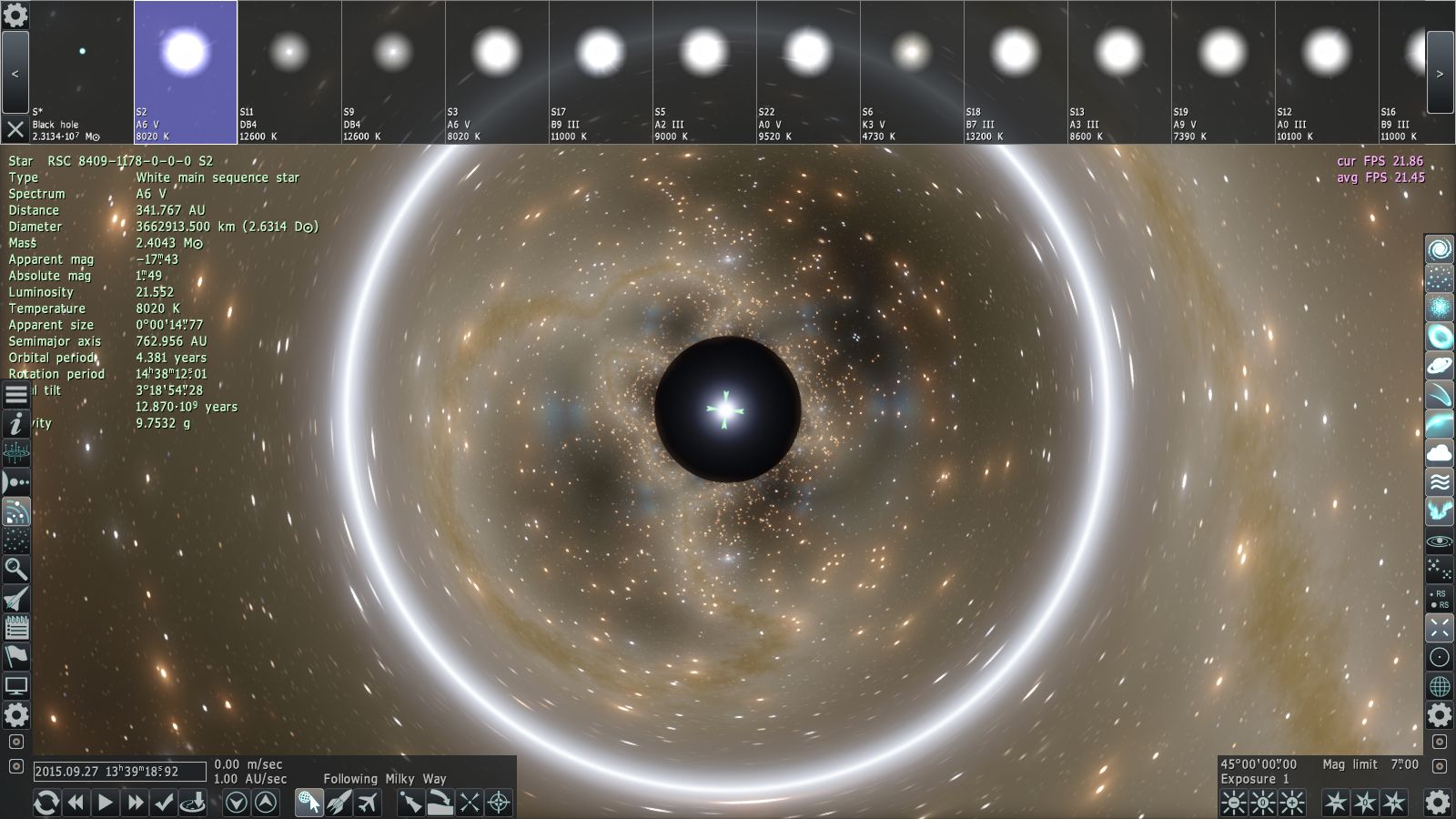


 Ireland


 Pirate