Please post here all of your reports about bugs or crashes in SpaceEngine. Attach to your message a screenshot (if possible) and a log file (it's called the "se.log" and is located in the SpaceEngine's directory). Only the log file will help me to understand your problem and find a solution.
Yeah, it's a known bug (I'm pretty sure it is anyway). Right now, tidally locked planets don't account for multiple suns or for highly elliptical orbits.
A separate issue (hence the double post.. Sorry if I should've just added it to the previous one):
SE just stopped rendering planets in the system previews and, when I went to see whether it would do the planets, doesn't render their surfaces any more (atmosphere and watersphere are still drawn), either. I suspect restarting SE will fix it, but it's a bug nonetheless...
I'm using the modified cloud and gas giant shaders, and custom lens flares; beyond those it's a completely fresh install...
Attached is the SE.log ; snipped some bits of endless error repetition to save you some sifting through that.
[quick edit] As expected, restarting SE fixed the planet rendering.
A separate issue (hence the double post.. Sorry if I should've just added it to the previous one):
SE just stopped rendering planets in the system previews and, when I went to see whether it would do the planets, doesn't render their surfaces any more (atmosphere and watersphere are still drawn), either. I suspect restarting SE will fix it, but it's a bug nonetheless...
I'm using the modified cloud and gas giant shaders, and custom lens flares; beyond those it's a completely fresh install...
Attached is the SE.log ; snipped some bits of endless error repetition to save you some sifting through that.
[quick edit] As expected, restarting SE fixed the planet rendering.
You didn't actually doublepost anyways
I also use the gas giant shaders and cloud mods myself and after a long while I get a similar problem, I mentioned it here. It also sounds similar to the issue mentioned on this thread.
What your problem and the problems in those links have in common are issues relating to cache memory.
Edit: Oh yeah, make sure you have the latest update for your vid card. Try that before doing any of the suggestions and see if that does the trick.
For the problem you're having, try increasing the memory size in the config file titled main to 1024 or 2048 and set the video memory detect to false, maybe also set the dynamic detect to false as well.
I guess you ninja'd me with that last one, haha Ah yeah.. Forgot about the vid memory setting; I just smacked on a clean install added the shader mods and got on with it. Haven't run into it since, but I'll probably change the setting anyway for performance.
Right now, I'm trying to deal with yet another issue (will it ever end?! ), though it's probably my own failing somewhere in the process (and I'd probably be better off just starting from scratch): I wanted to create a specific planet to produce some nice screenshots (it would be the homeworld of a WH40K Space Marine chapter of my own design for pen&paper RPG purposes), so I went around, found a nice planet with roughly the characteristics I wanted, went into the planet editor, etc.. Now, here I ran into the fist "problem", though it's more of a curiousity: as soon as I so much as touched the orbital period setting (or was it the rotation..?), the planets orbit sprung into a 60-70° inclination (I suspect 110-120° actually, but that's not especially relevant)... At this point I'd changed nothing else except I think the radius slightly, so wth? At any rate, not a huge problem, though fixing it was a bit tedious since the parameters no longer reflected the conditions properly. Axial tilt had also gotten messed up, that was probably the hardest to get right again. At any rate, once that was corrected, I went on designing my world*. The next problem I ran into was only much later once I'd completed my work and tried to re-implement the planet (I had exported the system itself once I'd picked out the planet). I set up a barrycenter for the star, put the star on the barrycenter, all was good - until I went to look at my planet. Now, it's a bit difficult to explain what exactly was/is going on, but what it looks like is happening, is that the entire visible surface of the planet is below SE's idea of the planets surface, meaning: I cannot actually go to the surface because the rendering breaks down at that level and the atmosphere doesn't "begin" until maybe a km or so above the visible surface. The first suspect was the aquasphere, which turned out to be partially correct: setting the sealevel and Ocean Height to the same values reduced the artefacts somewhat (disregarding that it doesn't match the original planets design anymore..), but the problem persists and I have yet to figure out how to un-bork it...
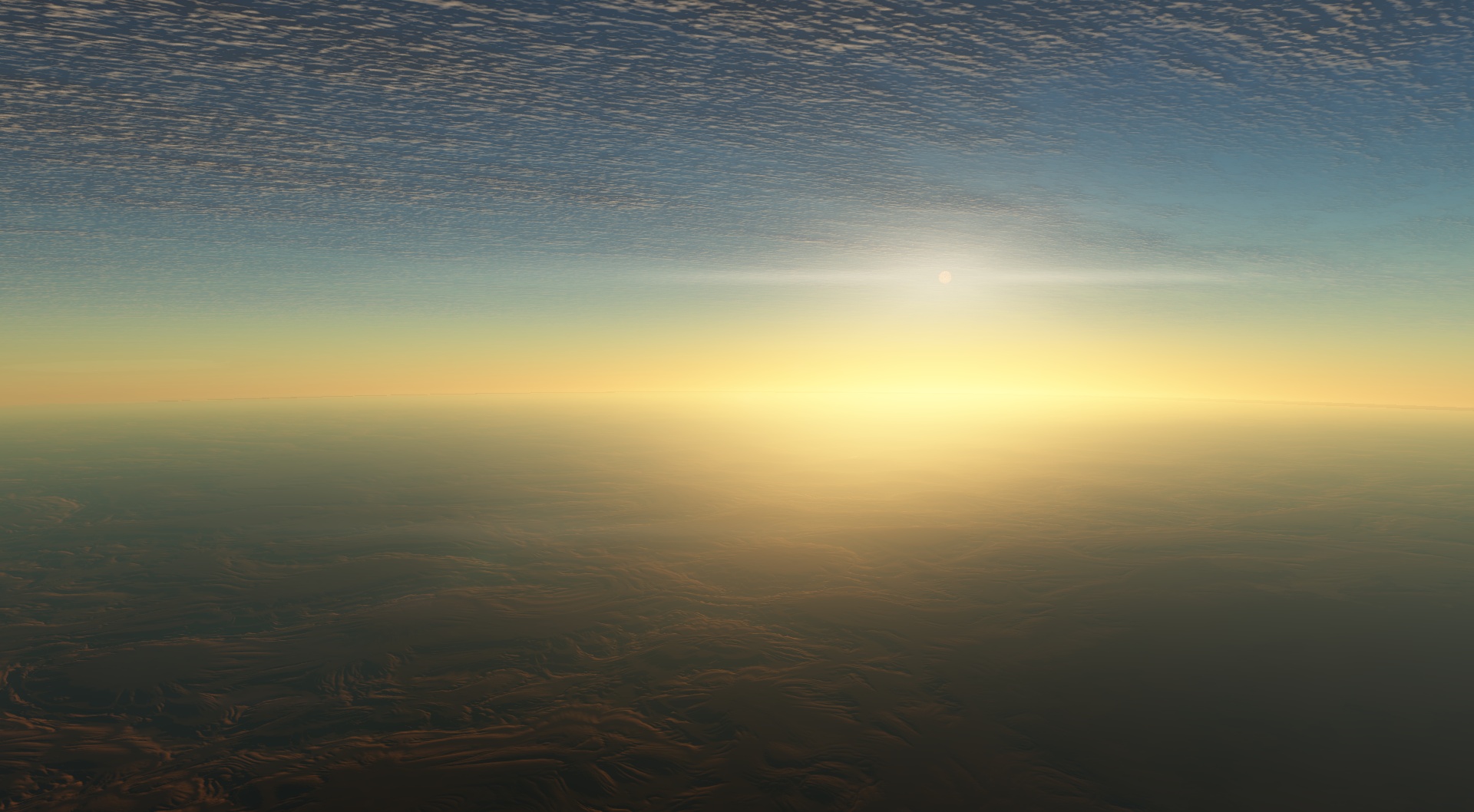
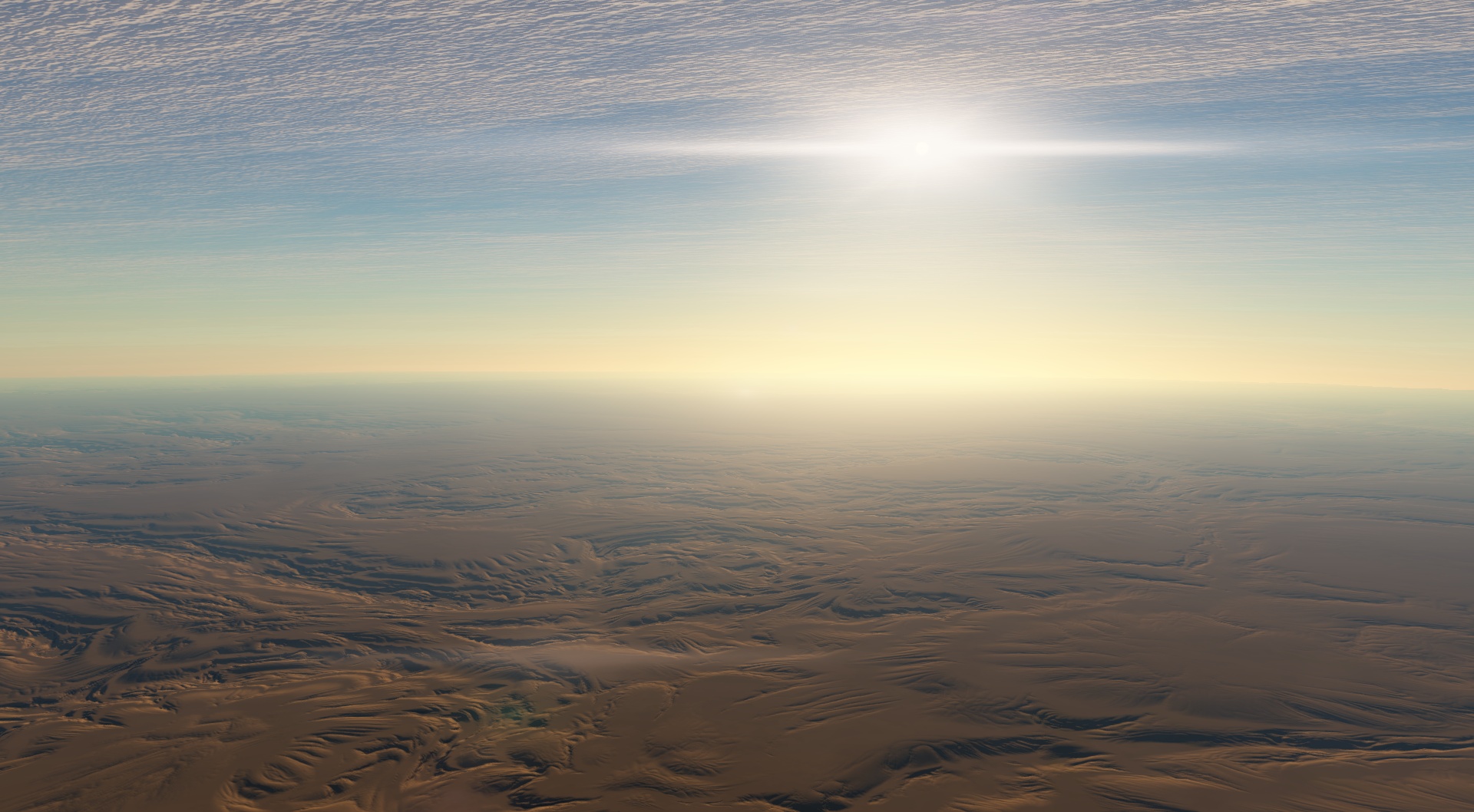
From space, everything seems perfectly normal...:
However, this about as low as I can go without too significant visual artefacts (and even now it's visible something is wrong around the horizon) :
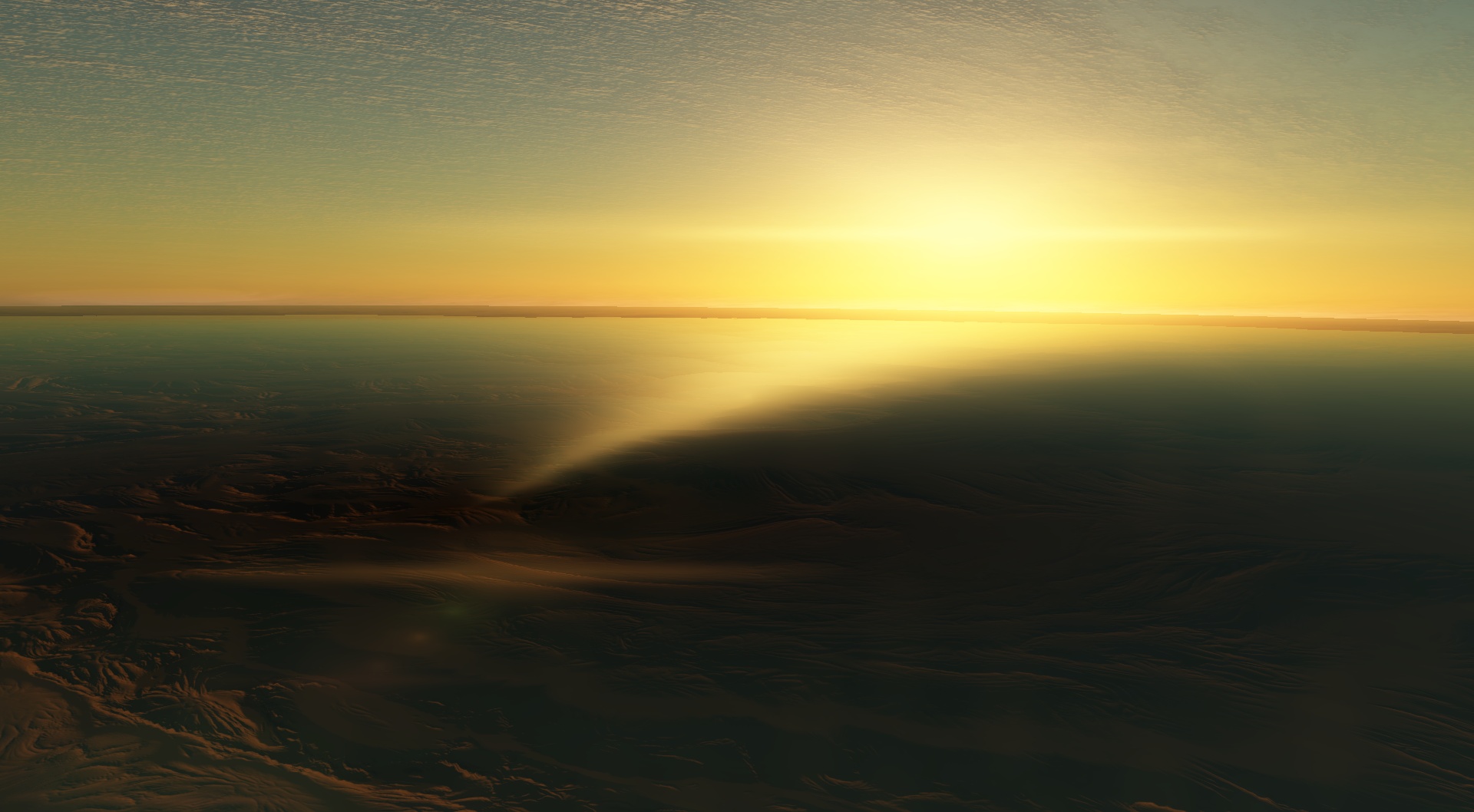
This is as low as SE will let me go (distance: 10m. Lolwut.). You can probably see why the aquasphere was suspect...
It's most apparent around sun up/down, but still present otherwise:
So yeah... I have no idea what's going on exactly... I'll probably mess with it some more, but it's very wtfbbq to me. Especially since it's not vastly different from the original planet, just tweaked generation settings...
I would like to add that it would be wonderful++ if the Planet Creation Guide got updated with the new/changed variables described as well..
The not going any further than 10m is normal, but don't ask me why it's set that way as I don't know. Might have something to do with the collision detection or something.
Anyways, I haven't really done much with the planet editor, but yeah, it's a bit buggy and I noticed the same thing with the axial tilt, especially when you've got a planet with more than 380 tilt :P
The not going any further than 10m is normal, but don't ask me why it's set that way as I don't know. Might have something to do with the collision detection or something.
True, except in this case it appears to be much more than that. 10m is the distance given by the data, but it would appear to be inaccurate. There's also no noticeable variation in terrain height as far as the "collision detection" is concerned. Extrapolating: there is a mostly invisible surface of some sort above the actual surface... :\
EDIT:
Alrighty, so, I sort of solved the problem. That is to say, it all renders properly, now. However, what I did was set all the orbital and body orientation settings to 0 (i.e. 0 inclination, 0 oblateness, all of it), with the associated aforementioned result: the planets equatorial is now waaaay out of alignment with that of all the other planets again.. On the upside, I can at least explore it. Not too sure what I'm going to do with that orbit (or that of the other planets) though.. Erfgh..
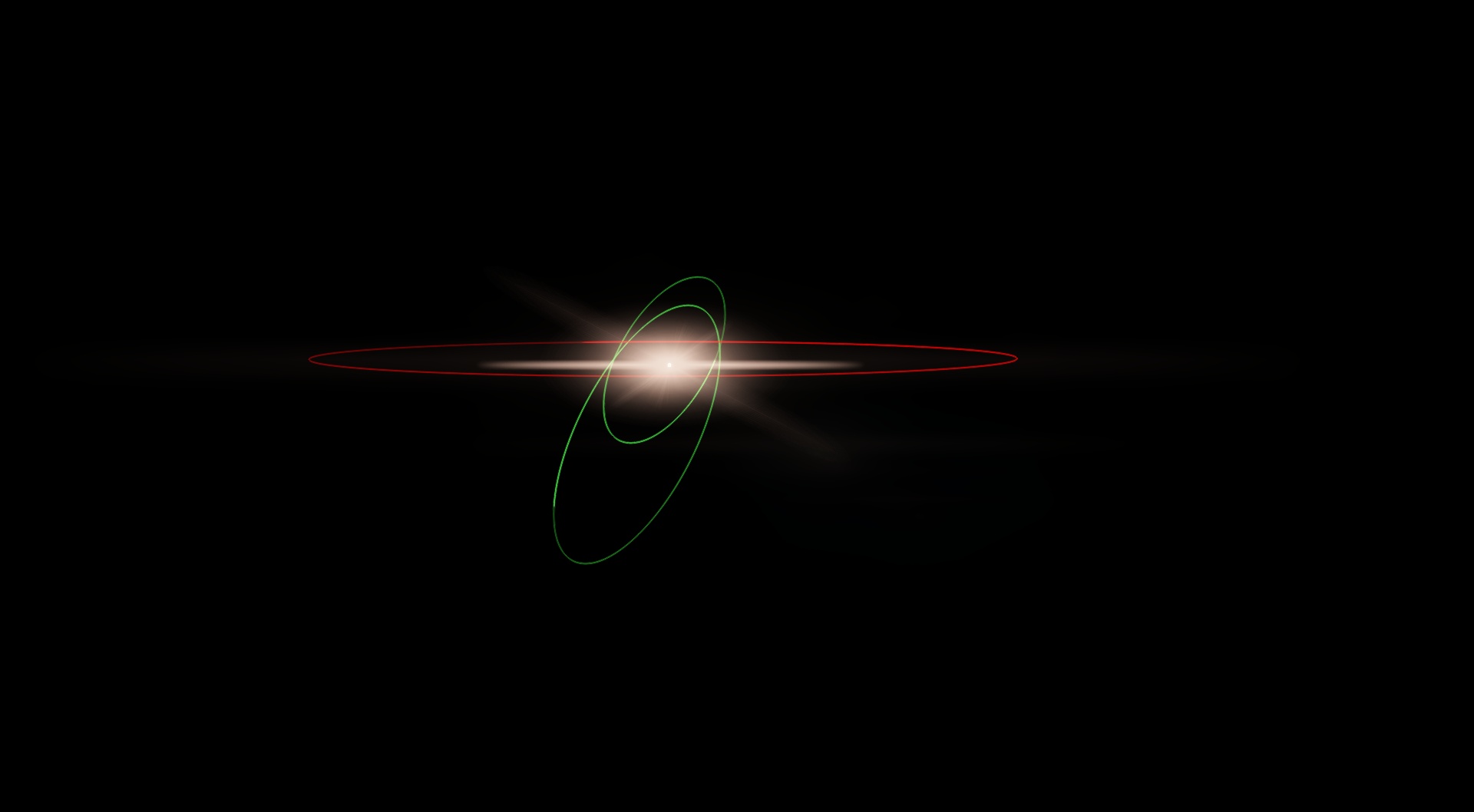
Orbits (commented out most of the planets to speed up loading, heh):
Methis, is seems you try to create an oblate planet. The current version of SE has a lot of bugs with oblateness, including wrong collision detection, so try not to use it. The first problem with axial tilt is probably because you think of it as an angle between the orbital plane and a planet's equator, that's wrong. Obliquity and EqAscendNode are counting from the same points on the celestial sphere ; as Orbit.Inclination and as Orbit.AscendingNode. So if you want to make a planet with 0 axial tilt relative to the orbit, you must make Obliquity = Orbit.Inclination and EqAscendNode = Orbit.AscendingNode.
The oblateness was 0 or very small at least.. It also wasn't a problem until I tried correcting the orbit.. At any rate, things seem to be in order now, so it's all good. Thanks, though
Maybe this is just something normal that just happens to be noticaeble here, but asking to be sure about it. As you zoom in at 1 kpc/sec, you'll see sections of the spiral arm to the lower left swirl, including the area you're heading for, which is a bit harder to see.
I'm using Solaris's galaxy models.
The nebula is just the location at that time, the graphical effect has nothing to do with the nebula. Place "odd graphical effect" { Body "RN 3745-76564" Parent "" Pos (52.72983400702265, 756.1191602836971, 3401.856859542027) Rot (0.7347407297903073, -0.08579082650801558, -0.06787382063317837, -0.6694692961943314) Date "2012.12.07 06:02:32.61" Vel 1000 Mode 1 }
Pre-bug report note: This location is in the Cartwheel galaxy, so Solaris's galaxies mod most likely will be needed for the location to be the same as the one I have.
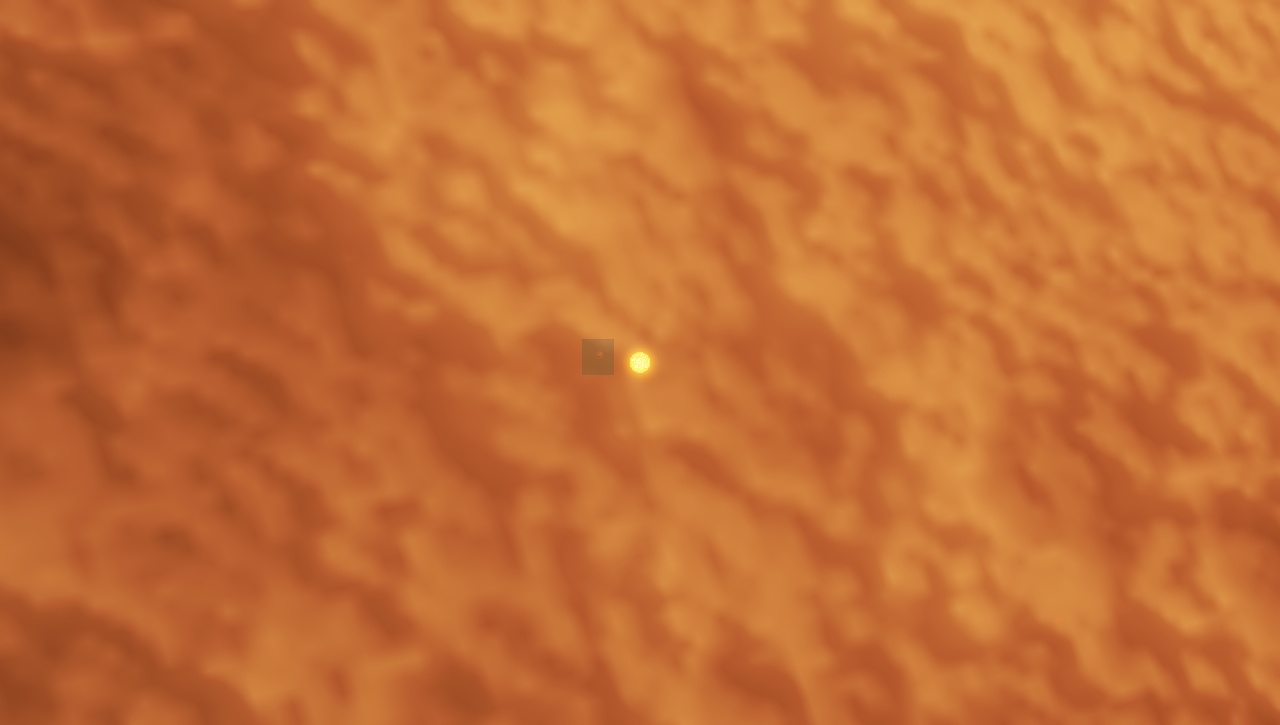
I managed to stumble onto a variant of the atmosphere square bug that Harb reported a number of pages back, this time from within the atmosphere. Zoom in on the red dwarf to about 14-15 degrees FOV and run the time in real time, it appears about every 20 seconds or so.
Place "atmosphere square bug variant" { Body "RS 4034-247-9-10544986-1 B1.4" Parent "" Pos (-1.94891657391387e-010, -7.826910560643219e-011, -1.098304059461361e-011) Rot (0.6921159004419087, -0.6135838726445092, 0.04076384191794495, -0.3779268722625336) Date "2012.12.07 17:32:29.96" Vel 3.2407764e-015 Mode 2 }
1) A dwarf planet not inside of an asteroid belt. By definition, this should be categorized as a planet, not a dwarf planet.
2) A neutron star was given a surface temperature of less than 2000 K. This seems pretty unlikely, to say the least.
3) In a close binary, when two stars are of different color (makes it noticeable), the smaller star will flicker from its own color to the color of its companion star depending on viewing angle when far enough away (several AU). This animation shows the same system from almost the same angle with the bug in evidence:
4) When editing a planet with a surface texture stored in a file, and when that texture has an alpha channel, and when that planet has a CubeMap bump height map or using Alpha for Water (not ice)*, changing any parameter in the editor results in the following (looks similar in appearance to corrupt atmosphere model):
One of my custom planets:
Earth:
Why they react differently is unknown to me. They both use cubemap textures, both have moons, both orbit a single sun, both have the same clouds, both have the same atmosphere model. The only difference is that Earth orbits a barycenter while my planet orbits the star directly.
* I tested another world with an RGBA file diffmap that had a cylindrical bump map and was using its alpha for ice instead of water, and it didn't have the bug (it was also a moon, which might be significant). So one of those three things might be a critical factor.
All forum users, please read this! My SE mods and addons Phenom II X6 1090T 3.2 GHz, 16 GB DDR3 RAM, GTX 970 3584 MB VRAM
 ENG
ENG New site




 Russian Federation


 United States

 Netherlands

 ), though it's probably my own failing somewhere in the process (and I'd probably be better off just starting from scratch):



 France

 Spain
Spain 


