|
Work progress and public beta test - 0.9.7.4
|
|
| Brett001 | Date: Wednesday, 22.06.2016, 19:35 | Message # 2881 |
 Space Pilot
Group: Users
 Hungary
Messages: 84
Status: Offline
| I have a problem. Those favorite locations (planets/moons), which I saved in RC2, in RC3 "object not found."  Why? Why?
Edited by Brett001 - Wednesday, 22.06.2016, 19:37 |
| |
| |
| ShadowRaikou | Date: Wednesday, 22.06.2016, 19:37 | Message # 2882 |
 Astronaut
Group: Users
 India
India
Messages: 53
Status: Offline
| Don't know if this is a bug or if this is to be expected, but I accidentally installed RC3 in the same folder as RC2, which is fine, but somehow deleted everything in my addons folder, including the addons I've been working on. =(
Probably shouldn't have have installed in the same location, but this still shouldn't happen, right? The vanilla installation directory has an empty addon folder, and shouldn't actually overwrite the old one.
|
| |
| |
| DanielMCH | Date: Wednesday, 22.06.2016, 22:43 | Message # 2883 |
 Observer
Group: Newbies
 Spain
Spain
Messages: 9
Status: Offline
| I've noticed something quite annoying while editing a planet's surface color. It seems like the color of the planet's clouds depends on the values in the parameter colorDesert:
colorDesert (0.000, 0.000, 0.000, 0.000)
colorDesert (1.000, 1.000, 1.000, 0.000)
This has been happening for the last few versions.
|
| |
| |
| Ostarisk | Date: Wednesday, 22.06.2016, 23:29 | Message # 2884 |
 Pioneer
Group: Users
 Australia
Messages: 451
Status: Offline
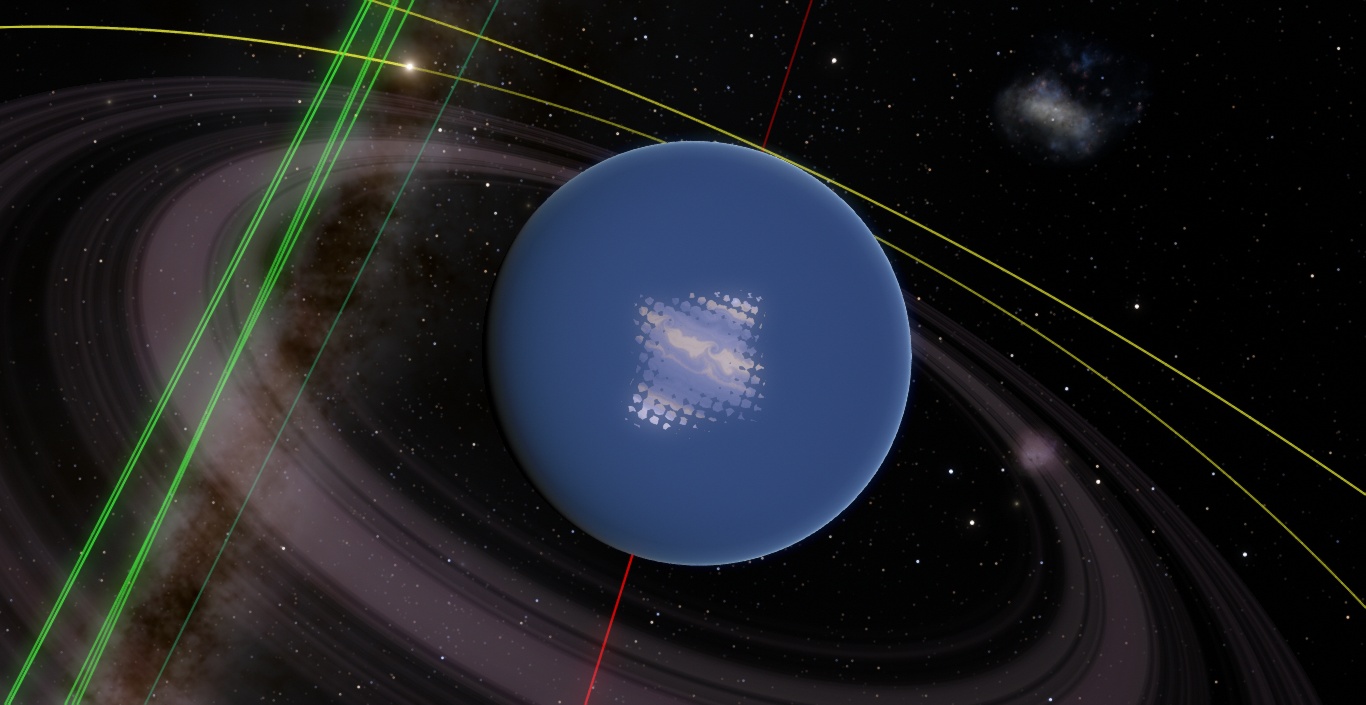
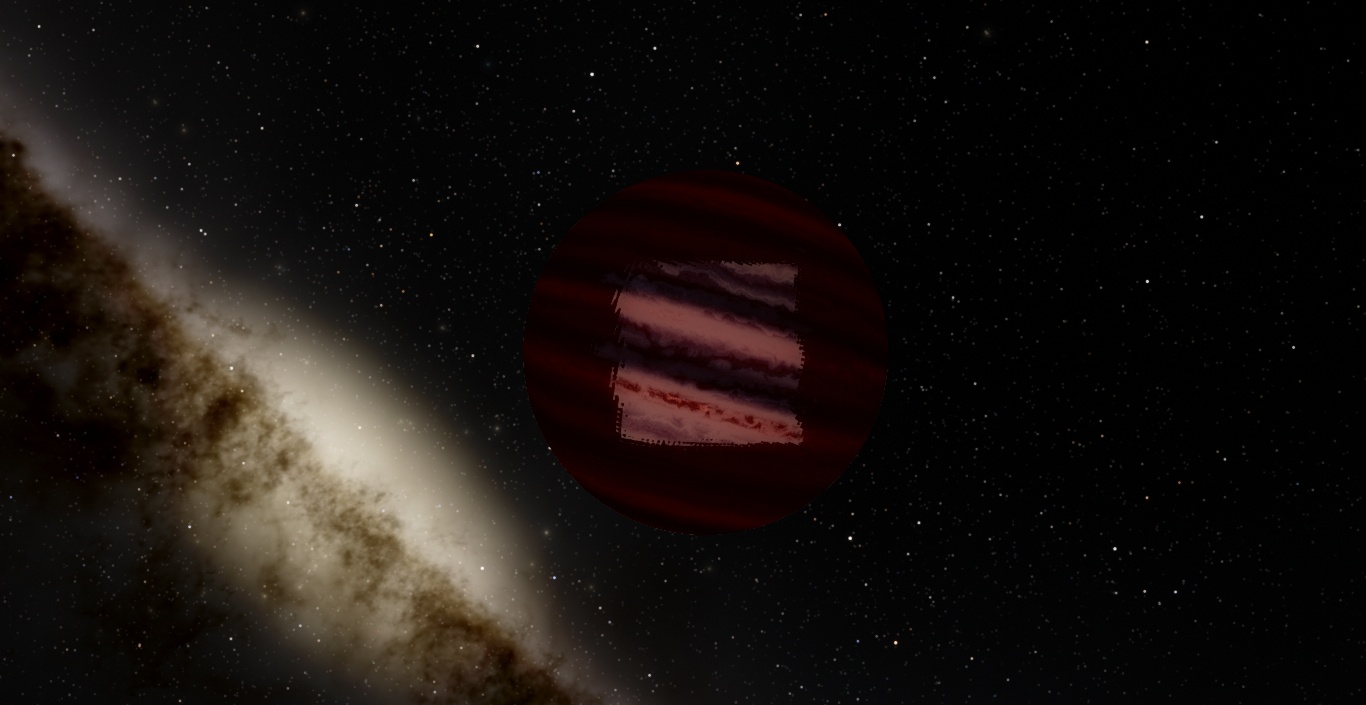
| Why is it that whenever I export a T_ V class brown dwarf...
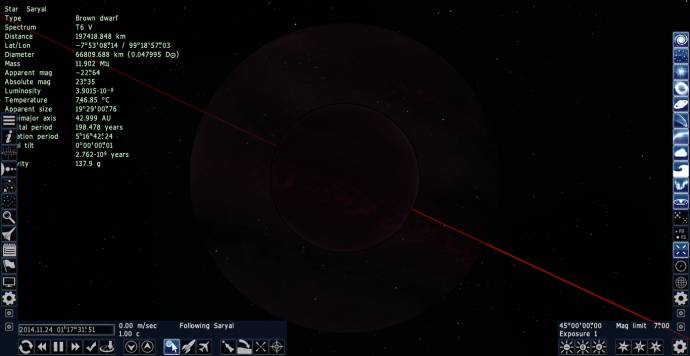
why, just why???

My mods
Edited by Ostarisk - Wednesday, 22.06.2016, 23:29 |
| |
| |
| SpaceHopper | Date: Thursday, 23.06.2016, 01:46 | Message # 2885 |
 Explorer
Group: Users
 United States
Messages: 186
Status: Offline
| Hey, I have a brilliant idea that could make people appreciate planemos and planets orbiting black holes more: implement a Flashlight, with customizable radius, brightness, and color. It would be cool to see what a rogue planet would look like under different suns.
3.14% of all seafarers are PIrates.
***
Got Mole Problems? Call Avogadro at 602-1023
***
Google Search my picture to discover whom it depicteth.
|
| |
| |
| schrodingers_cat | Date: Thursday, 23.06.2016, 02:11 | Message # 2886 |
|
Observer
Group: Newbies
United States
Messages: 4
Status: Offline
| Quote Brett001 (  )
Config directory --> main.cfg ----> GUIPlanThumbSize 120 ----> Increase this value (example 200)
Nothing changed. Windows 10 issue?
Edited by schrodingers_cat - Thursday, 23.06.2016, 02:12 |
| |
| |
| PlutonianEmpire | Date: Thursday, 23.06.2016, 02:51 | Message # 2887 |
 Pioneer
Group: Users
United States
Messages: 475
Status: Offline
| Quote ShadowRaikou ( ) Don't know if this is a bug or if this is to be expected, but I accidentally installed RC3 in the same folder as RC2
That happened in the installer, I think. When I downloaded the setup file and ran it, the default installation folder in the "install to:" field was incorrectly labelled to RC 2 instead of creating a new RC 3 folder. Strange that I forgot to post this error sooner. 
Specs: Dell Inspiron 5547 (Laptop); 8 gigabytes of RAM; Processor: Intel® Core™ i5-4210U CPU @ 1.70GHz (4 CPUs), ~2.4GHz; Operating System: Windows 7 Home Premium 64-bit; Graphics: Intel® HD Graphics 4400 (That's all there is :( )
|
| |
| |
| Brett001 | Date: Thursday, 23.06.2016, 08:25 | Message # 2888 |
|
Space Pilot
Group: Users
Hungary
Messages: 84
Status: Offline
| Quote schrodingers_cat ( ) Nothing changed. Windows 10 issue?
Yes, but in the meantime, I discovered that it only changes the size of the planet system menu. (F2) Another GUI...unfortunately I don't know.
Edited by Brett001 - Thursday, 23.06.2016, 08:26 |
| |
| |
| SpaceEngineer | Date: Thursday, 23.06.2016, 09:14 | Message # 2889 |
 Author of Space Engine
Group: Administrators
 Russian Federation
Messages: 4800
Status: Offline
| Quote ShadowRaikou ( ) Probably shouldn't have have installed in the same location, but this still shouldn't happen, right? The vanilla installation directory has an empty addon folder, and shouldn't actually overwrite the old one.
What? Do you say what installer cleared up the addons folder? This is impossible...
Quote DanielMCH ( ) I've noticed something quite annoying while editing a planet's surface color. It seems like the color of the planet's clouds depends on the values in the parameter colorDesert:
This has been happening for the last few versions.
This is normal. Deserts (procedural) have dust clouds, so they should be colored as a surface.
Quote Ostarisk ( ) Why is it that whenever I export a T_ V class brown dwarf...
Do yo use RC3? This bug has been fixed there.
Quote PlutonianEmpire ( ) That happened in the installer, I think. When I downloaded the setup file and ran it, the default installation folder in the "install to:" field was incorrectly labelled to RC 2 instead of creating a new RC 3 folder. Strange that I forgot to post this error sooner.
It pointing to 0.974 folder by default, because it is 0.974 installer. You should always be careful then running installers. Shouldn't you?

|
| |
| |
|
| ShadowRaikou | Date: Thursday, 23.06.2016, 10:23 | Message # 2891 |
|
Astronaut
Group: Users
India
Messages: 53
Status: Offline
| Quote SpaceEngineer ( ) What? Do you say what installer cleared up the addons folder? This is impossible...
I downloaded the installer you posted a few pages back. It installed over the same location RC2 was installed, and overwote my bookmarks/addons folder/etc.
Quote PlutonianEmpire ( ) That happened in the installer, I think. When I downloaded the setup file and ran it, the default installation folder in the "install to:" field was incorrectly labelled to RC 2 instead of creating a new RC 3 folder. Strange that I forgot to post this error sooner. wacko
Yeah, this is probably it. =(
Edited by ShadowRaikou - Thursday, 23.06.2016, 10:35 |
| |
| |
| SpaceEngineer | Date: Thursday, 23.06.2016, 11:52 | Message # 2892 |
|
Author of Space Engine
Group: Administrators
Russian Federation
Messages: 4800
Status: Offline
| Ok, SE installer indeed deletes ALL files and folders in the installation directory before install. I fixed this in installer script, it will not do this in future 
|
| |
| |
| Brett001 | Date: Thursday, 23.06.2016, 12:03 | Message # 2893 |
|
Space Pilot
Group: Users
Hungary
Messages: 84
Status: Offline
| Quote Brett001 ( ) I have a problem. Those favorite locations (planets/moons), which I saved in RC2, in RC3 "object not found." Why?
Somebody? More weeks exploring a number of interesting locations lost. Before the RC3 installation, I made a copy from places-user.cfg, then copied back. But all locations "object not found" 
Edited by Brett001 - Thursday, 23.06.2016, 12:14 |
| |
| |
| JackDole | Date: Thursday, 23.06.2016, 12:25 | Message # 2894 |
 Star Engineer
Group: Local Moderators
 Germany
Messages: 1742
Status: Offline
| Quote Brett001 ( ) Quote Brett001 ()
I have a problem. Those favorite locations (planets/moons), which I saved in RC2, in RC3 "object not found." Why?
Somebody? More weeks exploring a number of interesting locations lost.
The universe is changing with each new version of SpaceEngine.
It is pure coincidence. if a system which existed in an old version, can be found again in a new version.
And even then, it is usually no longer the same system.
Don't forget to look here.

|
| |
| |
| Vilfate | Date: Thursday, 23.06.2016, 13:10 | Message # 2895 |
 Astronaut
Group: Users
 China
China
Messages: 49
Status: Offline
| I just saw this in the RC3 Size Comparison Chart
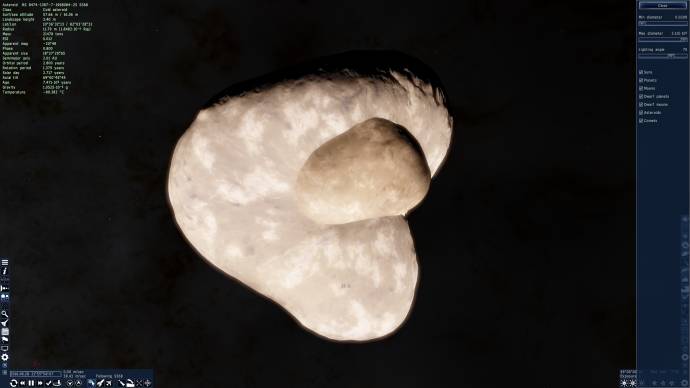
Closer inspection of this picture reveals that two of the smallest asteroids overlap with each other - why is it so?

|
| |
| |
 ENG
ENG New site


 Hungary

 India
India 
 Spain
Spain 

 Australia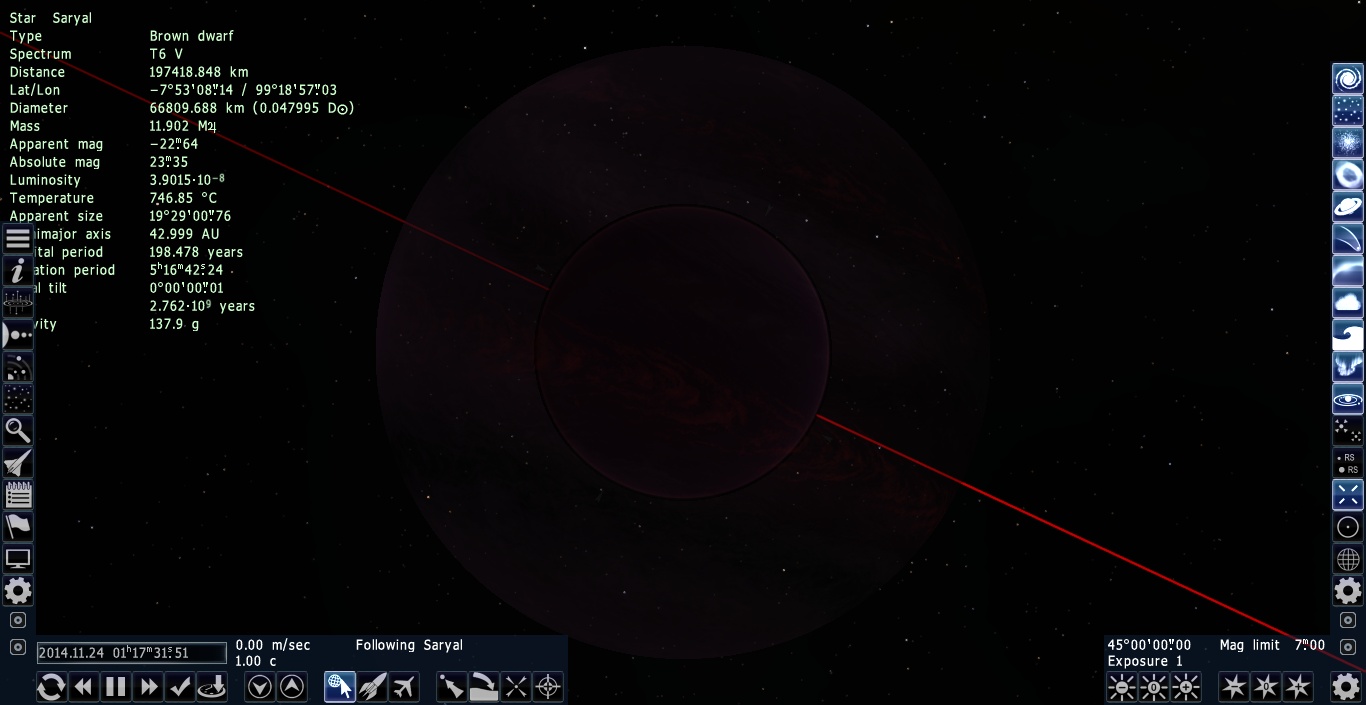
 United States
 Russian Federation
 Italy
Italy 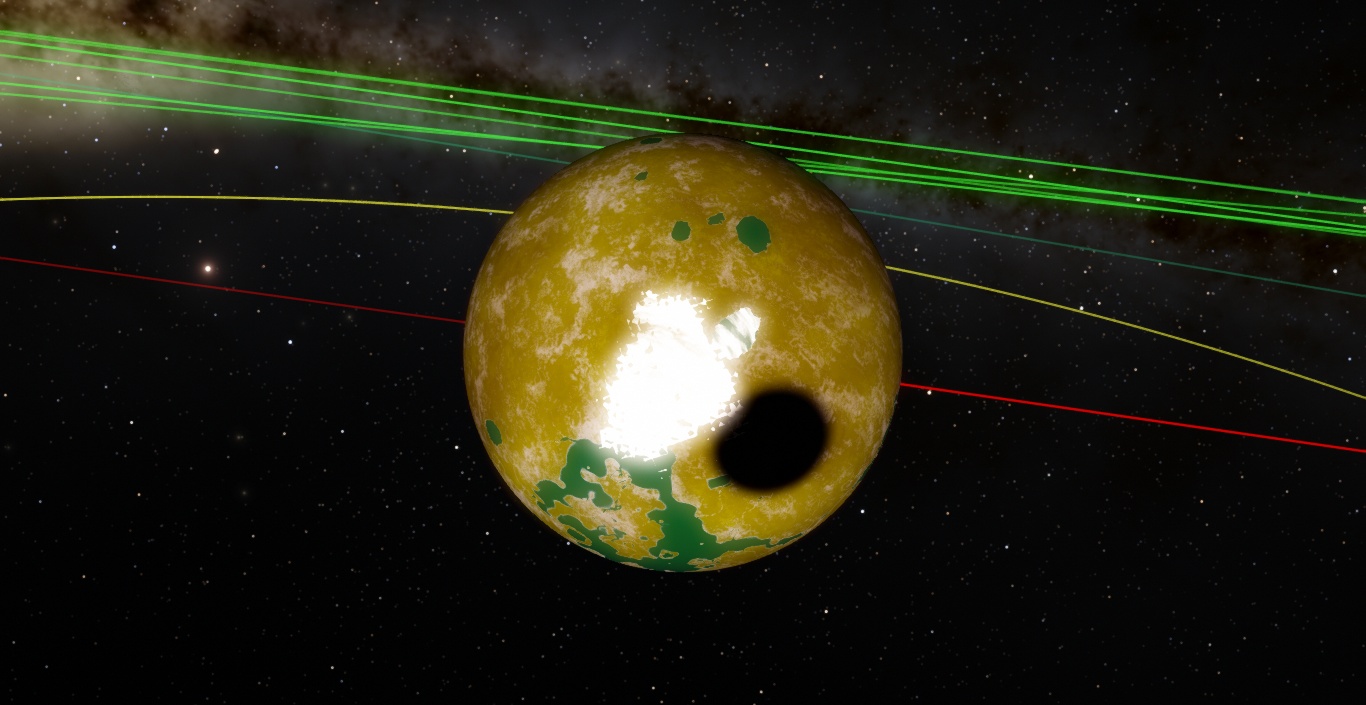



 Germany
  China
China