|
Bug Reports for Version 0.96
|
|
| SpaceEngineer | Date: Thursday, 05.07.2012, 19:52 | Message # 1 |
 Author of Space Engine
Group: Administrators
 Russian Federation
Messages: 4800
Status: Offline
| Please post here all of your reports about bugs or crashes in SpaceEngine. Attach to your message a screenshot (if possible) and a log file (it's called the "se.log" and is located in the SpaceEngine's directory). Only the log file will help me to understand your problem and find a solution.
*
|
| |
| |
| Enigmatic_Lucass | Date: Thursday, 20.09.2012, 19:43 | Message # 406 |
 Observer
Group: Newbies
 Czech Republic
Messages: 8
Status: Offline
| Yes, I can send the Nbt Acer Aspire model: V3-571G-53218G75Makk-i5, 8 GB, 750 GB 3210M, 15,6 ', DVD ± R/RW, nVidia GT 630M, 2 GB, BT, CAM, W7
|
| |
| |
| Enigmatic_Lucass | Date: Thursday, 20.09.2012, 19:45 | Message # 407 |
|
Observer
Group: Newbies
Czech Republic
Messages: 8
Status: Offline
| I think that Intel is working :-)
|
| |
| |
| HarbingerDawn | Date: Thursday, 20.09.2012, 20:01 | Message # 408 |
 Cosmic Curator
Group: Administrators
 United States
Messages: 8717
Status: Offline
| Enigmatic_Lucass, to force SpaceEngine to use the Nvidia GPU, go to your Nvidia control panel. In there somewhere should be a way to force an application to use that GPU.
All forum users, please read this!
My SE mods and addons
Phenom II X6 1090T 3.2 GHz, 16 GB DDR3 RAM, GTX 970 3584 MB VRAM
|
| |
| |
| Enigmatic_Lucass | Date: Thursday, 20.09.2012, 20:20 | Message # 409 |
|
Observer
Group: Newbies
Czech Republic
Messages: 8
Status: Offline
| Wow, thank you, I've found it. I studied how crazy and thank you very much for your advice. 
|
| |
| |
| smjjames | Date: Friday, 21.09.2012, 00:49 | Message # 410 |
|
World Builder
Group: Users
United States
Messages: 913
Status: Offline
| Okay, I found another place which kept having the same kind of problem as here: http://en.spaceengine.org/forum/4-705-11426-16-1347988326
This time though, I managed to grab a screenshot. I did a bit of fiddling with the options and I found that it's being caused by the auto exposure. I did test to see if it was just looking at the sun and it still happens. I'm not sure how to explain it to you guys, but maybe going to the location will see if it's reproduced?
Code Place "autoexposure glitching out"
{
Body "RSC 1227-1137-0-0-42 1"
Parent ""
Pos (1.715383569781195e-010, -5.077965950289406e-011, -7.233926755138495e-011)
Rot (0.01116269001257349, -0.7172954709453121, -0.5860390507389023, 0.3767238149122943)
Date "2012.09.20 23:37:43.92"
Vel 3.2407764e-015
Mode 2
}

|
| |
| |
| SpaceEngineer | Date: Friday, 21.09.2012, 18:06 | Message # 411 |
|
Author of Space Engine
Group: Administrators
Russian Federation
Messages: 4800
Status: Offline
| smjjames, I've probably fixed this bug, your location helped a lot!

|
| |
| |
| smjjames | Date: Wednesday, 26.09.2012, 16:58 | Message # 412 |
|
World Builder
Group: Users
United States
Messages: 913
Status: Offline
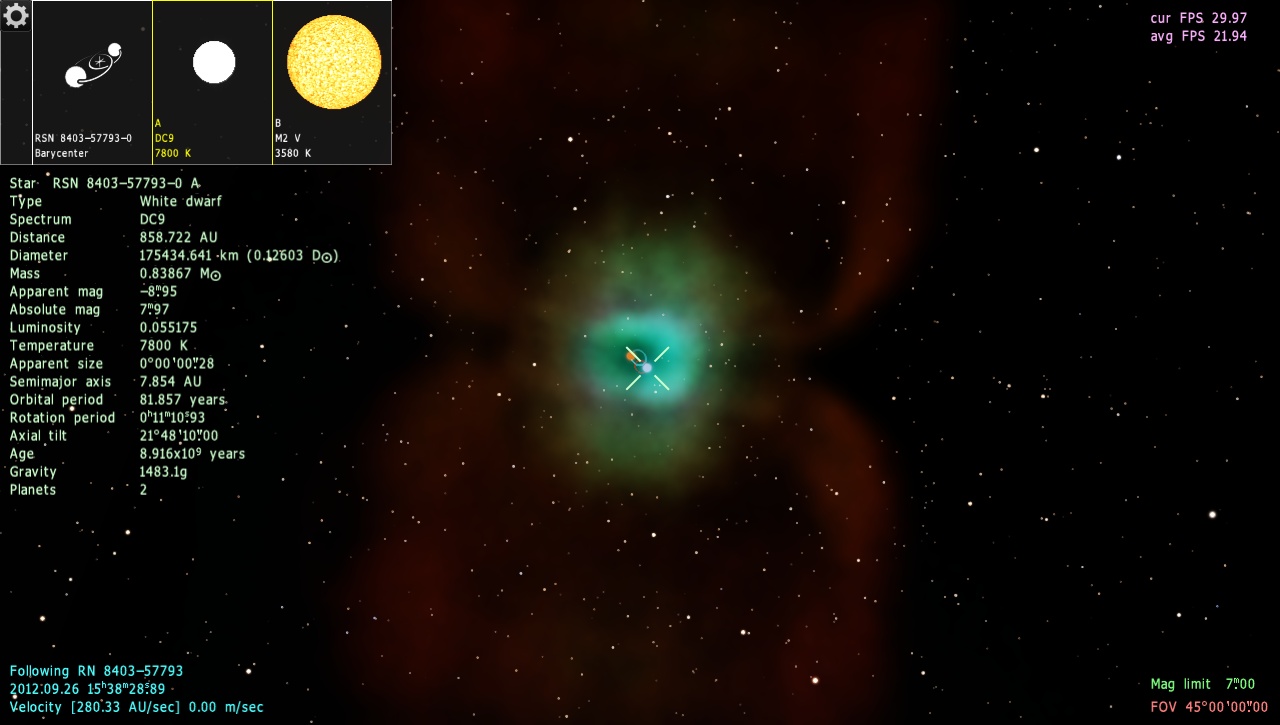
| Not so much a bug than an observation of two things. One is that this planetary nebula is a small one (0.005 pc), which means that it's a young nebula, and therefore the white dwarf should be young, unless we're looking at the entire lifespan of the star and not how long it's been a white dwarf. I know the procedural generation doesn't seem to allow for different ages of stars in a multiple star system at this time, especially when one of them is a white dwarf or neutron star.
Second is that the planetary nebuae seem to be kind of scattered off the galactic plane (not to an extreme though I don't think) and don't seem to generate further inside closer to the core.

Also, when using the telescope 'mode', shouldn't it only generate the stars that are in the FOV? Seems like it's trying to generate all of them in normal FOV as the magnitude increases......
Edited by smjjames - Wednesday, 26.09.2012, 17:08 |
| |
| |
| apenpaap | Date: Thursday, 27.09.2012, 18:33 | Message # 413 |
 World Builder
Group: Users
 Antarctica
Messages: 1063
Status: Offline
| I seem to have found a ghost system... It appears on the map, and I can select it and even look at it in the solar sysstem browser, but there is nothing in this supposed triple red dwarf system... I'm supposedly looking at its sun here:

I occasionally stream at http://www.twitch.tv/magistermystax. Sometimes SE, sometimes other games.
|
| |
| |
| smjjames | Date: Thursday, 27.09.2012, 18:57 | Message # 414 |
|
World Builder
Group: Users
United States
Messages: 913
Status: Offline
| Quote (apenpaap) I seem to have found a ghost system... It appears on the map, and I can select it and even look at it in the solar sysstem browser, but there is nothing in this supposed triple red dwarf system... I'm supposedly looking at its sun here:
I guess your settings are different because I went to that system and found a black hole in a binary with a brown dwarf and a whole bunch of planets.
|
| |
| |
| anonymousgamer | Date: Friday, 28.09.2012, 02:38 | Message # 415 |
 World Builder
Group: Global Moderators
United States
Messages: 1011
Status: Offline
| This... is.... ALIENS

RS 0-6-117028-1254-169-8-2619997-101 1
Desktop: FX-8350 4.0 GHz, 8 GB DDR3 RAM, EVGA GeForce GTX 1080 FTW 8 GB, 2 TB HDD, 24 inch 1920x1080 screen
Laptop: Core i5 480M 2.66 GHz (turbo 2.93), 8 GB DDR3 RAM, AMD Radeon HD 6550m 1 GB, 640 GB HDD, 17.3 inch 1600x900 screen
|
| |
| |
| Solaris | Date: Friday, 28.09.2012, 02:53 | Message # 416 |
 World Builder
Group: Global Moderators
 France
Messages: 731
Status: Offline
| Quote (anonymousgamer) RS 0-6-117028-1254-169-8-2619997-101 1 |
| |
| |
| anonymousgamer | Date: Friday, 28.09.2012, 02:56 | Message # 417 |
|
World Builder
Group: Global Moderators
United States
Messages: 1011
Status: Offline
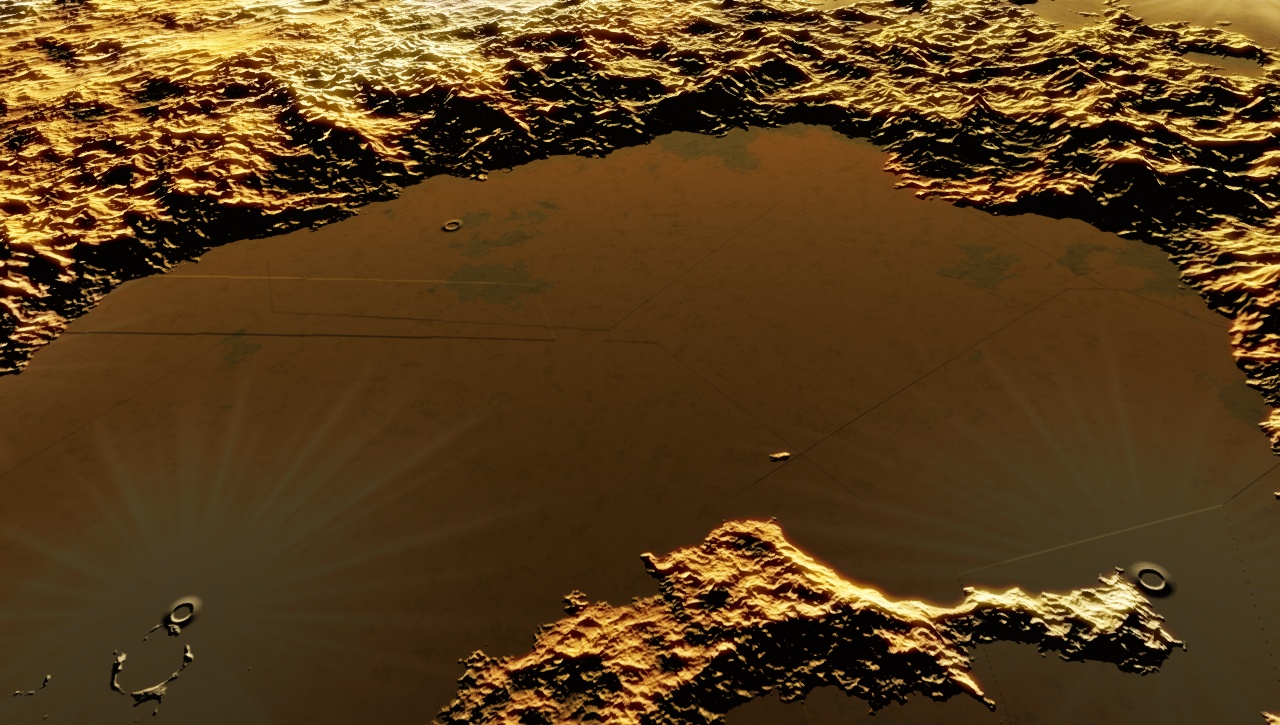
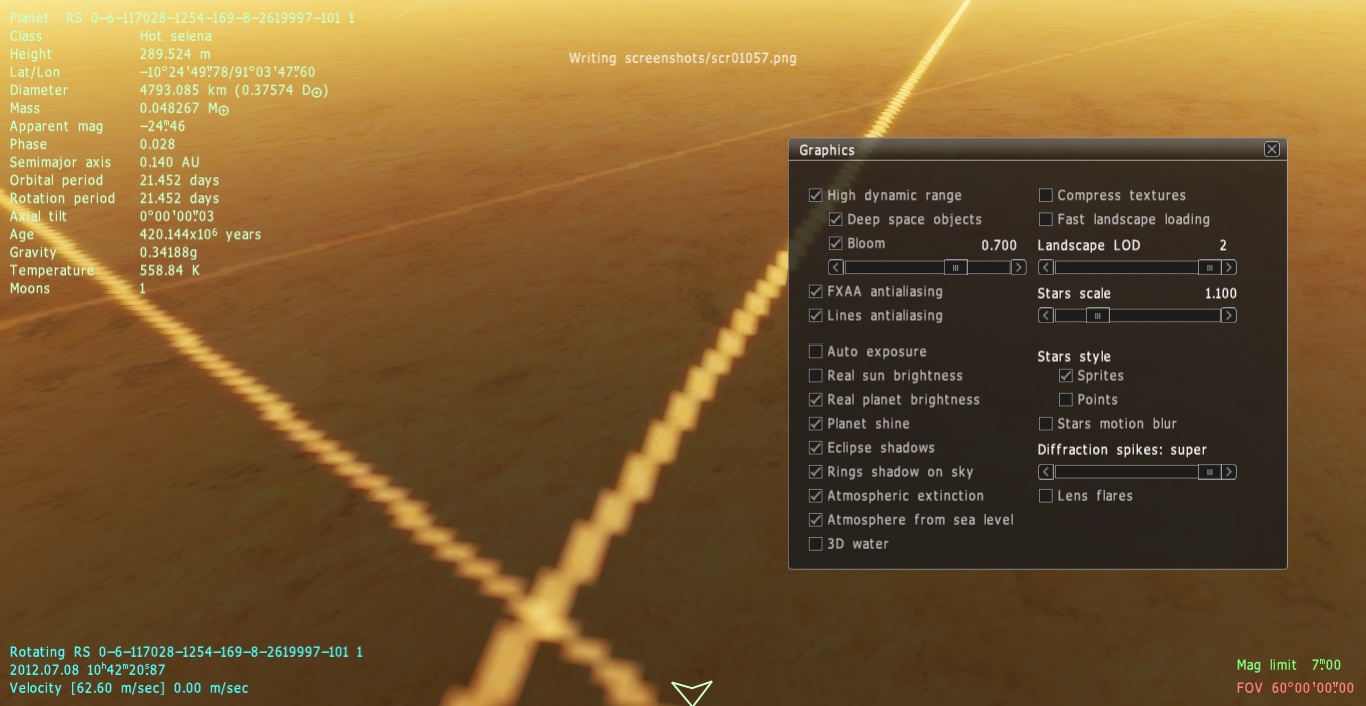
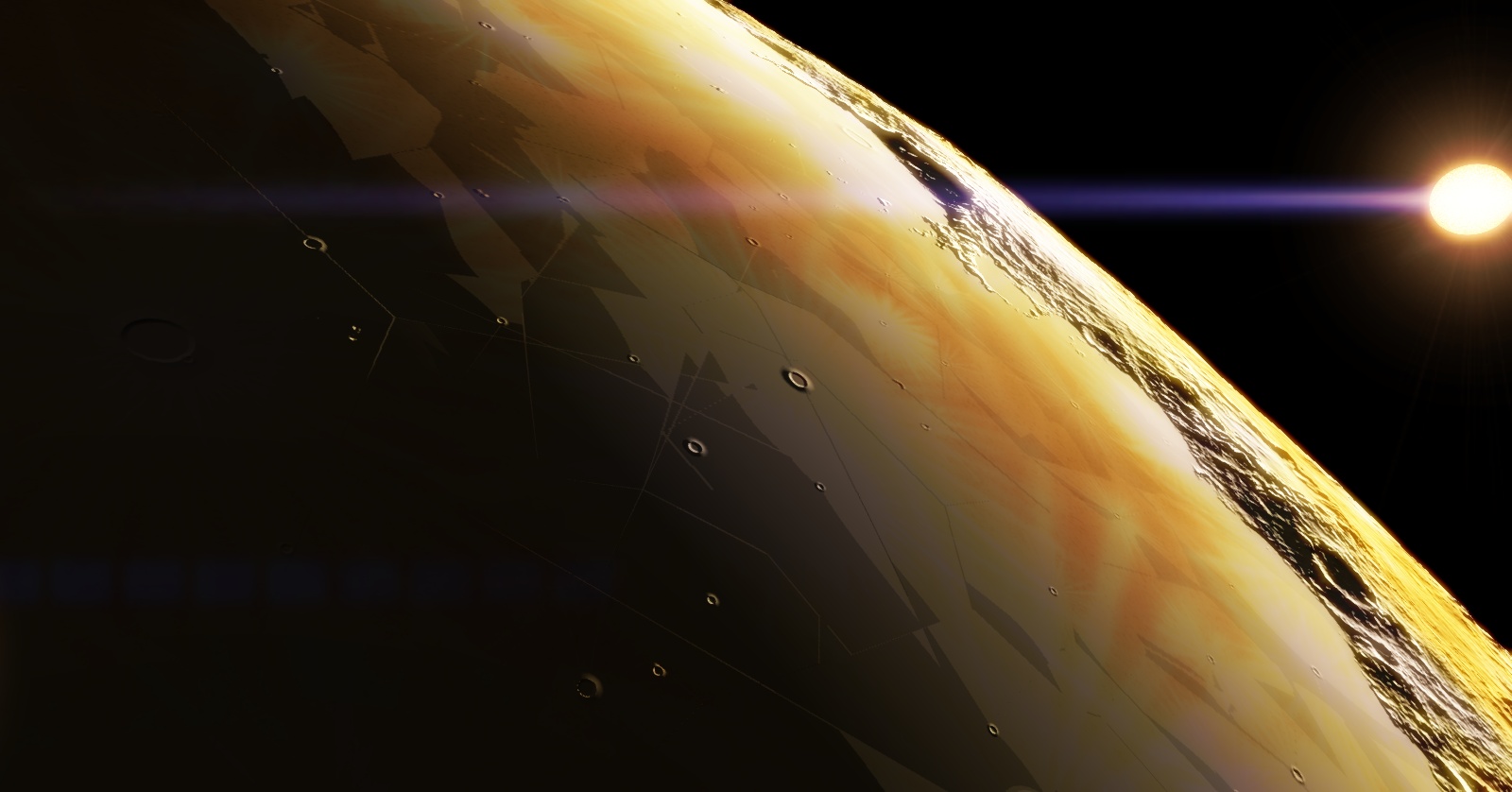
| Place "Buggy Terrain Alien Planet"
{
Body "RS 0-6-117028-1254-169-8-2619997-101 1"
Parent ""
Pos (3.726024762167046e-011, -3.422283924347028e-011, -7.114124675640376e-011)
Rot (0.1061517758274192, -0.9702165517854942, 0.008675200325138197, -0.2175692626026703)
Date "2012.07.08 10:42:16.17"
Vel 9.3055641e-012
Mode 1
}
Desktop: FX-8350 4.0 GHz, 8 GB DDR3 RAM, EVGA GeForce GTX 1080 FTW 8 GB, 2 TB HDD, 24 inch 1920x1080 screen
Laptop: Core i5 480M 2.66 GHz (turbo 2.93), 8 GB DDR3 RAM, AMD Radeon HD 6550m 1 GB, 640 GB HDD, 17.3 inch 1600x900 screen
|
| |
| |
| smjjames | Date: Friday, 28.09.2012, 03:03 | Message # 418 |
|
World Builder
Group: Users
United States
Messages: 913
Status: Offline
| Are you using fast landscape loading because the near distance looks kind of low res?
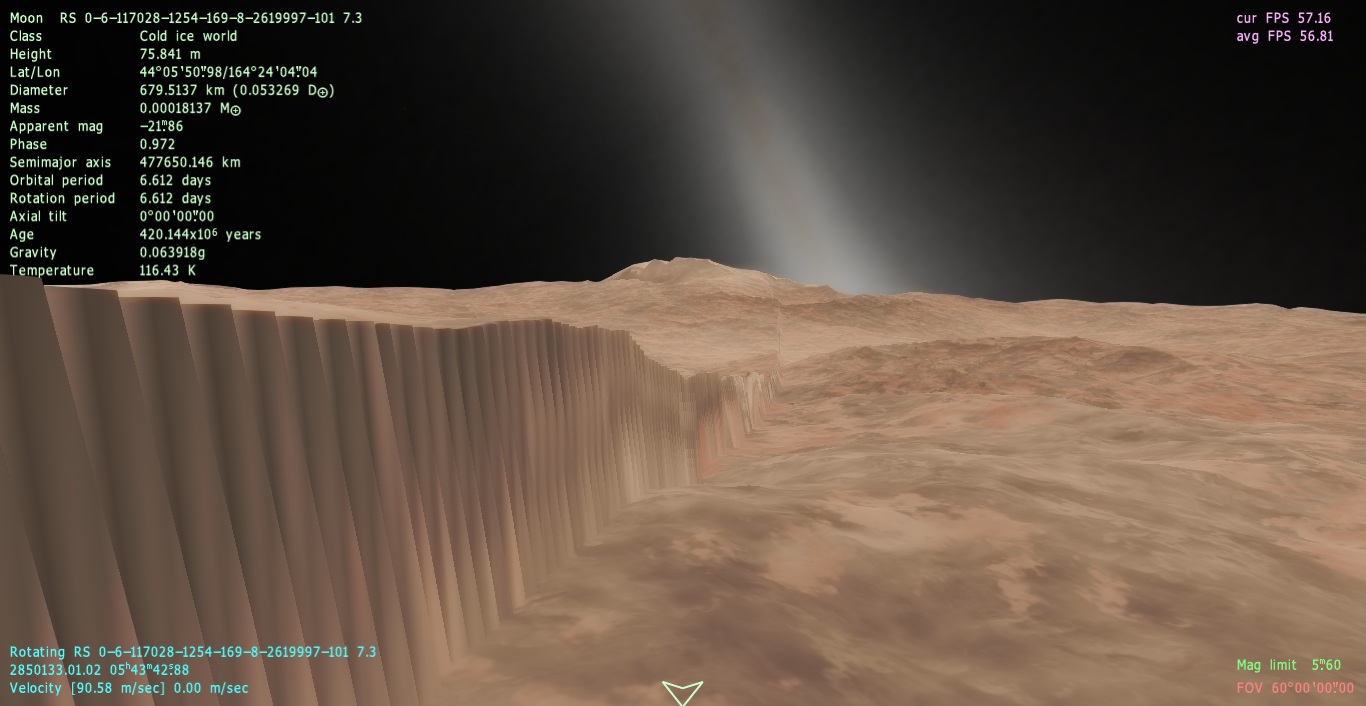
Same planet, different spot. I've seen a similar glitch with another moon and ray craters.

Quote (Solaris) Quote (anonymousgamer)
RS 0-6-117028-1254-169-8-2619997-101 1
It lead to a sun, and I see no bugs on planets, can you post the planet RS code? or a place code? thanks!
Go to the first planet in the system. :P
Edited by smjjames - Friday, 28.09.2012, 03:04 |
| |
| |
| Solaris | Date: Friday, 28.09.2012, 03:10 | Message # 419 |
|
World Builder
Group: Global Moderators
France
Messages: 731
Status: Offline
| Indeed, awful..
No fast landscape :

It remind me the "wall" bug, but it seem not to be the same thing:

Quote (smjjames) Go to the first planet in the system. :P 
|
| |
| |
| smjjames | Date: Friday, 28.09.2012, 03:18 | Message # 420 |
|
World Builder
Group: Users
United States
Messages: 913
Status: Offline
| Solaris, those look similar to what I found here: http://en.spaceengine.org/forum/4-705-10778-16-1347148915 .
|
| |
| |
 ENG
ENG New site


 Russian Federation


 Czech Republic
  United States
 Antarctica

 France