|
Bug Reports for Version 0.96
|
|
| SpaceEngineer | Date: Thursday, 05.07.2012, 19:52 | Message # 1 |
 Author of Space Engine
Group: Administrators
 Russian Federation
Messages: 4800
Status: Offline
| Please post here all of your reports about bugs or crashes in SpaceEngine. Attach to your message a screenshot (if possible) and a log file (it's called the "se.log" and is located in the SpaceEngine's directory). Only the log file will help me to understand your problem and find a solution.
*
|
| |
| |
| Skaven252 | Date: Monday, 27.08.2012, 14:35 | Message # 331 |
|
Observer
Group: Newbies
 Sweden
Messages: 6
Status: Offline
| I'm having a graphics problem with Space Engine: the planets are entirely black except for a thin atmospheric outline (regardless of the direction they're viewed from), and so are the stars. Further away the star flares are visible, but there's still a black silhouette in the middle.
If I land on planets, the landscape and the clouds are all totally black. Even on the sunny side. See screenshots.
Only some planets I've found are rendered and lit fully.
Running on Windows 7 x64 (Core i7 2600, 8192 MB RAM), with an NVidia GeForce GTS 450 (4063 MB of video memory).
I installed Space Engine 0.96, played with it for a while, then unpacked the patch 0.9.6.2 over it and removed the contents of the cache folder, as instructed.
Anyone else had this problem?
|
| |
| |
| HarbingerDawn | Date: Monday, 27.08.2012, 14:51 | Message # 332 |
 Cosmic Curator
Group: Administrators
 United States
Messages: 8717
Status: Offline
| Skaven252, please post your se.log file.
All forum users, please read this!
My SE mods and addons
Phenom II X6 1090T 3.2 GHz, 16 GB DDR3 RAM, GTX 970 3584 MB VRAM
|
| |
| |
| Skaven252 | Date: Monday, 27.08.2012, 15:16 | Message # 333 |
|
Observer
Group: Newbies
Sweden
Messages: 6
Status: Offline
| Sure. Seems to be a lot of "error disposing memory" alerts there.
|
| |
| |
| HarbingerDawn | Date: Monday, 27.08.2012, 16:48 | Message # 334 |
|
Cosmic Curator
Group: Administrators
United States
Messages: 8717
Status: Offline
| SE is detecting only 222 MB of your 1.5 GB of VRAM as available. Make sure that you don't have any other programs open using up video memory (graphics editors, video players, games, etc.). Also, updating/reinstalling your graphics drivers never hurts.
All forum users, please read this!
My SE mods and addons
Phenom II X6 1090T 3.2 GHz, 16 GB DDR3 RAM, GTX 970 3584 MB VRAM
|
| |
| |
| Skaven252 | Date: Monday, 27.08.2012, 16:54 | Message # 335 |
|
Observer
Group: Newbies
Sweden
Messages: 6
Status: Offline
| Thanks! I didn't have anything else running at the moment, but the drivers haven't been updated for a while (currently: 8.17.12.7533, over a year old). I'll update them and let you know if that helps.
|
| |
| |
| Skaven252 | Date: Monday, 27.08.2012, 17:11 | Message # 336 |
|
Observer
Group: Newbies
Sweden
Messages: 6
Status: Offline
| Yup, updating the drivers solved the issue. Thanks for the help!
|
| |
| |
| apenpaap | Date: Monday, 27.08.2012, 17:15 | Message # 337 |
 World Builder
Group: Users
 Antarctica
Messages: 1063
Status: Offline
| ^Creating trippy pictures, presumably.
I occasionally stream at http://www.twitch.tv/magistermystax. Sometimes SE, sometimes other games.
|
| |
| |
| SpaceEngineer | Date: Monday, 27.08.2012, 20:40 | Message # 338 |
|
Author of Space Engine
Group: Administrators
Russian Federation
Messages: 4800
Status: Offline
| Very strange driver glitch though...

|
| |
| |
| WhiplashD | Date: Tuesday, 28.08.2012, 01:55 | Message # 339 |
|
Observer
Group: Newbies
United States
Messages: 2
Status: Offline
| SE crashes when trying to export planetary textures larger than 4096 x 2048.
|
| |
| |
| HarbingerDawn | Date: Tuesday, 28.08.2012, 02:02 | Message # 340 |
|
Cosmic Curator
Group: Administrators
United States
Messages: 8717
Status: Offline
| Quote (WhiplashD) SE crashes when trying to export planetary textures larger than 4096 x 2048
This is probably a video card timeout. If Windows detects that your video card is taking too long to process its workload, it resets the video driver and crashes whatever program was causing the issue. Because of the way SE renders the textures, this is an unavoidable issue at present.
It is possible to edit your registry to extend this timeout period to give the program more time to render the texture, but this might have an adverse effect on your experience outside of SE in some circumstances, and you should never edit your registry if you don't know what you're doing.
More information on GPU timeouts: http://msdn.microsoft.com/en-us/windows/hardware/gg487368.aspx
All forum users, please read this!
My SE mods and addons
Phenom II X6 1090T 3.2 GHz, 16 GB DDR3 RAM, GTX 970 3584 MB VRAM
Edited by HarbingerDawn - Tuesday, 28.08.2012, 10:24 |
| |
| |
| WhiplashD | Date: Tuesday, 28.08.2012, 22:09 | Message # 341 |
|
Observer
Group: Newbies
United States
Messages: 2
Status: Offline
| Quote (HarbingerDawn)
This is probably a video card timeout. If Windows detects that your video card is taking too long to process its workload, it resets the video driver and crashes whatever program was causing the issue. Because of the way SE renders the textures, this is an unavoidable issue at present.
It is possible to edit your registry to extend this timeout period to give the program more time to render the texture, but this might have an adverse effect on your experience outside of SE in some circumstances, and you should never edit your registry if you don't know what you're doing.
Interesting, thanks for the info. I'll try a workaround then. Do you have plans on working on this in the future? SE's planet texture exporting is a huge help for me until I figure out a method for creating procedural land textures on my own.
|
| |
| |
| DoctorOfSpace | Date: Wednesday, 29.08.2012, 09:02 | Message # 342 |
 Galaxy Architect
Group: Global Moderators
 Pirate
Messages: 3600
Status: Offline
| Quote (apenpaap) ^Creating trippy pictures, presumably.
It even makes the ships look cool.

Intel Core i7-5820K 4.2GHz 6-Core Processor
G.Skill Ripjaws V Series 32GB (4 x 8GB) DDR4-2400 Memory
EVGA GTX 980 Ti SC 6GB
|
| |
| |
| HarbingerDawn | Date: Wednesday, 29.08.2012, 09:35 | Message # 343 |
|
Cosmic Curator
Group: Administrators
United States
Messages: 8717
Status: Offline
| Quote (DoctorOfSpace) It even makes the ships look cool.
Activate cloaking device 
All forum users, please read this!
My SE mods and addons
Phenom II X6 1090T 3.2 GHz, 16 GB DDR3 RAM, GTX 970 3584 MB VRAM
|
| |
| |
| DoctorOfSpace | Date: Wednesday, 29.08.2012, 09:39 | Message # 344 |
|
Galaxy Architect
Group: Global Moderators
Pirate
Messages: 3600
Status: Offline
| Quote (HarbingerDawn) Activate cloaking device
It blocks the sun but you know I think with proper adjustments and when ship mechanics are added this could be a way to pull off a cloaking device. Although I think there are better ways.
Intel Core i7-5820K 4.2GHz 6-Core Processor
G.Skill Ripjaws V Series 32GB (4 x 8GB) DDR4-2400 Memory
EVGA GTX 980 Ti SC 6GB
|
| |
| |
| neutronium76 | Date: Thursday, 30.08.2012, 21:53 | Message # 345 |
 World Builder
Group: Users
 Greece
Messages: 718
Status: Offline
| Is there any progress regarding this issue: http://en.spaceengine.org/forum/4-705-8384-16-1343663032 ??
Sorry to bring this up again but I am trying to make a story into a youtube movie and I desperately need a solution on how to display ships close to star systems in certain parts of the milky way. I don't understand why SE calculates that a ship is flying in intergalactic space while it is obviously not. I don't mind that a ship is not rendered in interstellar space however it simply does not make sense to display that a ship is in intergalactic space where it is, in fact, in interstellar. I wonder if there is a glitch in the algorithm that calculates its position relative to the galactic core or if the correct size of the galaxy is somehow not passed to the spacecraft;s positioning system...
PC1:Core i7 970@3.34GHz, 6 cores/12 threads, 12GB DDR3 RAM@1.34GHz, 2x(SLI) GTX-580 GPUs 3GB VRAM(GDDR5)@1GHz, OS:Win7x64SP1
PC2:Core2Quad X9770@3.2GHz, 2 cores/4 threads 4GB DDR2 RAM@1GHz, GTX-285 GPU 1GB VRAM(DDR3)@1.24GHz, OS:WinVistax64SP2
|
| |
| |
 ENG
ENG New site


 Russian Federation


 Sweden
  United States
 Antarctica
 Pirate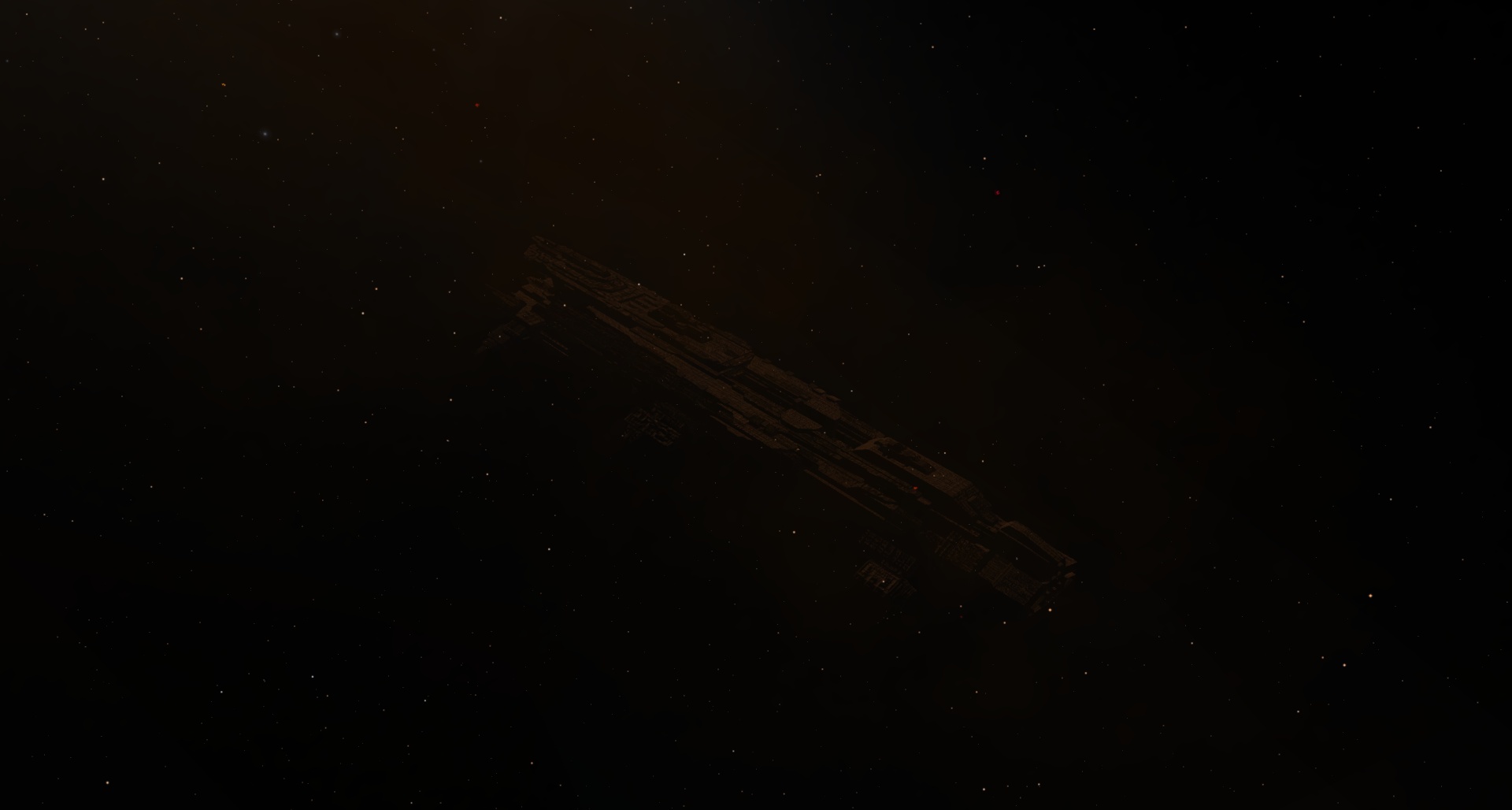
 Greece