|
Bug Reports for Version 0.96
|
|
| SpaceEngineer | Date: Thursday, 05.07.2012, 19:52 | Message # 1 |
 Author of Space Engine
Group: Administrators
 Russian Federation
Messages: 4800
Status: Offline
| Please post here all of your reports about bugs or crashes in SpaceEngine. Attach to your message a screenshot (if possible) and a log file (it's called the "se.log" and is located in the SpaceEngine's directory). Only the log file will help me to understand your problem and find a solution.
*
|
| |
| |
| DoctorOfSpace | Date: Tuesday, 31.07.2012, 01:02 | Message # 256 |
 Galaxy Architect
Group: Global Moderators
 Pirate
Messages: 3600
Status: Offline
| Quote (HarbingerDawn) I think it already does something like that by reading that parameter?
Well yeah but it seems to only load the catalog once and if it were foolproof then this bug wouldn't exist. obviously something is going wrong.
Quote (HarbingerDawn) Annoying bug, but too intermittent and too easily circumvented for me to get worked up over.
Indeed, I don't mind it unless I'm getting a screenshot, then I just open the editor and remove the ocean.
Intel Core i7-5820K 4.2GHz 6-Core Processor
G.Skill Ripjaws V Series 32GB (4 x 8GB) DDR4-2400 Memory
EVGA GTX 980 Ti SC 6GB
|
| |
| |
| HarbingerDawn | Date: Tuesday, 31.07.2012, 01:11 | Message # 257 |
 Cosmic Curator
Group: Administrators
 United States
Messages: 8717
Status: Offline
| Quote (DoctorOfSpace) obviously something is going wrong
Yes, obviously
Quote (DoctorOfSpace) I just open the editor and remove the ocean.
That isn't necessary. Just disable water by using Ctrl-C, or in the F4 menu. Super-quick fix.
All forum users, please read this!
My SE mods and addons
Phenom II X6 1090T 3.2 GHz, 16 GB DDR3 RAM, GTX 970 3584 MB VRAM
Edited by HarbingerDawn - Tuesday, 31.07.2012, 01:12 |
| |
| |
| DoctorOfSpace | Date: Tuesday, 31.07.2012, 01:17 | Message # 258 |
|
Galaxy Architect
Group: Global Moderators
Pirate
Messages: 3600
Status: Offline
| Quote (HarbingerDawn) That isn't necessary. Just disable water by using Ctrl-C, or in the F4 menu. Super-quick fix.
I know I just use the editor because I tend to leave space engine open for extended periods and always come back to Earth. I find if I disable the ocean before I close the program it tends to lessen the amount of times that bug happens. Might be coincidence but who knows.
Intel Core i7-5820K 4.2GHz 6-Core Processor
G.Skill Ripjaws V Series 32GB (4 x 8GB) DDR4-2400 Memory
EVGA GTX 980 Ti SC 6GB
|
| |
| |
| n3xt | Date: Tuesday, 31.07.2012, 09:36 | Message # 259 |
 Explorer
Group: Users
 Netherlands
Messages: 184
Status: Offline
| @n3xt
I've noticed that those ''twinklings'' are very common on the far outskirts of galaxies near globular clusters awell it keeps twinkling unless you move your camera out of sight of the galaxy... (this is only with auto exposure on). Oh well it's very annoying...
|
| |
| |
| HarbingerDawn | Date: Tuesday, 31.07.2012, 15:21 | Message # 260 |
|
Cosmic Curator
Group: Administrators
United States
Messages: 8717
Status: Offline
| Quote (neutronium76) One thing I noticed is that when the ship is at earth it is in interplanetary mode but when it is teleported to the other system it is in intergalactic mode
Yes, I've had this problem too. A rather frustrating bug. I recall having it happen intermittently; I could go to a far away galaxy and have the ship appear properly, and sometimes I would go 5 pc from Earth and the ship would stay invisible.
All forum users, please read this!
My SE mods and addons
Phenom II X6 1090T 3.2 GHz, 16 GB DDR3 RAM, GTX 970 3584 MB VRAM
|
| |
| |
| neutronium76 | Date: Tuesday, 31.07.2012, 19:43 | Message # 261 |
 World Builder
Group: Users
 Greece
Messages: 718
Status: Offline
| The cause of this problem must be the fact that, at certain systems, the spacecraft (or the engine itself I should say) doesn't recognize that it is located in that system - it assumes that it is flying in interstelar or even more strange, in intergalactic space  ... It is really bizzare ... It is really bizzare  . This can also be seen because if you look at the velocities of the ship, there is no 1st cosmic, 2nd cosmic and you can not select a reference body. Somehow it doesn't register the location of the ship correctly... . This can also be seen because if you look at the velocities of the ship, there is no 1st cosmic, 2nd cosmic and you can not select a reference body. Somehow it doesn't register the location of the ship correctly...
PC1:Core i7 970@3.34GHz, 6 cores/12 threads, 12GB DDR3 RAM@1.34GHz, 2x(SLI) GTX-580 GPUs 3GB VRAM(GDDR5)@1GHz, OS:Win7x64SP1
PC2:Core2Quad X9770@3.2GHz, 2 cores/4 threads 4GB DDR2 RAM@1GHz, GTX-285 GPU 1GB VRAM(DDR3)@1.24GHz, OS:WinVistax64SP2
|
| |
| |
| SpaceEngineer | Date: Tuesday, 31.07.2012, 20:12 | Message # 262 |
|
Author of Space Engine
Group: Administrators
Russian Federation
Messages: 4800
Status: Offline
| Quote (neutronium76) The cause of this problem must be the fact that, at certain systems, the spacecraft (or the engine itself I should say) doesn't recognize that it is located in that system - it assumes that it is flying in interstelar or even more strange, in intergalactic space ... It is really bizzare . This can also be seen because if you look at the velocities of the ship, there is no 1st cosmic, 2nd cosmic and you can not select a reference body. Somehow it doesn't register the location of the ship correctly...
I have noticed that bug. If you leave a spaceship orbiting a planet, go to another system, then exit the game and launch it again, then go to that ship with the 'G' key, you will see no ship and even no planet that it's orbiting. You should rotate the camera to look at the system's sun. Once the sun appears on the screen, then SE will generate it's system and planet then the ship appears onscreen too. SE can't determine the size of the system until it is generated, and assumes i'ts size as athe size of star. So until the system is generated and the sun is not on screen, to frustum culling is clipped out of the system and is not generated 
*

|
| |
| |
| HarbingerDawn | Date: Tuesday, 31.07.2012, 20:54 | Message # 263 |
|
Cosmic Curator
Group: Administrators
United States
Messages: 8717
Status: Offline
| Quote (SpaceEngineer) So until the system is generated and the sun is not on screen, to frustum culling is clipped out of the system and is not generated
So then why would a spacecraft say that it is in interstellar space even when it is in a system that is generated? The issues I have had with this have all been in systems that had fully generated.
All forum users, please read this!
My SE mods and addons
Phenom II X6 1090T 3.2 GHz, 16 GB DDR3 RAM, GTX 970 3584 MB VRAM
|
| |
| |
| metaloz | Date: Thursday, 02.08.2012, 23:15 | Message # 264 |
 Space Tourist
Group: Users
 Brazil
Messages: 34
Status: Offline
| reporting a bug, is the following
when I approach this moon, it rotates very fast
RS 8043-196-7-157965-133 A5 4

|
| |
| |
| anonymousgamer | Date: Thursday, 02.08.2012, 23:27 | Message # 265 |
 World Builder
Group: Global Moderators
United States
Messages: 1011
Status: Offline
| Which version of SE are you on? It looks like 0.95, based on the much shorter location code.
Desktop: FX-8350 4.0 GHz, 8 GB DDR3 RAM, EVGA GeForce GTX 1080 FTW 8 GB, 2 TB HDD, 24 inch 1920x1080 screen
Laptop: Core i5 480M 2.66 GHz (turbo 2.93), 8 GB DDR3 RAM, AMD Radeon HD 6550m 1 GB, 640 GB HDD, 17.3 inch 1600x900 screen
|
| |
| |
| HarbingerDawn | Date: Thursday, 02.08.2012, 23:32 | Message # 266 |
|
Cosmic Curator
Group: Administrators
United States
Messages: 8717
Status: Offline
| I tested that location code in 0.96 and 0.95, and there was nothing in either. Are you using any non-standard galaxies or galaxy models?
All forum users, please read this!
My SE mods and addons
Phenom II X6 1090T 3.2 GHz, 16 GB DDR3 RAM, GTX 970 3584 MB VRAM
|
| |
| |
| anonymousgamer | Date: Friday, 03.08.2012, 11:50 | Message # 267 |
|
World Builder
Group: Global Moderators
United States
Messages: 1011
Status: Offline
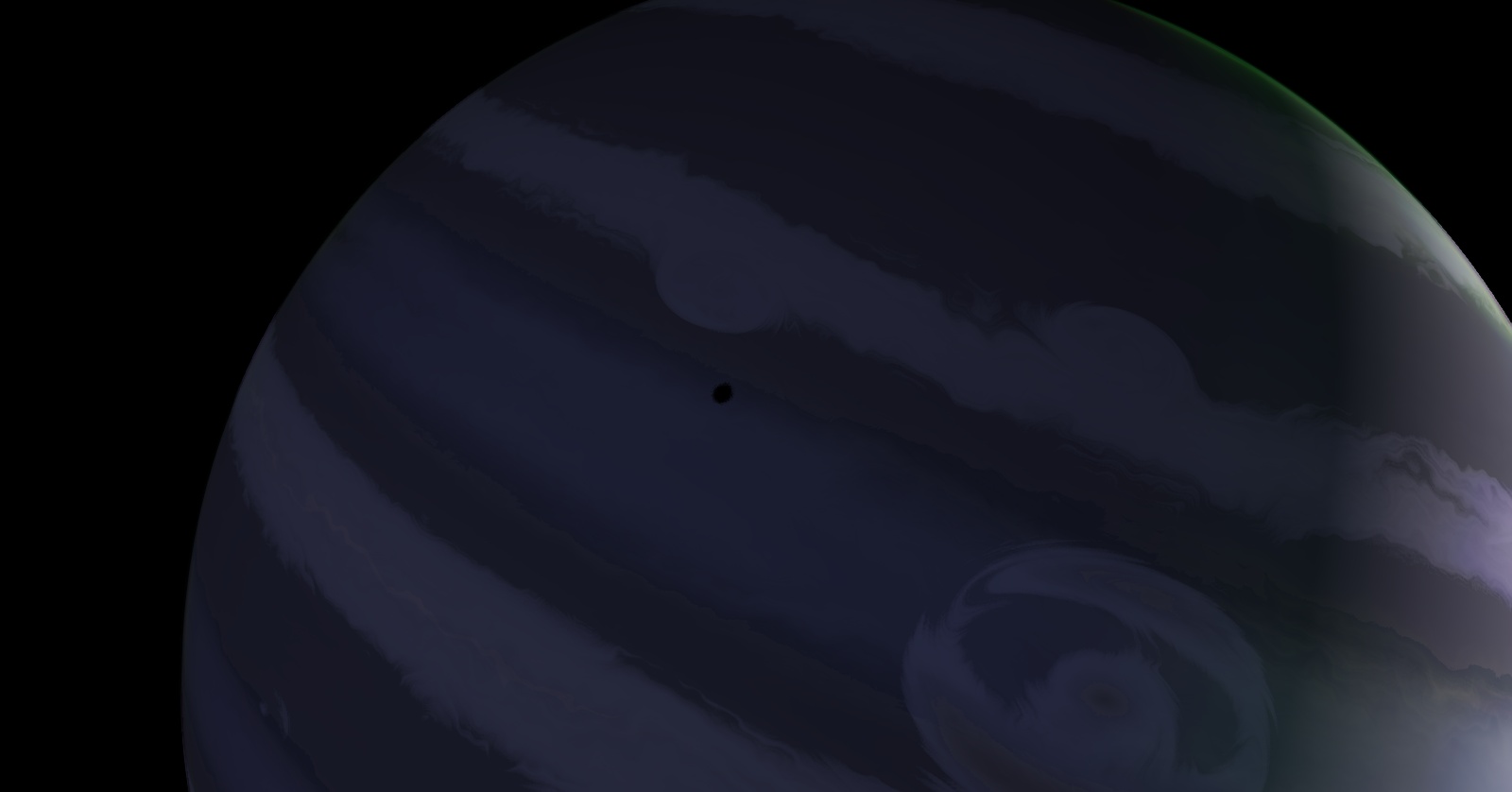
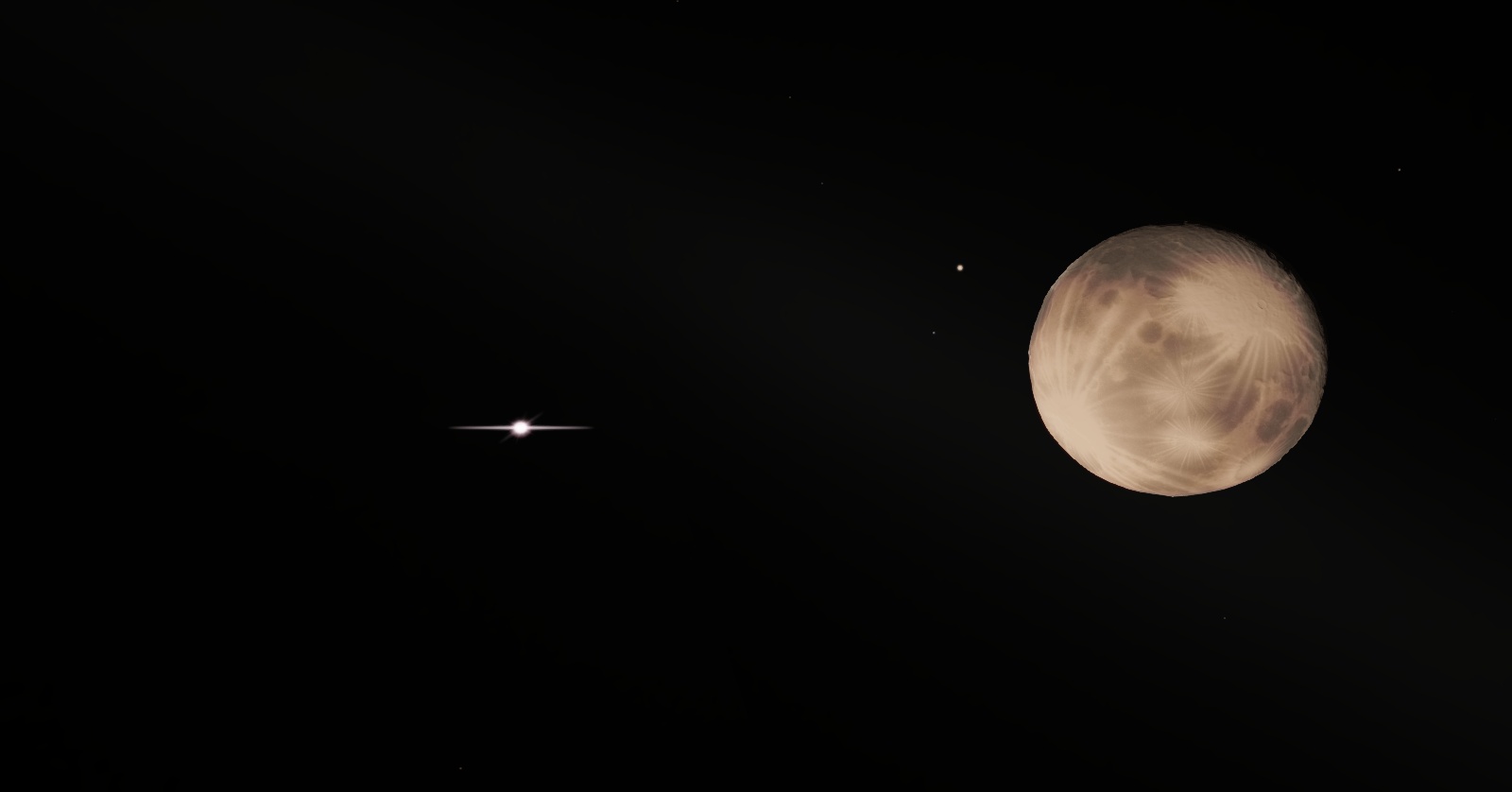
| So I was browsing distant planets, and I saw this:

I instantly realized this was a solar eclipse on the dark side of the planet, because this was a distant binary system:

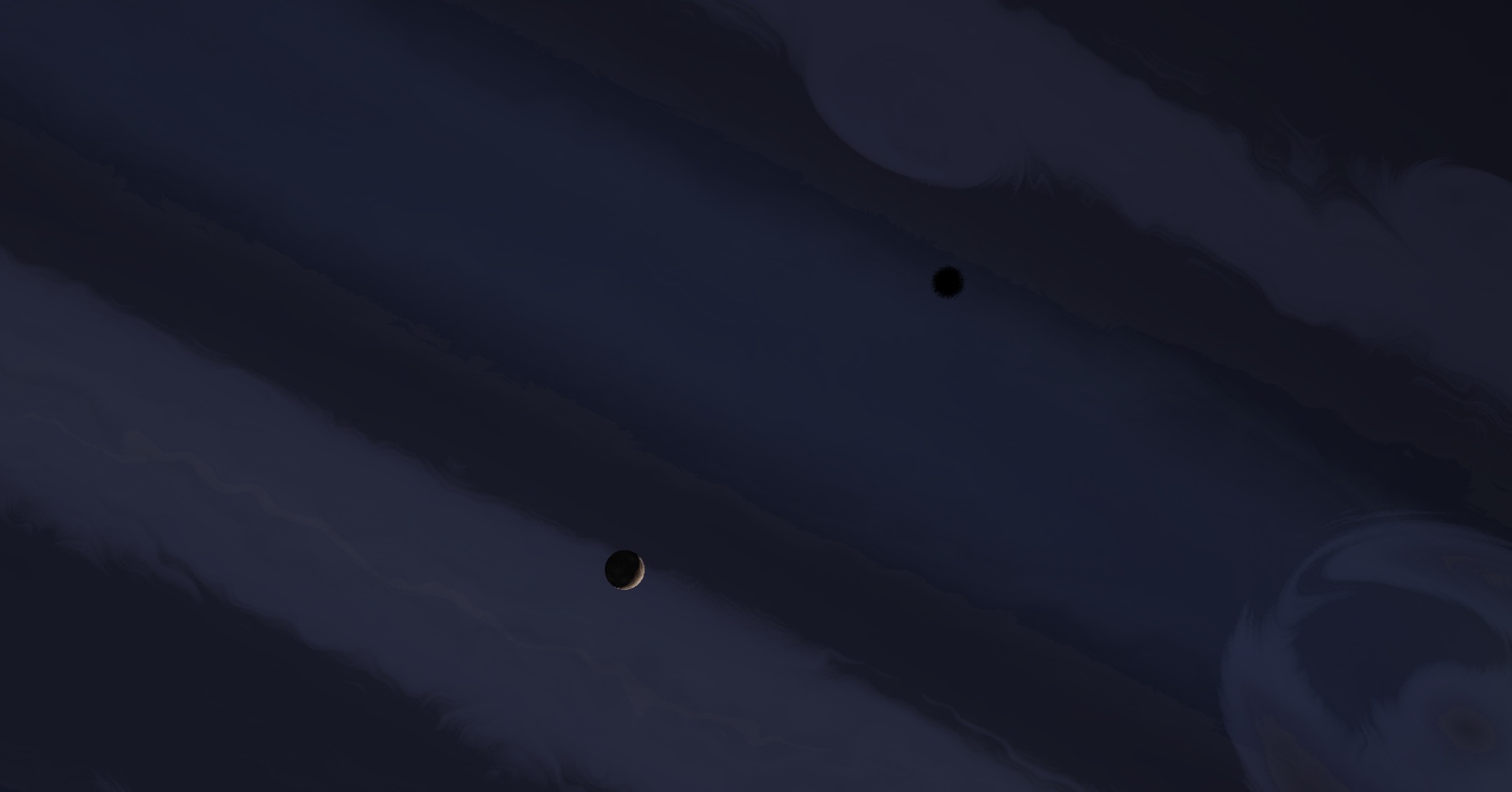
The culprit moon and star:

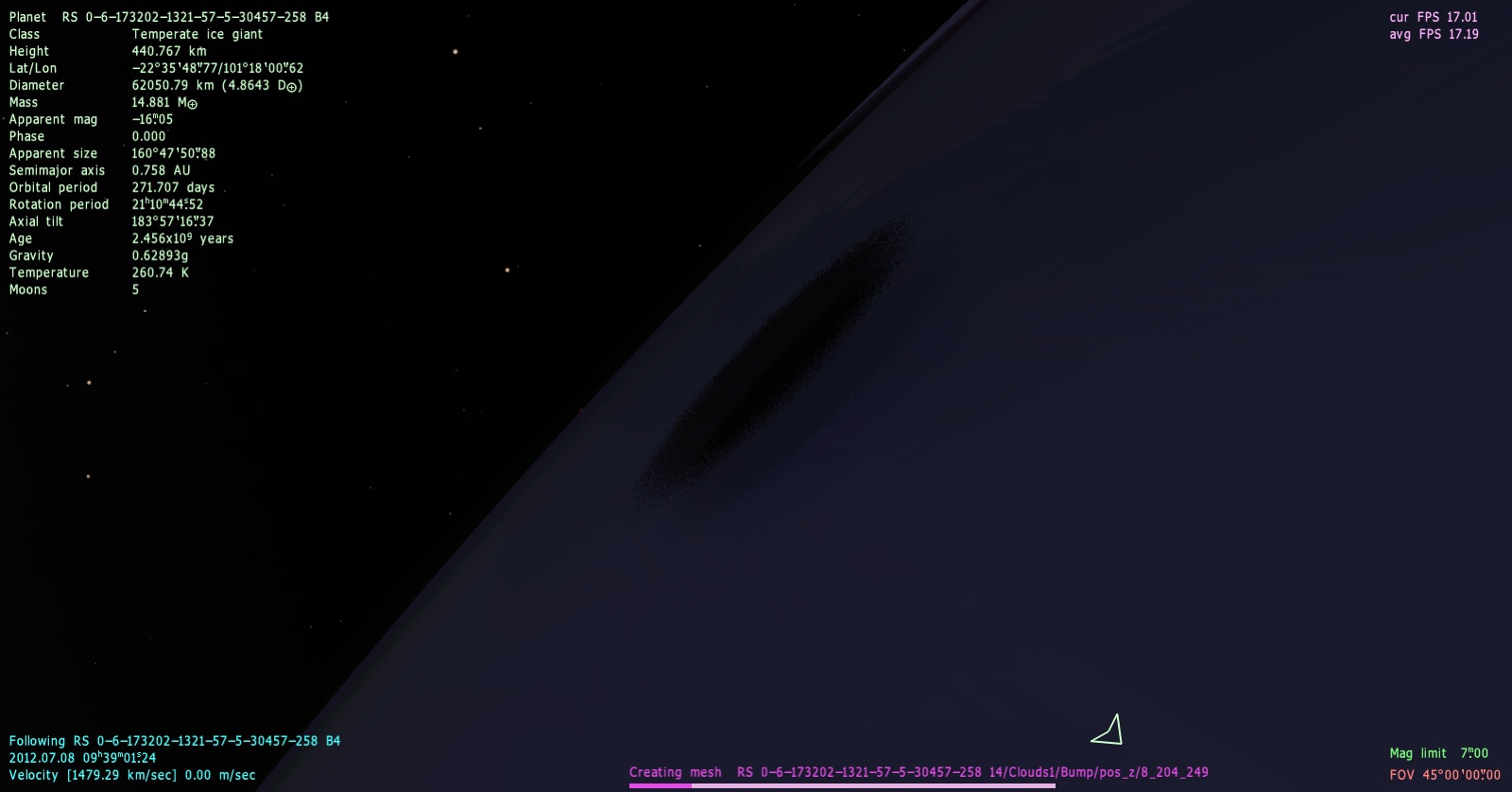
The issue starts when we zoom in. It may seem to be a cool, rare, sight at first, but then we zoom in, to see ugly artifacting:


Ewwww.
Here's a picture with the location code. Set your time to 2012.07.08 09h 39m 1s23 to see what I saw exactly.

Desktop: FX-8350 4.0 GHz, 8 GB DDR3 RAM, EVGA GeForce GTX 1080 FTW 8 GB, 2 TB HDD, 24 inch 1920x1080 screen
Laptop: Core i5 480M 2.66 GHz (turbo 2.93), 8 GB DDR3 RAM, AMD Radeon HD 6550m 1 GB, 640 GB HDD, 17.3 inch 1600x900 screen
Edited by anonymousgamer - Friday, 03.08.2012, 11:51 |
| |
| |
| LevArris | Date: Friday, 03.08.2012, 15:03 | Message # 268 |
 Observer
Group: Users
 Germany
Messages: 12
Status: Offline
| Very cool new version! Thanks a lot, I spent already hours in the "space" :-).
My system was frequently crashing up to 0.96.1 when I was moving too fast near to a planet's surface. But after the 0.96.2 patch - no more crashes! I'm so happy, thank you very much for this fix.
The bugs I found yet:
- Spaceships meshes not rendered in interstellar space (I found your explanation why though, so it's fine).
- Planet editor is a little bit buggy. Background: I'm trying to create some custom clusters in the universe and sometimes I take a PG planet, edit it, save the result in a file and re-use it in my own stelar system (around a custom defined star). This all works pretty well, except for some custom terras which for some reason seem to be still partially procedurally modified, despite the fact they are defined in a custom .sc file! One of them for example had a ring system and few oceans in the original PG version. I went to the planet editor, increased sea level and exported it to a file. Then I moved it to my own system's sc (the star's position is different from the PG version), adapted orbits, etc. and deleted the rings definition of my terra. When I fly to it I can see that it has the new position, size, gravity settings I defined in the .sc. BUT the new sea level seems to be ignored (it's same as in the original version). Besides, it magically has its original ring again ;-). Maybe I'm doing something fundamentally wrong? I tried deleting the cache in between, no change.
- Not a real bug, but pretty high annoyance level: the vertical scrollbar in the planet editor can't be "grabbed" when it's in the middle of the screen, because the universe map toolbar still pops out over it. You have to click somewere outside in the scroll area and then pick it :-).
Edited by LevArris - Friday, 03.08.2012, 21:34 |
| |
| |
| HarbingerDawn | Date: Friday, 03.08.2012, 16:19 | Message # 269 |
|
Cosmic Curator
Group: Administrators
United States
Messages: 8717
Status: Offline
| Quote (LevArris) Maybe I'm doing something fundamentally wrong?
To ensure having no ring system, type NoRings true in your planet's definition. Also, make sure that the sea level is properly defined in the file, just in case it wasn't exported correctly. You may need to adjust it in both the Surface and Ocean tags (I can't remember).
For any world that you do not want rings/atmosphere/clouds/ocean for, you must specify NoRings, NoAtmposphere, NoClouds, NoOcean and set them to true for each feature that you want to disable. Otherwise it might be generated procedurally.
Quote (LevArris) Not a real bug, but pretty high annoyance level: the vertical scrollbar in the planet editor can't be "grabbed" when it's in the middle of the screen, because the universe map toolbar still pops out over it.
Yes, that really annoys me too
All forum users, please read this!
My SE mods and addons
Phenom II X6 1090T 3.2 GHz, 16 GB DDR3 RAM, GTX 970 3584 MB VRAM
|
| |
| |
| HarbingerDawn | Date: Friday, 03.08.2012, 16:28 | Message # 270 |
|
Cosmic Curator
Group: Administrators
United States
Messages: 8717
Status: Offline
| anonymousgamer, if you had posted the place code then it would have set the time automatically
All forum users, please read this!
My SE mods and addons
Phenom II X6 1090T 3.2 GHz, 16 GB DDR3 RAM, GTX 970 3584 MB VRAM
|
| |
| |
 ENG
ENG New site


 Russian Federation


 Pirate
  United States
 Netherlands
  Greece
  Brazil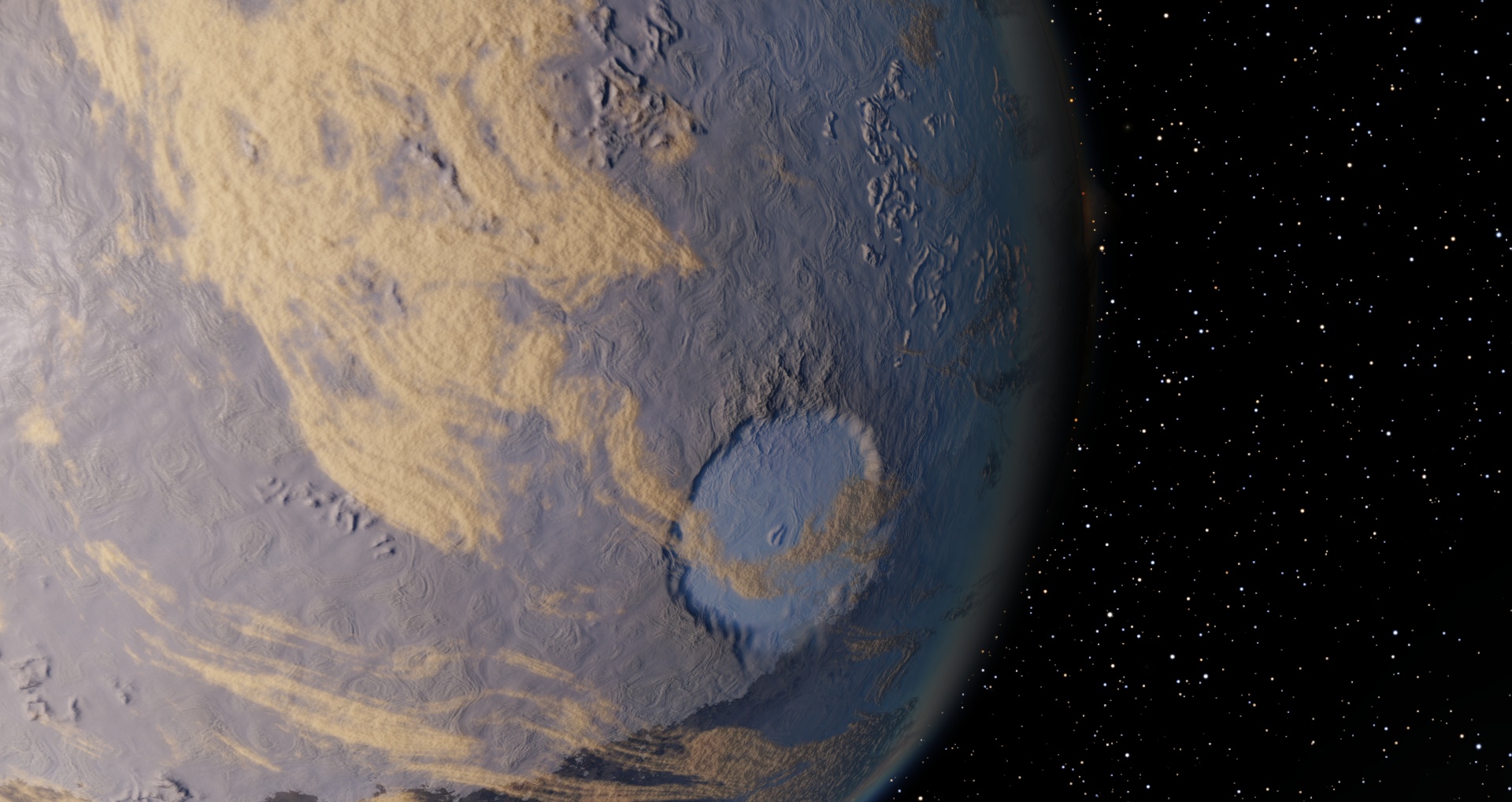


 Germany