|
Work progress and public beta test - 0.9.7.4
|
|
| parameciumkid | Date: Saturday, 21.11.2015, 20:15 | Message # 811 |
 Explorer
Group: Users
 United States
Messages: 277
Status: Offline
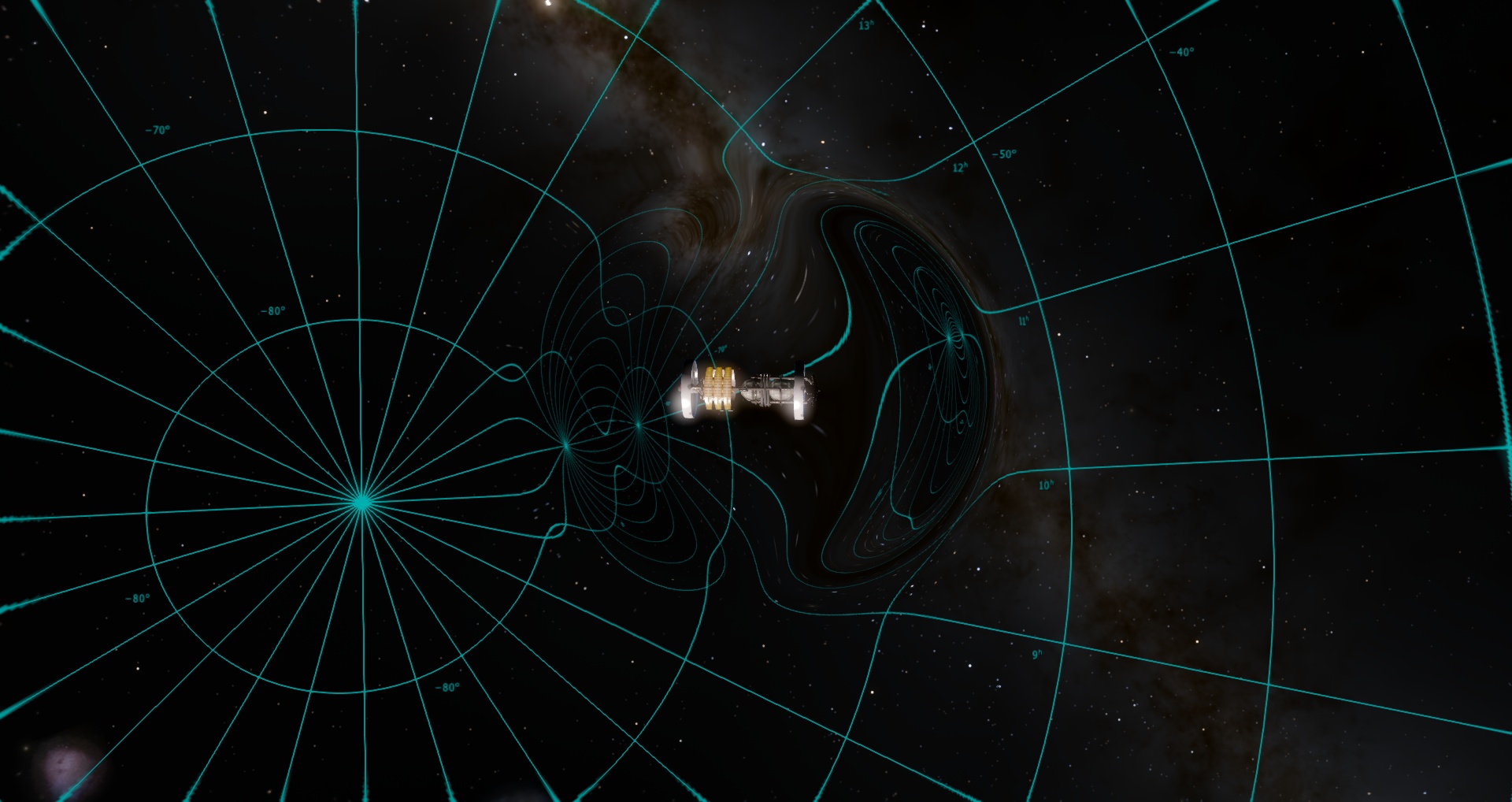
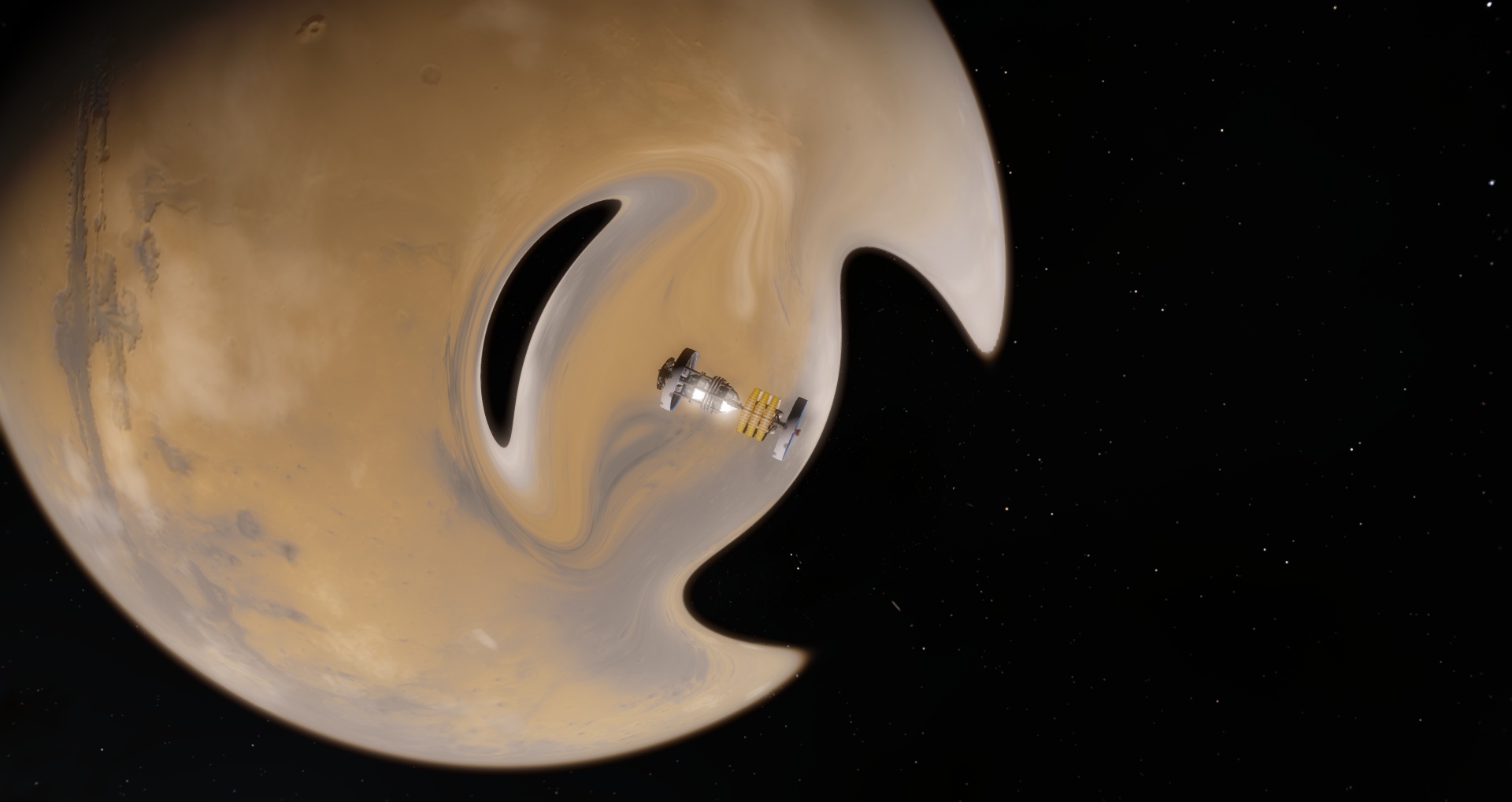
| So does the new black hole have the same problem that the old ones did where, when viewing it up close, multiple duplicate repeating images of stars would appear?
I understand that real black holes can sometimes produce a double image, but the infinite repeating images I've seen in SE occur in regions that have sharp borders in a flower-petal pattern, which based on my own experiments is determined by the shape of the screen. In real life there is no "screen" (presumably), so this shouldn't happen.
Note: Please forgive any instances of the term "black hold" in this post. See, my D key is right next to my E key and has an enormous gravitational pull (perhaps a black hold?) that sucks in my finger and forces it to hit "D" when I mean to hit "E" xP
Intel HD Graphics 4000 ;P
|
| |
| |
| SpaceEngineer | Date: Saturday, 21.11.2015, 21:24 | Message # 812 |
 Author of Space Engine
Group: Administrators
 Russian Federation
Messages: 4800
Status: Offline
| Discussion about the Interstellar movie was moved here

|
| |
| |
| SpaceEngineer | Date: Saturday, 21.11.2015, 21:41 | Message # 813 |
|
Author of Space Engine
Group: Administrators
Russian Federation
Messages: 4800
Status: Offline
| Quote parameciumkid (  ) So does the new black hole have the same problem that the old ones did where, when viewing it up close, multiple duplicate repeating images of stars would appear?
No, and it is the main advantage of new rendering method.
|
| |
| |
|
| Spock1108 | Date: Saturday, 21.11.2015, 22:13 | Message # 815 |
|
Space Tourist
Group: Users
 Antarctica
Messages: 38
Status: Offline
| I downloaded and installed the new version, but the sun and the solar system have disappeared XD I think the problem is the sun ... how do I fix it?
Sorry for my English! ;)
|
| |
| |
| SpaceEngineer | Date: Saturday, 21.11.2015, 22:22 | Message # 816 |
|
Author of Space Engine
Group: Administrators
Russian Federation
Messages: 4800
Status: Offline
| Quote Spock1108 ( ) I downloaded and installed the new version, but the sun and the solar system have disappeared XD I think the problem is the sun ... how do I fix it?
0.974 is the patch, you should install it over 0.973. And 0.973 is also a patch for 0.972 
|
| |
| |
| DeathStar | Date: Saturday, 21.11.2015, 22:23 | Message # 817 |
|
Pioneer
Group: Users
 Croatia
Messages: 515
Status: Offline
| That blueshift effect looks so cool. I'm not too knowledgeable about the Alcuberrie drive or it's physical effects on light, but I assume that at high enough strengths, the light coming to the front of the ship would shift to the microwave/radio spectrum, while light coming to behind would shift to the x-ray/ultraviolet spectrum.
If so is true, I have an idea on how to represent the Cosmic microwave background, but I don't know how feasible it would be.
Make the entire scene (the universe) have a generated-noise background texture that is normally totally invisible(let's say it's transparency is set to maximum or it is completely darkened). Then, when the Alcuberrie drive is on a strong enough level, start making the background visible(by increasing opacity or brightening it).
Again, not sure how feasible it is, but it would be very cool if it would be possible.
|
| |
| |
| Watsisname | Date: Saturday, 21.11.2015, 23:02 | Message # 818 |
 Galaxy Architect
Group: Global Moderators
United States
Messages: 2613
Status: Offline
| Quote SpaceEngineer ( ) Maybe few SE versions later, when I implement the Kerr metric for rotating black holes


|
| |
| |
| FastFourierTransform | Date: Saturday, 21.11.2015, 23:13 | Message # 819 |
 Pioneer
Group: Local Moderators
 Spain
Spain
Messages: 542
Status: Offline
| Quote SpaceEngineer ( ) Maybe few SE versions later, when I implement the Kerr metric for rotating black holes
Yes. I'm also amazed of this!!! 
I like so much this once in a week diary entries of the work in progress. Keep going Vlad!!
|
| |
| |
| SpaceEngineer | Date: Saturday, 21.11.2015, 23:19 | Message # 820 |
|
Author of Space Engine
Group: Administrators
Russian Federation
Messages: 4800
Status: Offline
| Quote DeathStar ( ) If so is true, I have an idea on how to represent the Cosmic microwave background, but I don't know how feasible it would be.
Yes, this could work. Noise texture is not really needed, SMBR spectrum is uniform black body radiation with temperature fluctuations of ~10-5. It's impossible to see them even on highly blueshifted image. CMBR will look just like uniform glow of the sky.
|
| |
| |
| DeathStar | Date: Saturday, 21.11.2015, 23:50 | Message # 821 |
|
Pioneer
Group: Users
Croatia
Messages: 515
Status: Offline
| Quote SpaceEngineer ( ) Yes, this could work. Noise texture is not really needed, SMBR spectrum is uniform black body radiation with temperature fluctuations of ~10-5. It's impossible to see them even on highly blueshifted image. CMBR will look just like uniform glow of the sky.
Great to hear! All those pictures of the CMBR have led me to the false conclusion that the low and high temperature areas have a sharp contrast, hence my suggestion for the (as you pointed out, unnecessary) noise. Even without the noise, though, the CMBR would be nice to have, with space in front of you starting to glow as you travel at intergalactic speeds(or even lower speeds).
|
| |
| |
| Inarius | Date: Sunday, 22.11.2015, 23:24 | Message # 822 |
 Explorer
Group: Local Moderators
 France
Messages: 237
Status: Offline
| That's really great work ! Such details ! Wonderful !
|
| |
| |
| parameciumkid | Date: Monday, 23.11.2015, 04:54 | Message # 823 |
|
Explorer
Group: Users
United States
Messages: 277
Status: Offline
| I love the fact that you're doing doppler effect redshift for the hyperdrive, but allow me to rehash my earlier statement about bright colors.
I DO know that severe doppler effects would cause ultraviolet or infrared light to become visible IRL and that Space Engine does not and is not planned to incorporate these. As a solution, though, rather than simply truncate the red/blue shift and get left with highly saturated blue or red backgrounds, I suggest scaling down or muting the colors so that even if not as severe as would be realistic, it also doesn't look unrealistically oversaturated.
Pursuant to this, I'd like to point out that blueshifting would also drive things toward white and redshifting toward black. I already observed that this is implemented somewhat in the above screenshots, so my suggestion is perhaps trying a little more brightness shift and less color shift.
I could maybe post a picture of what I'm imagining if it helps xP (See below)
Oh, and while I understand an exact warp effect isn't feasible, are you able to implement any degree of reduced field of view a la the black hole upgrade (e.g. the shot looking out from near the event horizon)? From what I've read about relativistic effects, at ludicrous speed the sky in front is reduced to a blinding blue-white point while stars in back fade from red straight to black.
EDIT: Here, this is sort of what I meant:

Rather than shift the colors uniformly toward blue, do some sort of additive color temperature shift so that things get super bright while the bloom and shading shift toward bluish and purplish. If you can, of course. Don't do it if you don't want to; I'm just throwing in my aesthetic opinions after all ;)
Oh, and ignore the fact that the ship(s) are getting shifted too. That's just a random screenshot I had. It more or less represents the camera whooshing toward them rather than the ships themselves moving. And of course it leaves out the part I mentioned about the field of view changing because I couldn't be arsed to write my own shader just for an illustration xD
Intel HD Graphics 4000 ;P
Edited by parameciumkid - Monday, 23.11.2015, 05:17 |
| |
| |
| SpaceEngineer | Date: Monday, 23.11.2015, 06:31 | Message # 824 |
|
Author of Space Engine
Group: Administrators
Russian Federation
Messages: 4800
Status: Offline
| Quote parameciumkid ( ) As a solution, though, rather than simply truncate the red/blue shift and get left with highly saturated blue or red backgrounds, I suggest scaling down or muting the colors so that even if not as severe as would be realistic
There is no "simple truncate", but simulation of hr actual red/blue shift based on some assumption about spectrum. On these screenshots, each pixel is assumed to have sun-like spectrum, so missing data from IR/UV is simple constants in the code. In future updates I plan to make better approach by analyzing of the pixel color to get idea about it's full spectrum (something like conversion RGB -> Planck temperature -> shift -> RGB).
Quote parameciumkid ( ) it also doesn't look unrealistically oversaturated.
Lol did you saw doppler/gravity shift with your eyes, to know which is "realistic"?
Quote parameciumkid ( ) so my suggestion is perhaps trying a little more brightness shift and less color shift.
Brightness change is already based on right formulas, so don't need any tweaks. Aesthetics have nothing to do with real nature.
Quote parameciumkid ( ) Oh, and while I understand an exact warp effect isn't feasible, are you able to implement any degree of reduced field of view a la the black hole upgrade (e.g. the shot looking out from near the event horizon)? From what I've read about relativistic effects, at ludicrous speed the sky in front is reduced to a blinding blue-white point while stars in back fade from red straight to black.
Ships in SE are moving using warp drive, not subluminal flight. Wiew from inside the warp bubble also shows effect of field of view shrinking, but without raytracing in real Alcubierre metrics it's hard to implement.
Also, ship movement required updating of the skybox texture each frame. This is heavy operation currently, on my system FPS drops from 300 to 3 in interstellar flight. So I probably will be forced to change back to old method of recontruction of the missing frame data (mirror repeat of the frame texture instead of using skybox in the offscreen areas of the warped image).
|
| |
| |
| n0b0dy | Date: Monday, 23.11.2015, 19:23 | Message # 825 |
 Explorer
Group: Users
 Pirate
Messages: 297
Status: Offline
| SpaceEngineer, can you have a look at this please. Thank You .
|
| |
| |
 ENG
ENG New site


 United States


 Russian Federation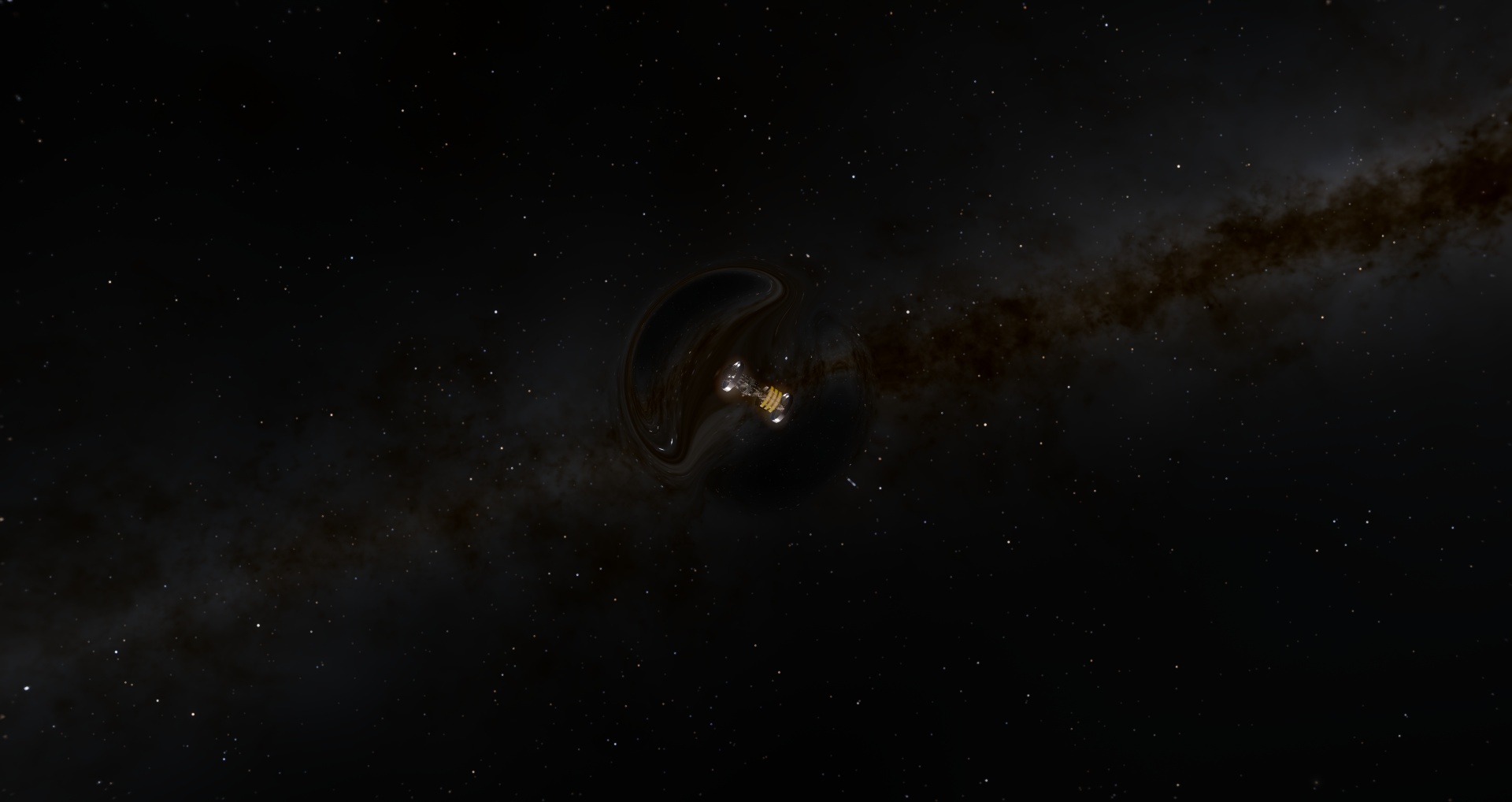


 Antarctica
  Croatia

 Spain
Spain  France
 Pirate