|
Work progress and public beta test - 0.9.7.4
|
|
| SpaceEngineer | Date: Monday, 16.05.2016, 12:01 | Message # 2566 |
 Author of Space Engine
Group: Administrators
 Russian Federation
Messages: 4800
Status: Offline
| Quote Mixa (  ) So about 10 more years and engine will be considered done, right? Though, it can be built upon even then.
I think 2045 is more real date. After arising of advanced AI, it will finish SE within 0.1 seconds and start moving humans into VR prison.

Quote meegja ( ) Tried 0.974 now and having issues with stutter/lag or what ever that is called in English Main issue is that it all "jumps" a bit every second or so when moving. See Youtube URL below for example.
Do you use "super" planet shine? Try to set it no "normal".

|
| |
| |
| meegja | Date: Monday, 16.05.2016, 12:32 | Message # 2567 |
|
Space Tourist
Group: Users
 Netherlands
Messages: 32
Status: Offline
| Quote SpaceEngineer ( ) Do you use "super" planet shine? Try to set it no "normal".
I got my issue resolved: on my system I have stutters en micro pause in SE 0.9.7.4 when the Vertical Synchronization in the game is enabled. If I disable that in-game and enable in the Nvidia Control Panel, then it all runs smooth as silk 
Always be yourself (unless you suck)
Intel i5 4690k 3.5 GHz, 16 GB DDR3 2400 RAM, MSI GTX 1080 Founders Edition
|
| |
| |
| meegja | Date: Monday, 16.05.2016, 12:42 | Message # 2568 |
|
Space Tourist
Group: Users
Netherlands
Messages: 32
Status: Offline
| Got a tiny bug (I think): I disabled (removed the tick mark) in the Graphics part for Lens flares. But now it can not be turned on again: when going to the part to mark it again, it is not possible. The pointer does change at the mark but it's the "movement pointer".
Had to go into user.cfg and set EnableLensFlareGhosts to True again and then the tick mark is back also in-game.
Always be yourself (unless you suck)
Intel i5 4690k 3.5 GHz, 16 GB DDR3 2400 RAM, MSI GTX 1080 Founders Edition
|
| |
| |
| JackDole | Date: Monday, 16.05.2016, 13:28 | Message # 2569 |
 Star Engineer
Group: Local Moderators
 Germany
Messages: 1742
Status: Offline
| Quote meegja ( ) Got a tiny bug (I think): I disabled (removed the tick mark) in the Graphics part for Lens flares. But now it can not be turned on again: when going to the part to mark it again, it is not possible. The pointer does change at the mark but it's the "movement pointer".
Had to go into user.cfg and set EnableLensFlareGhosts to True again and then the tick mark is back also in-game.
This bug has already been mentioned earlier, and it is, as far as I know, already corrected for the next release.
For now, you could create a keyboard shortcut for it.
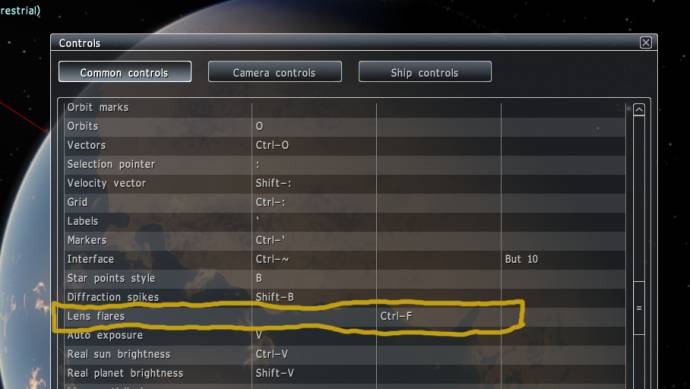
So you can the lens flares toggle on and off.
Don't forget to look here.

|
| |
| |
| HarbingerDawn | Date: Monday, 16.05.2016, 19:10 | Message # 2570 |
 Cosmic Curator
Group: Administrators
 United States
Messages: 8717
Status: Offline
| Quote The_Blazer ( ) flickering bug
Are there two stars eclipsing in the system, or a planet eclipsing a star?
All forum users, please read this!
My SE mods and addons
Phenom II X6 1090T 3.2 GHz, 16 GB DDR3 RAM, GTX 970 3584 MB VRAM
|
| |
| |
| The_Blazer | Date: Monday, 16.05.2016, 20:48 | Message # 2571 |
|
Space Tourist
Group: Users
 Italy
Italy
Messages: 34
Status: Offline
| Quote HarbingerDawn ( ) Are there two stars eclipsing in the system, or a planet eclipsing a star?
There are a yellow dwarf and a red dwarf orbiting a common barycenter. Now that you mention it, fast-forwarding the time by a few months places the stars further apart (from the point of view of the bugged planet), which in turn "fixes" the flickering bug. Maybe it was caused by the two stars eclipsing each other at a huge distance away, so SE couldn't resolve their illumination properly?
Born too early to explore space... But just in time for Space Engine.
PC Specs:
GTX 770 (2GB VRAM) - i5 4570 - 8GB RAM
|
| |
| |
| HarbingerDawn | Date: Monday, 16.05.2016, 21:26 | Message # 2572 |
|
Cosmic Curator
Group: Administrators
United States
Messages: 8717
Status: Offline
| This is an old bug in SE, one of the oldest. Just ignore it.
All forum users, please read this!
My SE mods and addons
Phenom II X6 1090T 3.2 GHz, 16 GB DDR3 RAM, GTX 970 3584 MB VRAM
|
| |
| |
| SpaceHopper | Date: Tuesday, 17.05.2016, 14:10 | Message # 2573 |
 Explorer
Group: Users
United States
Messages: 186
Status: Offline
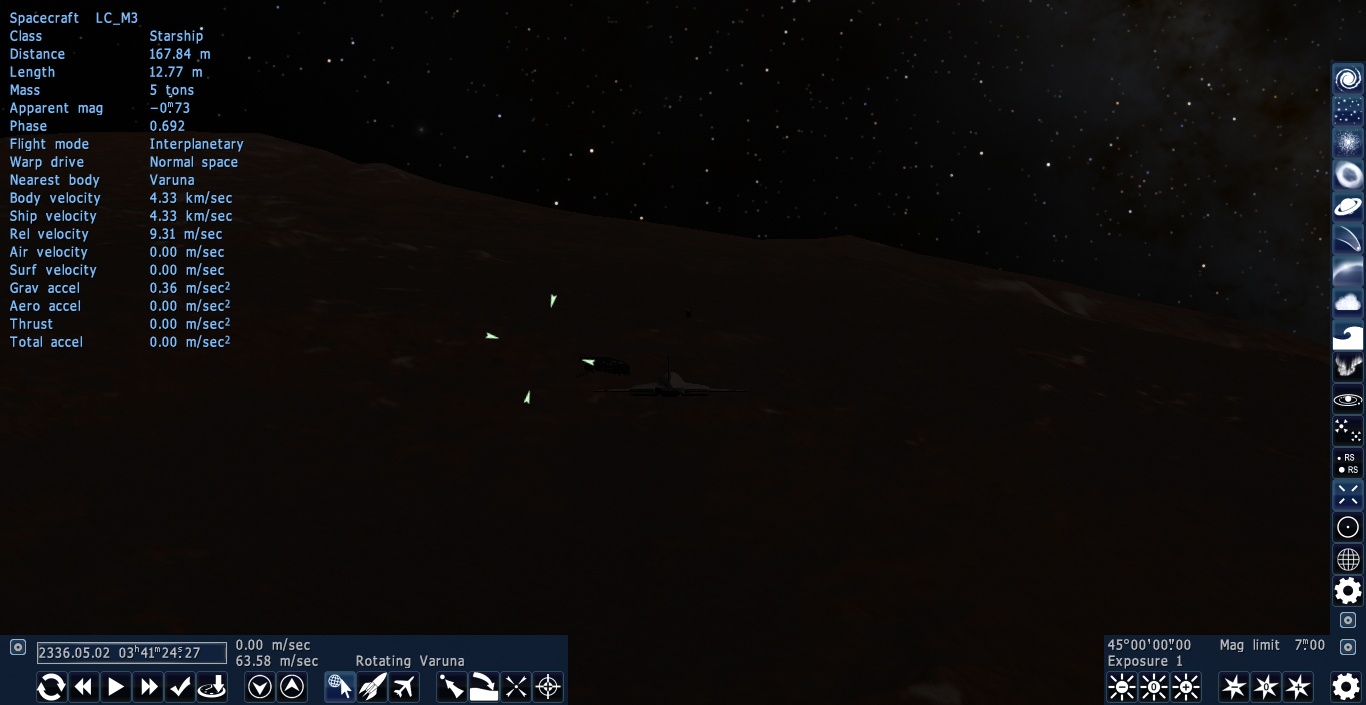
| When I build spaceships, their images appear off-center:
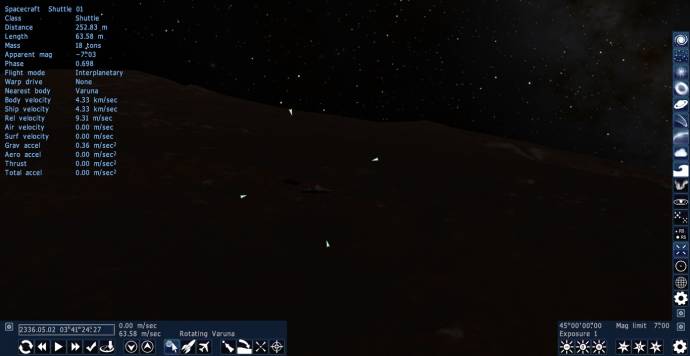
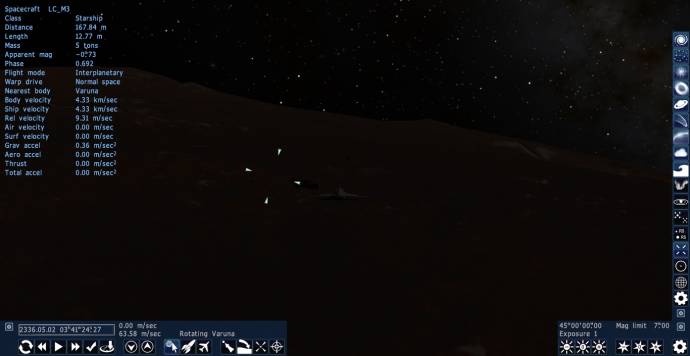
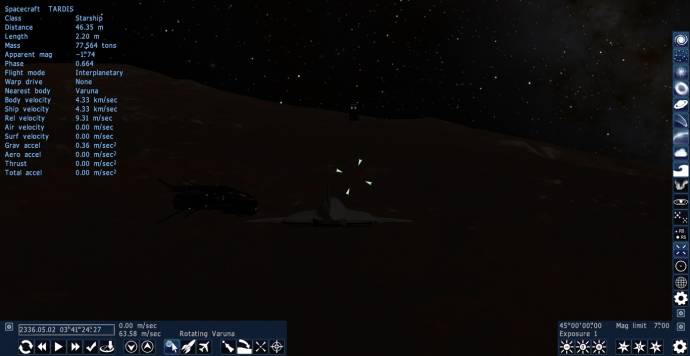
Does anyone know what causes this problem? I don't think I've ever seen it in previous SE editions.
Edit: Oh, and by the way, how does one enable cheat mode? I want to able to use "Teleport here" for my spaceships again.
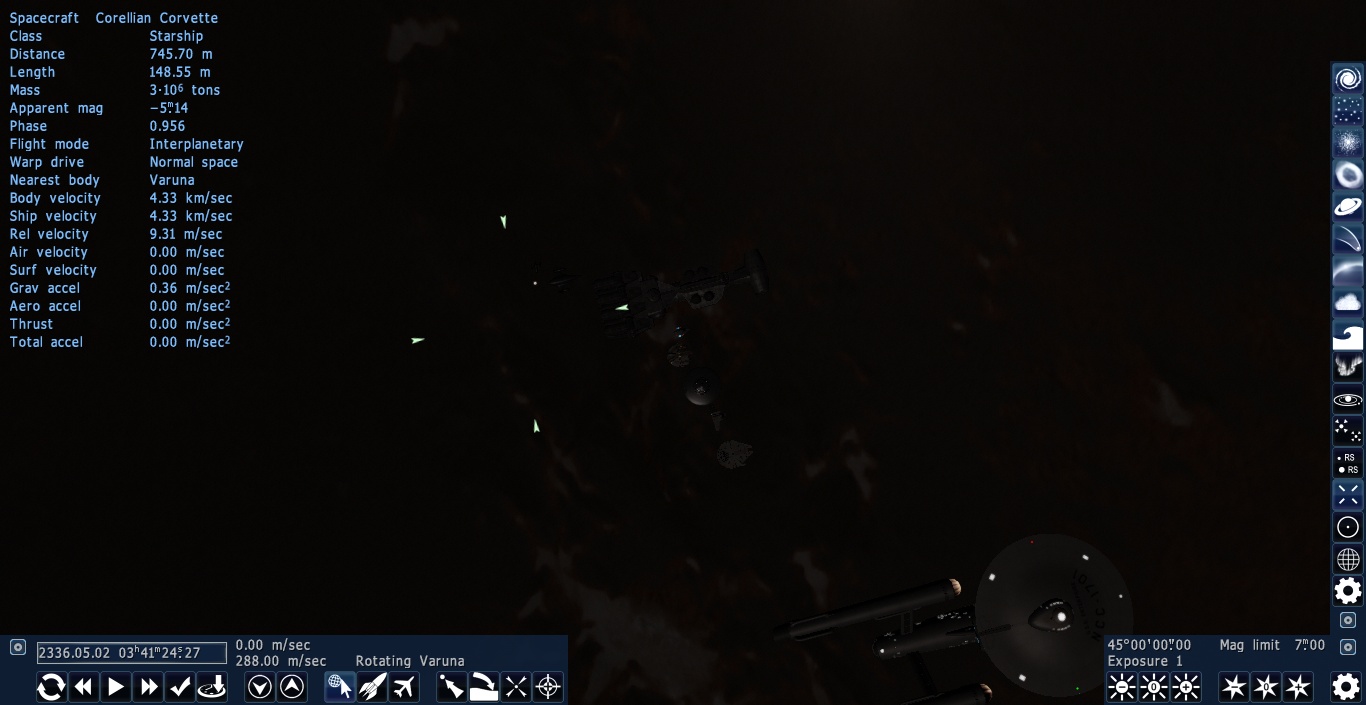
Edit 2: I just found out, this applies to large spaceships too, and here's a bird's eye-view of the problem:

3.14% of all seafarers are PIrates.
***
Got Mole Problems? Call Avogadro at 602-1023
***
Google Search my picture to discover whom it depicteth.
Edited by SpaceHopper - Tuesday, 17.05.2016, 14:23 |
| |
| |
| HarbingerDawn | Date: Tuesday, 17.05.2016, 18:24 | Message # 2574 |
|
Cosmic Curator
Group: Administrators
United States
Messages: 8717
Status: Offline
| Quote SpaceHopper ( ) Oh, and by the way, how does one enable cheat mode? I want to able to use "Teleport here" for my spaceships again.
Open console, type "enablecheats", press enter.
Quote SpaceHopper ( ) Does anyone know what causes this problem?
Unpause time.
All forum users, please read this!
My SE mods and addons
Phenom II X6 1090T 3.2 GHz, 16 GB DDR3 RAM, GTX 970 3584 MB VRAM
|
| |
| |
| OMGspace_engine | Date: Thursday, 19.05.2016, 00:19 | Message # 2575 |
|
Observer
Group: Users
 Brazil
Messages: 19
Status: Offline
| Space Engineer, just for curiosity, what C++ IDE and compiler do you use?
|
| |
| |
| Alexis | Date: Thursday, 19.05.2016, 13:37 | Message # 2576 |
|
Observer
Group: Users
 France
Messages: 16
Status: Offline
| Hey, is it normal that the Shuttle is impossible to dock? I thought the port was on the tail, but it still say I am 15 meters and 90° away, is the port misplaced? The Skylone work well though.
|
| |
| |
| JCandeias | Date: Thursday, 19.05.2016, 14:49 | Message # 2577 |
 Pioneer
Group: Translators
 Portugal
Messages: 387
Status: Offline
| Allright, I sorted out my main issue. Turns out there was, within my addons folder, a very old copy of the solar system definitions, under a different name, which I had used years ago to make some tests and had simply removed from the universe.cfg definitions and completely forgotten. As I copied my addons to the newly installed version, it too got copied, and now that we no longer need to define everything in universe.cfg, it caused trouble.
So the only issue I have left is a bug that turns the central star (whatever its class may be) into a brown dwarf when the system includes a brown dwarf in a planetary orbit. As was the case in the old SolarSys3000 addon. When there's a barycenter defined, all is fine, but some very low mass brown dwarfs shouldn't need a barycenter, since they behave basically as overly massive giant planets.
They let me use this!
|
| |
| |
| SpaceHopper | Date: Thursday, 19.05.2016, 19:34 | Message # 2578 |
|
Explorer
Group: Users
United States
Messages: 186
Status: Offline
| Quote HarbingerDawn ( ) Unpause time.
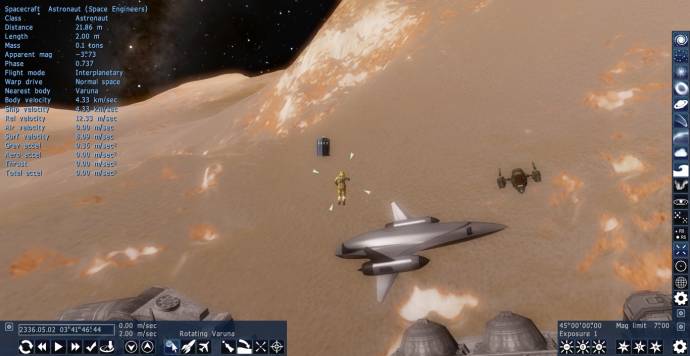
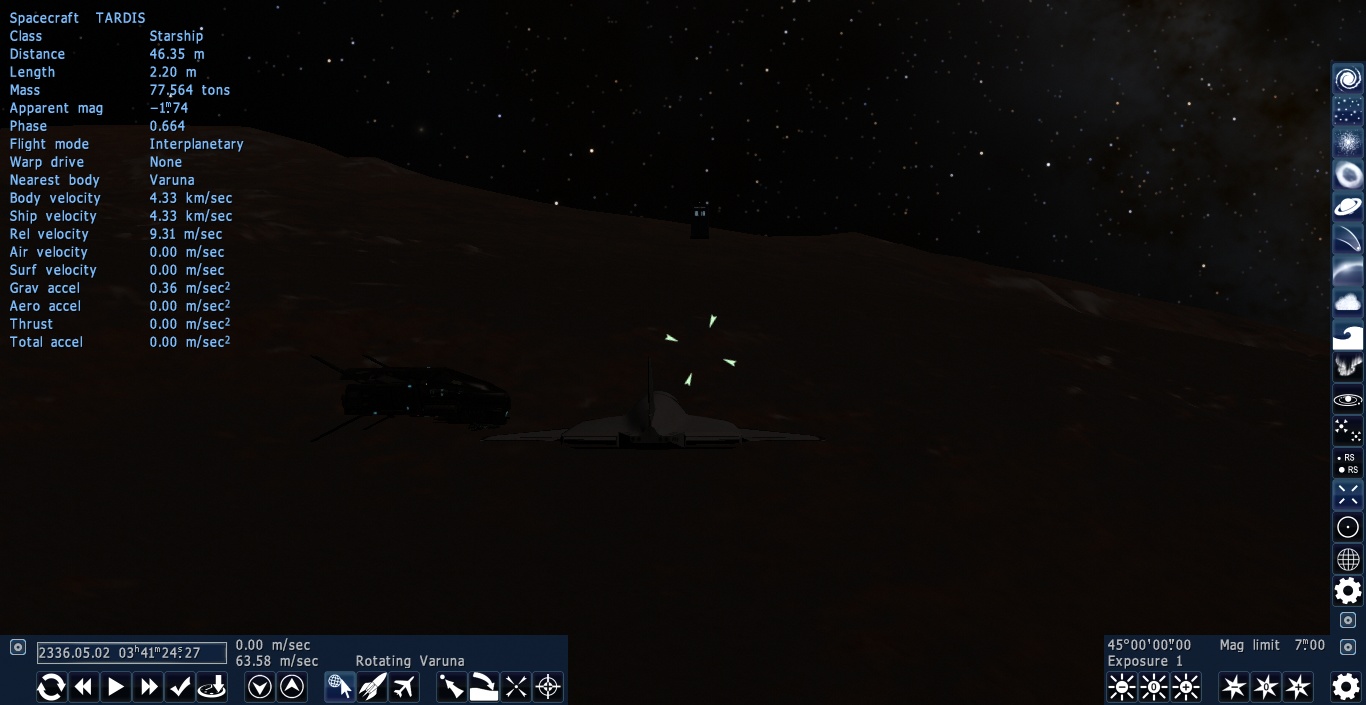
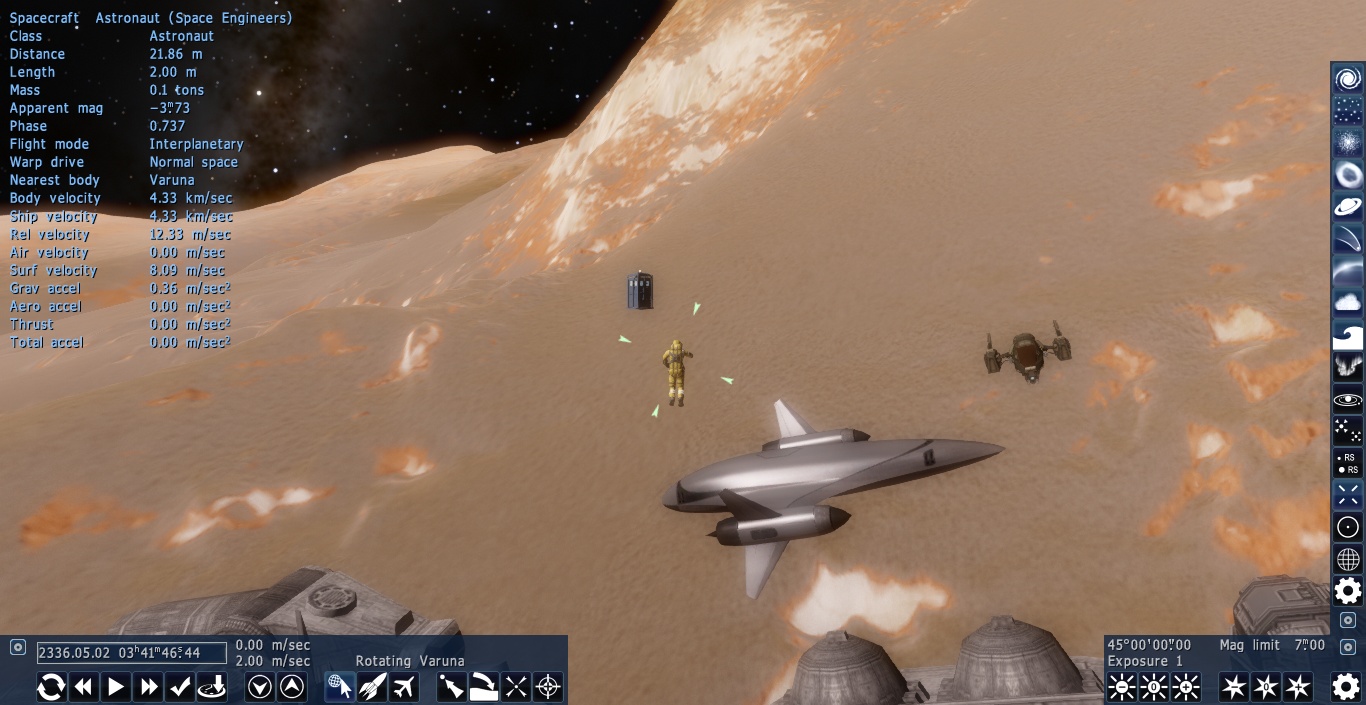
It fixed the other spaceships, but it didn't fix the TARDIS.

This problem doesn't seem to have to do with size, as the SpaceEngineers astronaut (who I believe is slightly smaller) is okay:
3.14% of all seafarers are PIrates.
***
Got Mole Problems? Call Avogadro at 602-1023
***
Google Search my picture to discover whom it depicteth.
|
| |
| |
| Hornblower | Date: Thursday, 19.05.2016, 20:38 | Message # 2579 |
 World Builder
Group: Users
United States
Messages: 714
Status: Offline
| For some reason, my game crashes and my computer says "Display driver stopped responding and has recovered successfully recovered." I have a NVIDIA GeForce GTX 750 Ti and I'm running it on Windows 10
|
| |
| |
| hanvulansia | Date: Thursday, 19.05.2016, 20:47 | Message # 2580 |
 Observer
Group: Users
 Spain
Spain
Messages: 13
Status: Offline
| Quote Hornblower ( ) For some reason, my game crashes and my computer says "Display driver stopped responding and has recovered successfully recovered." I have a NVIDIA GeForce GTX 750 Ti and I'm running it on Windows 10
I have the same card and the same OS and I don't have this problem. It only happened when the computer was busy with other things while using SE. Maybe you have old drivers or your resources are busy, check it.
Edited by hanvulansia - Thursday, 19.05.2016, 20:48 |
| |
| |
 ENG
ENG New site


 Russian Federation


 Netherlands

 Germany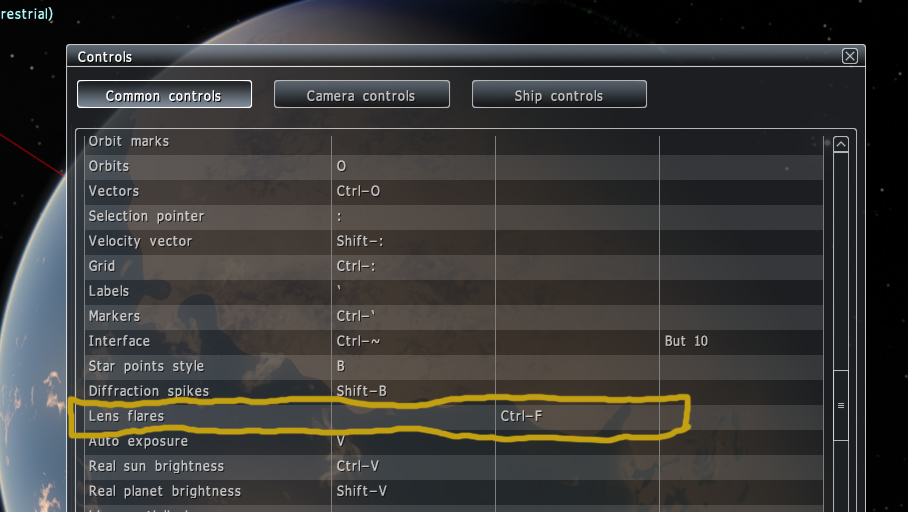
 United States
  Italy
Italy 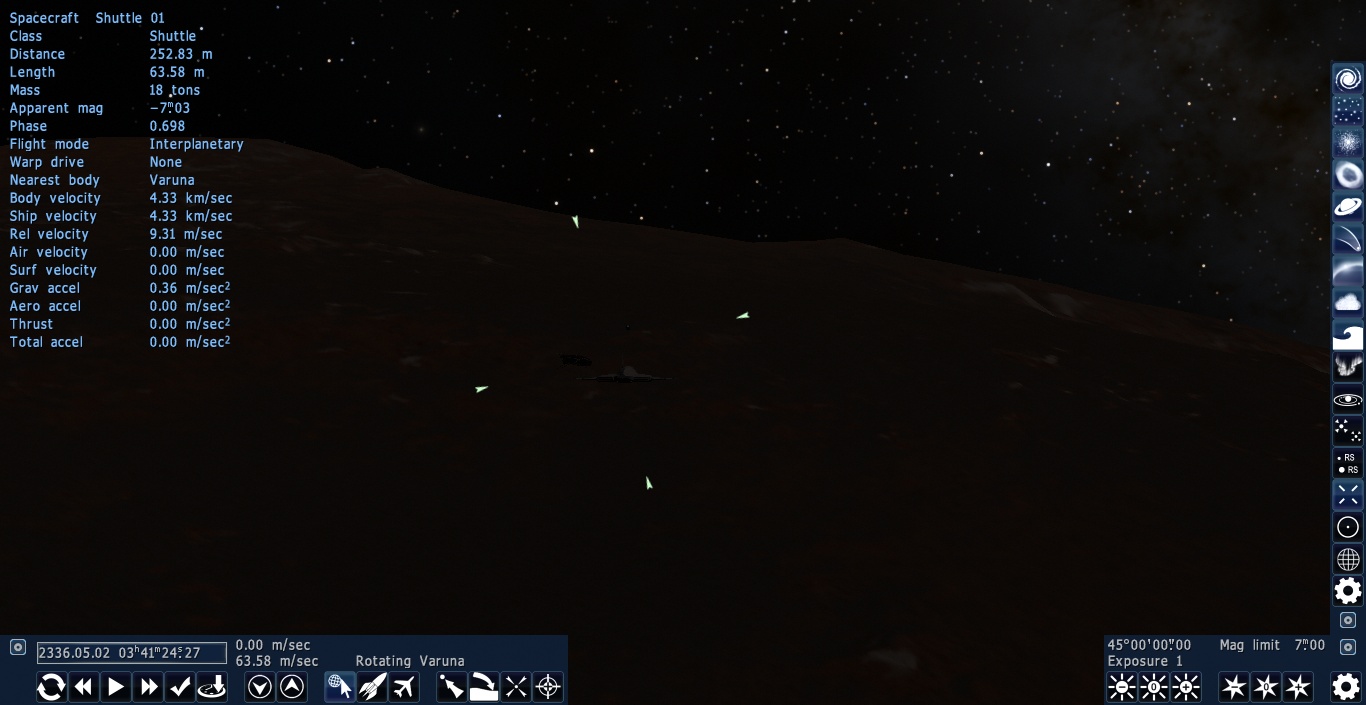
 Brazil
  France
 Portugal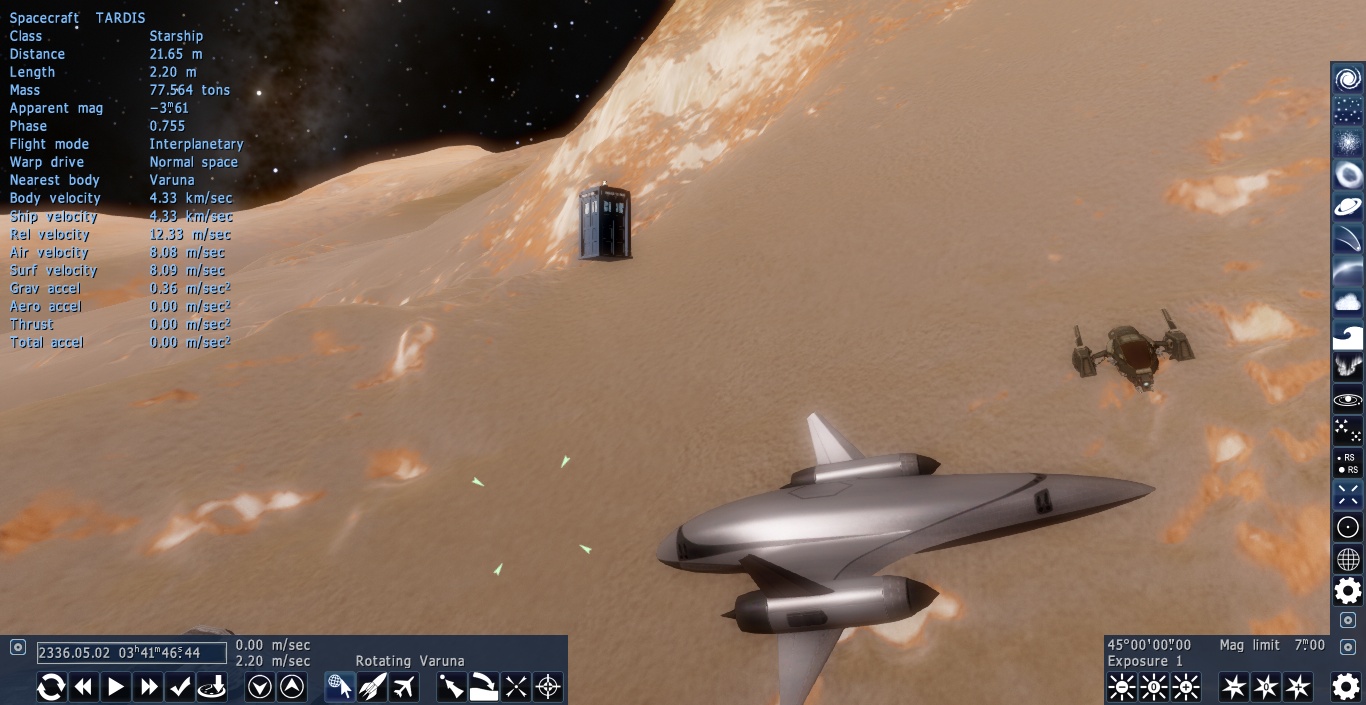
 Spain
Spain