|
Bug Reports for Version 0.95
|
|
| Vinny1000000 | Date: Monday, 19.12.2011, 01:11 | Message # 91 |
|
Observer
Group: Newbies
 United States
Messages: 8
Status: Offline
| Hi, spaceEngineer!
When I try to setup the new drivers, I got an error message saying AMD Catalyst cannot be downloaded due to incompatible hardware/software on my computer.
The version number of my graprics adapter is not supported.
Then it says Contact your notebook manufacturer for a graphics driver update.
what's the other technique? Thanks
Cheers,
Vincent
|
| |
| |
| SpaceEngineer | Date: Monday, 19.12.2011, 10:45 | Message # 92 |
 Author of Space Engine
Group: Administrators
 Russian Federation
Messages: 4800
Status: Offline
| Maybe you have very old graphics card? Can you see what the model is in desktop properties?
*

|
| |
| |
| Vinny1000000 | Date: Monday, 19.12.2011, 18:51 | Message # 93 |
|
Observer
Group: Newbies
United States
Messages: 8
Status: Offline
| Hi, spaceEngine!
The graphics card is not that old. I bought the laptop in September 2011 which is 3 months ago. The laptop graphics card is the Radeon 6770M.
Cheers,
Vincent
|
| |
| |
| DevonX | Date: Monday, 19.12.2011, 20:46 | Message # 94 |
 Space Pilot
Group: Users
 Norway
Messages: 113
Status: Offline
| I rely like the work that you have done to eliminate the crashes in 0.95. I rarely crash anymore. There have been some crashes when loading the mesh / textures of the planets. Ill leave the crash log here.
Edited by DevonX - Monday, 19.12.2011, 20:47 |
| |
| |
| SpaceEngineer | Date: Tuesday, 20.12.2011, 00:23 | Message # 95 |
|
Author of Space Engine
Group: Administrators
Russian Federation
Messages: 4800
Status: Offline
| ERROR: TLandQuadtree::PassNode(): Unexpected deleting of child node!
This is the last crash bug (I hope). It will be fixed in next version or patch.
*
|
| |
| |
| SpaceEngineer | Date: Tuesday, 20.12.2011, 00:35 | Message # 96 |
|
Author of Space Engine
Group: Administrators
Russian Federation
Messages: 4800
Status: Offline
| @ Vinny1000000, Well, it seems your grapics card simply has low performance. Did you test some modern games, how do they run on your system?
*
|
| |
| |
| Vinny1000000 | Date: Tuesday, 20.12.2011, 01:18 | Message # 97 |
|
Observer
Group: Newbies
United States
Messages: 8
Status: Offline
| Hi, spaceEngineer!
The modern games like Evochron Mercenary Which is also a space sim runs just fine on Radeon 6770M graphics card. And like I said, my Radeon HD 6770M graphics card have 768 MB of VRAM.
Cheers,
Vincent
|
| |
| |
| SpaceEngineer | Date: Tuesday, 20.12.2011, 11:52 | Message # 98 |
|
Author of Space Engine
Group: Administrators
Russian Federation
Messages: 4800
Status: Offline
| Vinny1000000
So, I can't give you an answer why SE runs so slowly on your PC. Try disabling rendering some objects in F4 menu, and some effects in Ctrl-F4 menu, then see what effect it has...
*
|
| |
| |
| DevonX | Date: Tuesday, 20.12.2011, 16:17 | Message # 99 |
|
Space Pilot
Group: Users
Norway
Messages: 113
Status: Offline
| Ok this is strange lol. I closed the program because i was afraid it would crash so the position would be saved. I was in a nebula at the moment but when i reopened the program everything went black, so i closed the program and opened it again. I could see the stars now but no planets, and there was a blue lens-flare that was fixed to the left side of the screen wherever i turned.
I closed the program and opened it again and it was all black again, then i clicked the star in that i did last visit and clicked go. I thought i was in the same place when i closed the program but that was not the case. And now i don't know what is happening, it seems to only get worse every time i open the program.
(The black screen)
Edited by DevonX - Tuesday, 20.12.2011, 16:18 |
| |
| |
| SpaceEngineer | Date: Tuesday, 20.12.2011, 16:34 | Message # 100 |
|
Author of Space Engine
Group: Administrators
Russian Federation
Messages: 4800
Status: Offline
| This bug is related to stars in nebulae. Strange, very strange... In previous version stars in nebulae didn't get any bugs.
Do you get a black screen every time you run SE? If so, open user.cfg and reset saved coordinates:
Code
UserRefBody "" // reference body name
UserRefBodyParent "" // reference body's parent name
UserAbsPosition (0, 0, 0) // universal coordinates
UserRelPosition (0, 0, 0) // coordinates relative to ref body center
UserRotation (1, 0, 0, 0) // orientation quaternion
UserVelocity 1.200898638907141e-012 // default velocity
UserDate "2011.12.12 23:55:04.71" // Greenwich time
UserMode "Follow" // binding mode: Free/Follow/SyncRot
UserTimeScale 0 // time scale
*
|
| |
| |
| DevonX | Date: Tuesday, 20.12.2011, 17:38 | Message # 101 |
|
Space Pilot
Group: Users
Norway
Messages: 113
Status: Offline
| Quote (SpaceEngineer) Do you get a black screen every time you run SE?
No its just when i'm in the nebulae and its kinda random when it happens. Here is my user.cfg file too if you need it
Edited by DevonX - Tuesday, 20.12.2011, 17:40 |
| |
| |
| Duke | Date: Tuesday, 20.12.2011, 18:53 | Message # 102 |
|
Space Pilot
Group: SE team
 Antarctica
Messages: 88
Status: Offline
| @ Vinny1000000, Can you post "se.log" log file from the root folder of the SE program.
|
| |
| |
| Vinny1000000 | Date: Tuesday, 20.12.2011, 22:05 | Message # 103 |
|
Observer
Group: Newbies
United States
Messages: 8
Status: Offline
| @ SpaceEngineer, Okay, I'll give it a try and see if that helps. Thanks!
@ Duke, How do I send the SE.log to the forum? Thanks!
Cheers,
Vincent
|
| |
| |
| Duke | Date: Tuesday, 20.12.2011, 22:15 | Message # 104 |
|
Space Pilot
Group: SE team
Antarctica
Messages: 88
Status: Offline
| Vinny1000000
Just attach it to post as a file.
Edited by Duke - Tuesday, 20.12.2011, 22:16 |
| |
| |
| Vinny1000000 | Date: Wednesday, 21.12.2011, 06:55 | Message # 105 |
|
Observer
Group: Newbies
United States
Messages: 8
Status: Offline
| Hi, Duke!
Got it! I'll be doing that in several days, I'm kind of busy right now. I'll post you a file as soon as I can. Thanks!
Cheers,
Vincent
|
| |
| |
 ENG
ENG New site


 United States


 Russian Federation
 Norway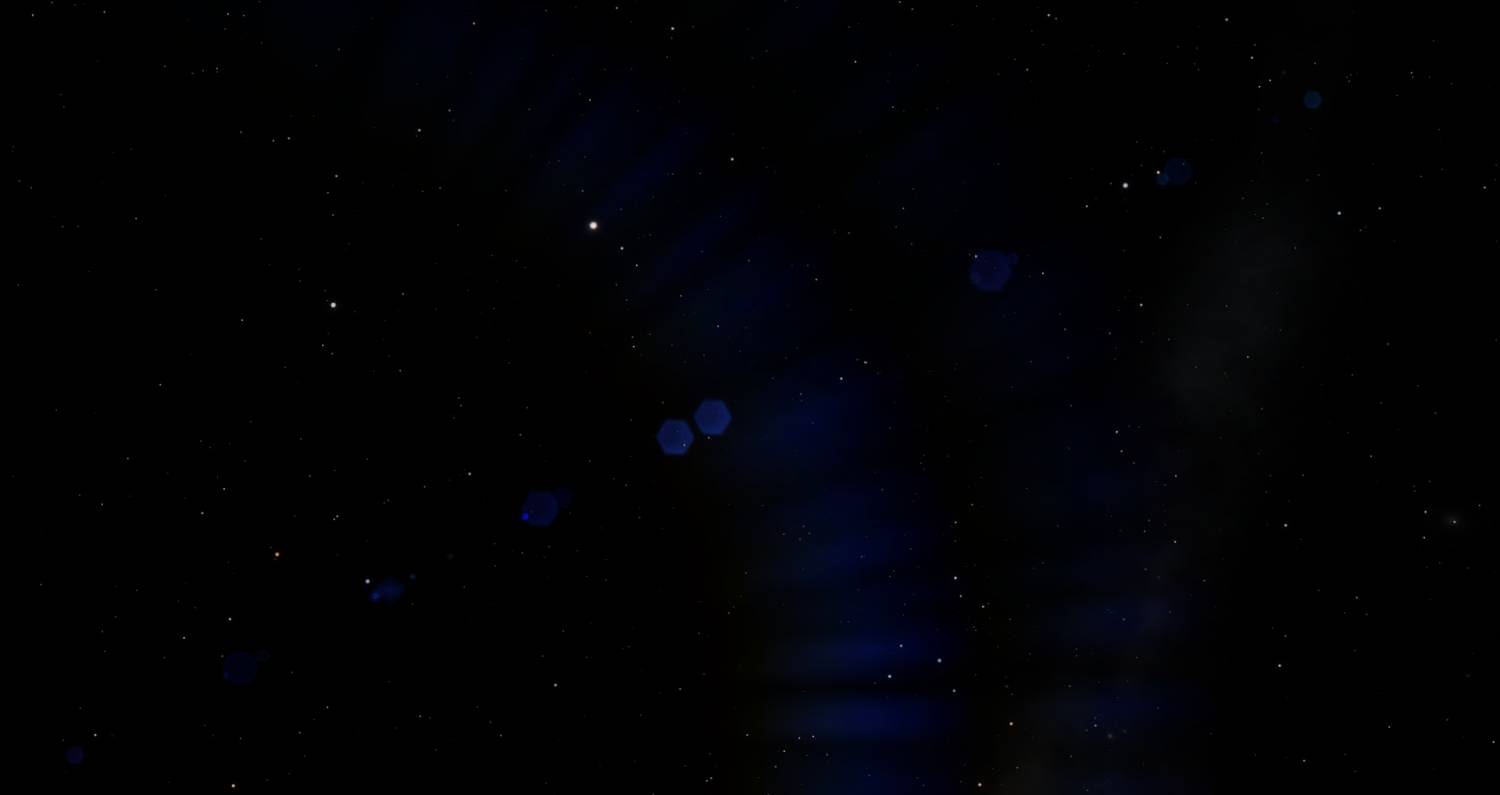


 Antarctica