|
Skybox and procedural planetary texture exporting
|
|
| HarbingerDawn | Date: Monday, 14.01.2013, 09:42 | Message # 46 |
 Cosmic Curator
Group: Administrators
 United States
Messages: 8717
Status: Offline
| Quote (Jabberwockxeno6109) What does it do?
It exports the catalog script for the entire system.
Quote (Jabberwockxeno6109) And I can't think of a practical application for the export skybox command, unless you want to use it for a 3d scene or for another game.
That's exactly what it's for. Not every feature of SE will be useful to every person.
All forum users, please read this!
My SE mods and addons
Phenom II X6 1090T 3.2 GHz, 16 GB DDR3 RAM, GTX 970 3584 MB VRAM
|
| |
| |
|
| HarbingerDawn | Date: Monday, 13.05.2013, 21:37 | Message # 48 |
|
Cosmic Curator
Group: Administrators
United States
Messages: 8717
Status: Offline
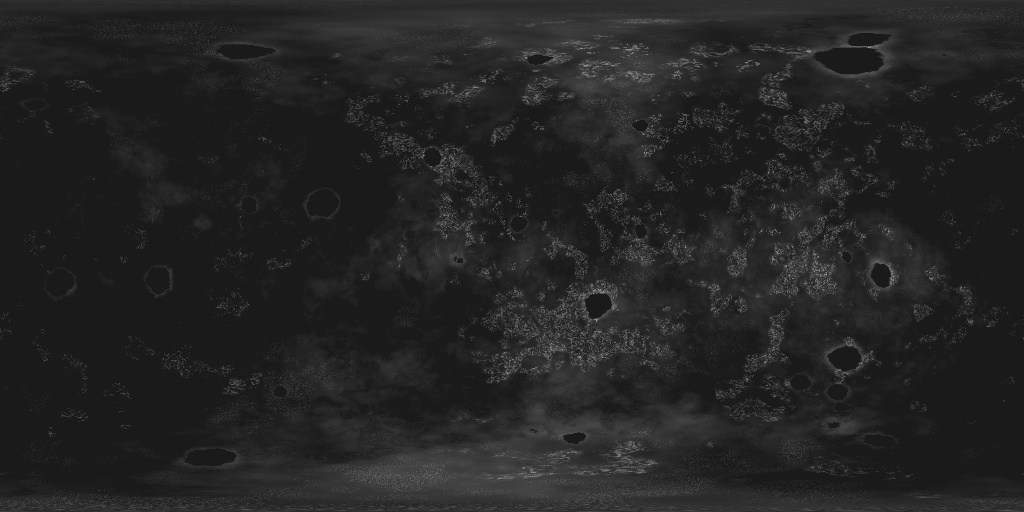
| Tim, it was mentioned somewhere that there is a bug with exporting surface maps in the present version. Also, the color surface (diffuse) map will have the land as transparent and the water as opaque so you will need to use an advanced image editor like Photoshop or GIMP if you want to remove the alpha channel properly and have only the RGB information.
All forum users, please read this!
My SE mods and addons
Phenom II X6 1090T 3.2 GHz, 16 GB DDR3 RAM, GTX 970 3584 MB VRAM
|
| |
| |
| Tim | Date: Monday, 13.05.2013, 22:23 | Message # 49 |
 Explorer
Group: Users
 Belgium
Messages: 296
Status: Offline
| Ah, okay, thanks.
|
| |
| |
| SpaceEngineer | Date: Tuesday, 14.05.2013, 13:16 | Message # 50 |
 Author of Space Engine
Group: Administrators
 Russian Federation
Messages: 4800
Status: Offline
| No, this version doesn't export RGBA textures, only RGB. But it have a bug - only first exporting works normally, all next attempts gives such black filled land. You must restart SE and export again.

|
| |
| |
| QuietlyConident | Date: Monday, 20.05.2013, 21:12 | Message # 51 |
|
Astronaut
Group: Users
 United Kingdom
Messages: 54
Status: Offline
| Is there a step by step guide in Photoshop or GIMP on how to make it work now that the oceans can be coloured up?
|
| |
| |
| SpaceEngineer | Date: Tuesday, 21.05.2013, 12:04 | Message # 52 |
|
Author of Space Engine
Group: Administrators
Russian Federation
Messages: 4800
Status: Offline
| Just tick the checkbos in the export menu. But take in mind that current version have a bug, so it exports textures normally only once. You must restart SE to export them again.
|
| |
| |
| Disasterpiece | Date: Tuesday, 21.05.2013, 20:59 | Message # 53 |
 World Builder
Group: Users
United States
Messages: 640
Status: Offline
| Quote (SpaceEngineer) Just tick the checkbos in the export menu. But take in mind that current version have a bug, so it exports textures normally only once. You must restart SE to export them again.
Does this always happen? I have been able to export normally as many times as I want.
I play teh spase engien
|
| |
| |
| Kviki | Date: Saturday, 25.05.2013, 22:07 | Message # 54 |
 Explorer
Group: SE team
 Croatia
Messages: 289
Status: Offline
| Here's how the export skybox looks like to me. Note the screen in the middle, that screen keeps flickering with the planet (that planet is the planet I'm nearby, you can see its atmosphere in the screens around it) popping in every half a second, and note the actual surface showing beneath the artifacts on the atmosphere.
edit: the flickering planet also appears when I enabled fish eye perspective
 
Edited by Kviki - Saturday, 25.05.2013, 22:13 |
| |
| |
| Freak2121 | Date: Sunday, 26.05.2013, 19:17 | Message # 55 |
 Space Pilot
Group: Users
 Canada
Messages: 89
Status: Offline
| I have that problem as well, it's quite annoying.
Intel Core i5 @ 4.534GHz
8GBs of DDR3 RAM @ 1600mhz
EVGA GTX970 SSC
Windows 7 64-bit
|
| |
| |
| RockoRocks | Date: Monday, 12.08.2013, 18:11 | Message # 56 |
 World Builder
Group: Users
Belgium
Messages: 674
Status: Offline
| I don't completely understand this. I can't find a cache/export folder. Please help?!
I will be inactive on this forum for the time being. Might come back eventually
AMD AR-3305M APU w/ Radeon HD 1.90 GHz 6,00 GB RAM
|
| |
| |
| anonymousgamer | Date: Monday, 12.08.2013, 18:17 | Message # 57 |
 World Builder
Group: Global Moderators
United States
Messages: 1011
Status: Offline
| They're in the root folder, where all the other folders (screenshots, system, models, etc) are.
Desktop: FX-8350 4.0 GHz, 8 GB DDR3 RAM, EVGA GeForce GTX 1080 FTW 8 GB, 2 TB HDD, 24 inch 1920x1080 screen
Laptop: Core i5 480M 2.66 GHz (turbo 2.93), 8 GB DDR3 RAM, AMD Radeon HD 6550m 1 GB, 640 GB HDD, 17.3 inch 1600x900 screen
|
| |
| |
| RockoRocks | Date: Monday, 12.08.2013, 18:22 | Message # 58 |
|
World Builder
Group: Users
Belgium
Messages: 674
Status: Offline
| I still don't understand. Where is the root folder located? Could you give me a precize of location or a quick tutorial on exporting your textures? Because I do not understand how.
I will be inactive on this forum for the time being. Might come back eventually
AMD AR-3305M APU w/ Radeon HD 1.90 GHz 6,00 GB RAM
|
| |
| |
| HarbingerDawn | Date: Monday, 12.08.2013, 19:11 | Message # 59 |
|
Cosmic Curator
Group: Administrators
United States
Messages: 8717
Status: Offline
| Export folder is RIGHT THERE, in the root SE directory. If it doesn't exist then you haven't exported anything from SE yet.

All forum users, please read this!
My SE mods and addons
Phenom II X6 1090T 3.2 GHz, 16 GB DDR3 RAM, GTX 970 3584 MB VRAM
|
| |
| |
| fmilluminatus | Date: Sunday, 08.12.2013, 05:23 | Message # 60 |
|
Observer
Group: Newbies
United States
Messages: 5
Status: Offline
| Ok, so I read this entire thread and it's missing one thing - HOW DO YOU EXPORT A CUSTOM TEXTURE??? There's no indication of what button to press or where this is located in the interface. I see that everyone somehow magically knows how to do this, but please help... I haven't figured out where the button is on my own. If you could just kindly mention where it is in the interface, that would be great. Thanks!
|
| |
| |
 ENG
ENG New site


 United States


 Belgium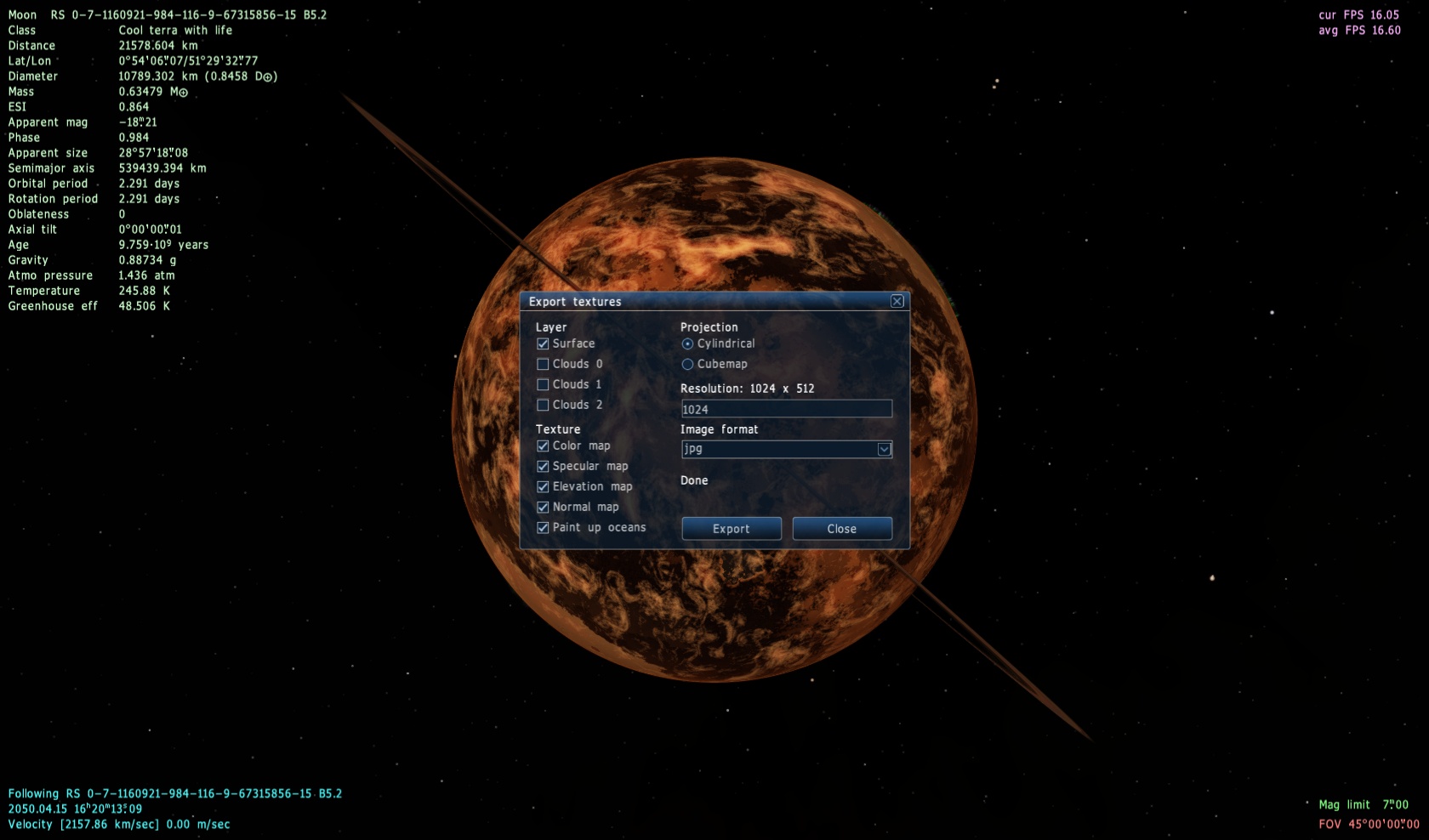
 Russian Federation
  United Kingdom
 Croatia
  Canada

