|
[Community Addon] Custom Universe
|
|
| simonecinque1992 | Date: Thursday, 30.06.2016, 12:25 | Message # 436 |
 Pioneer
Group: Users
 Italy
Italy
Messages: 470
Status: Offline
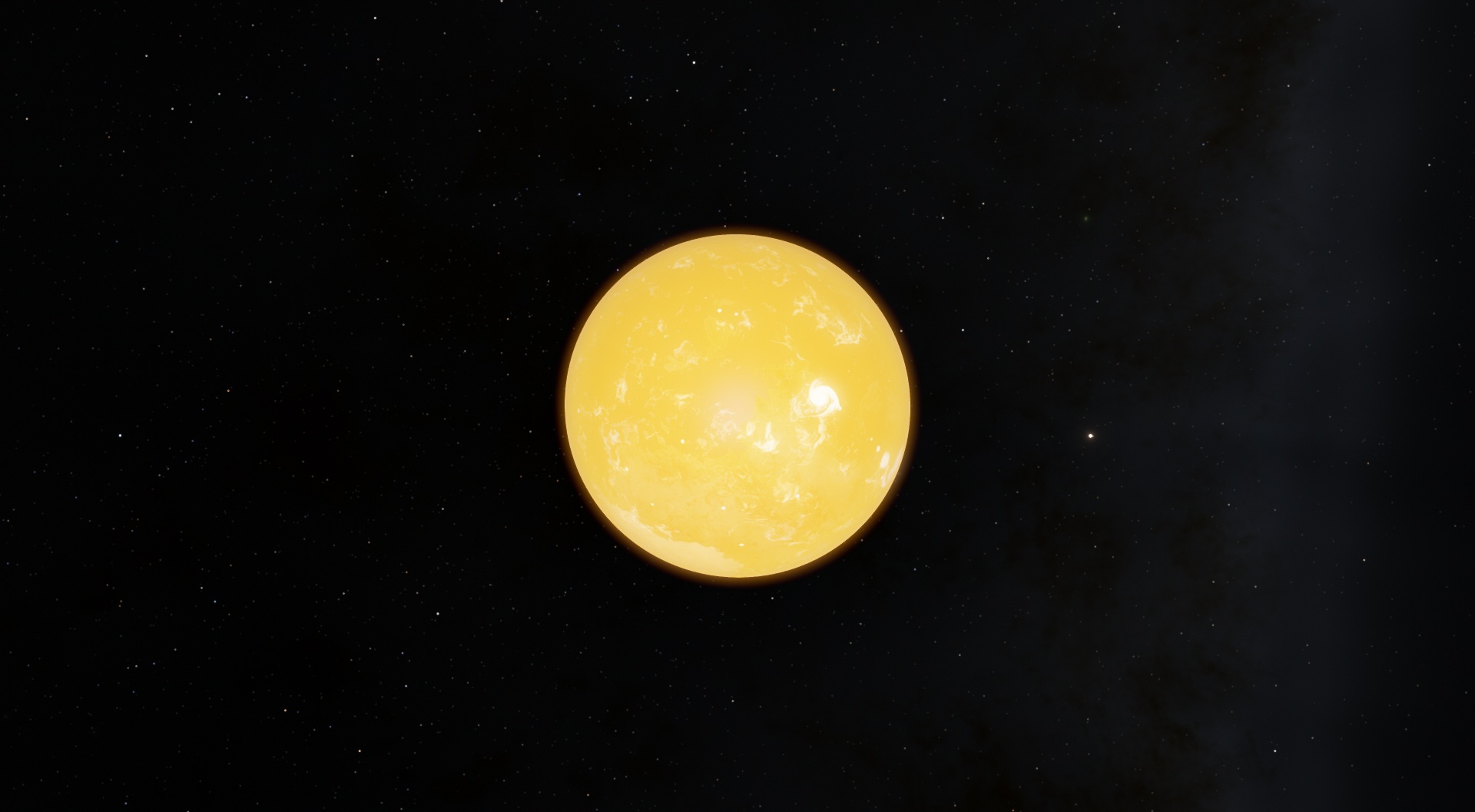
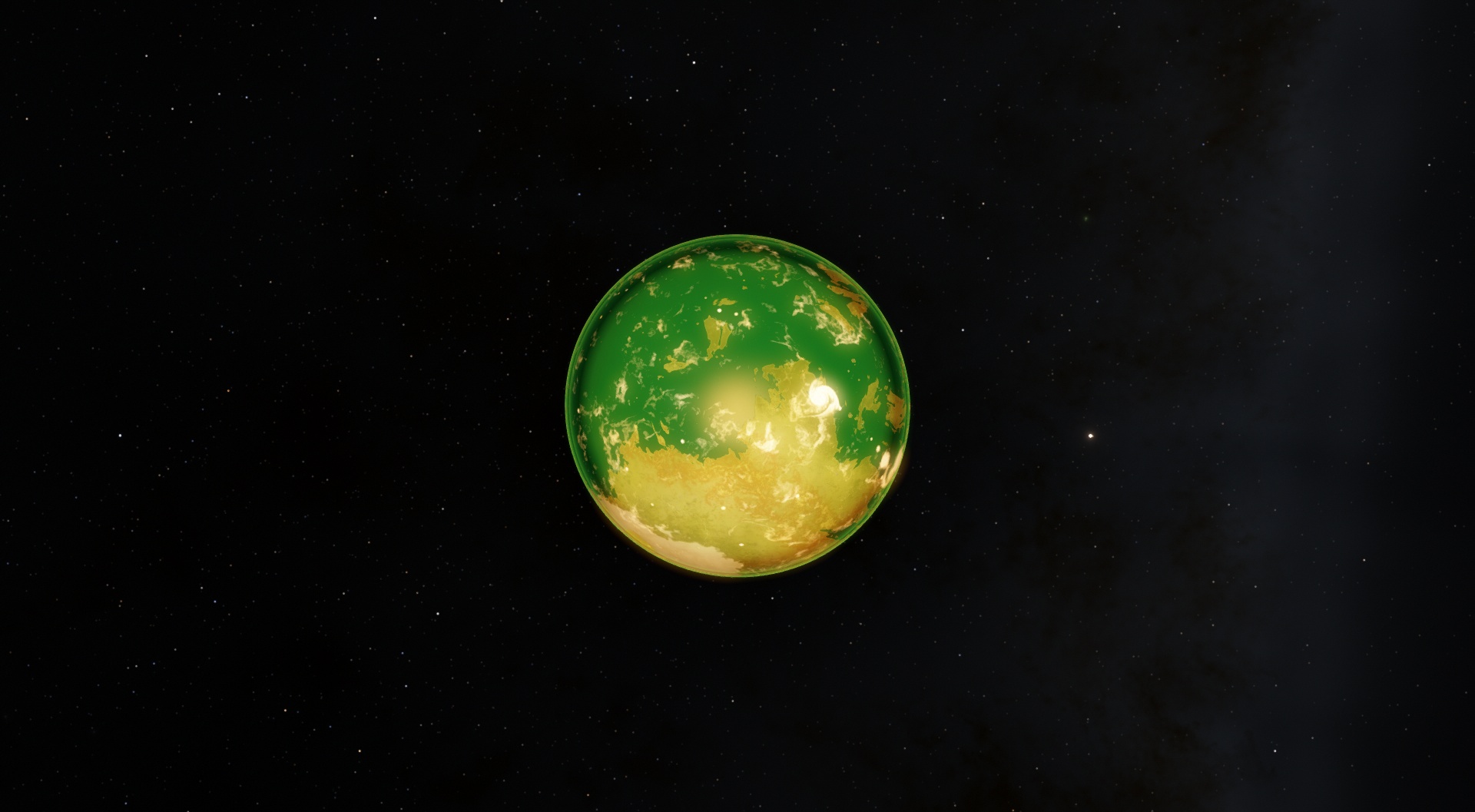
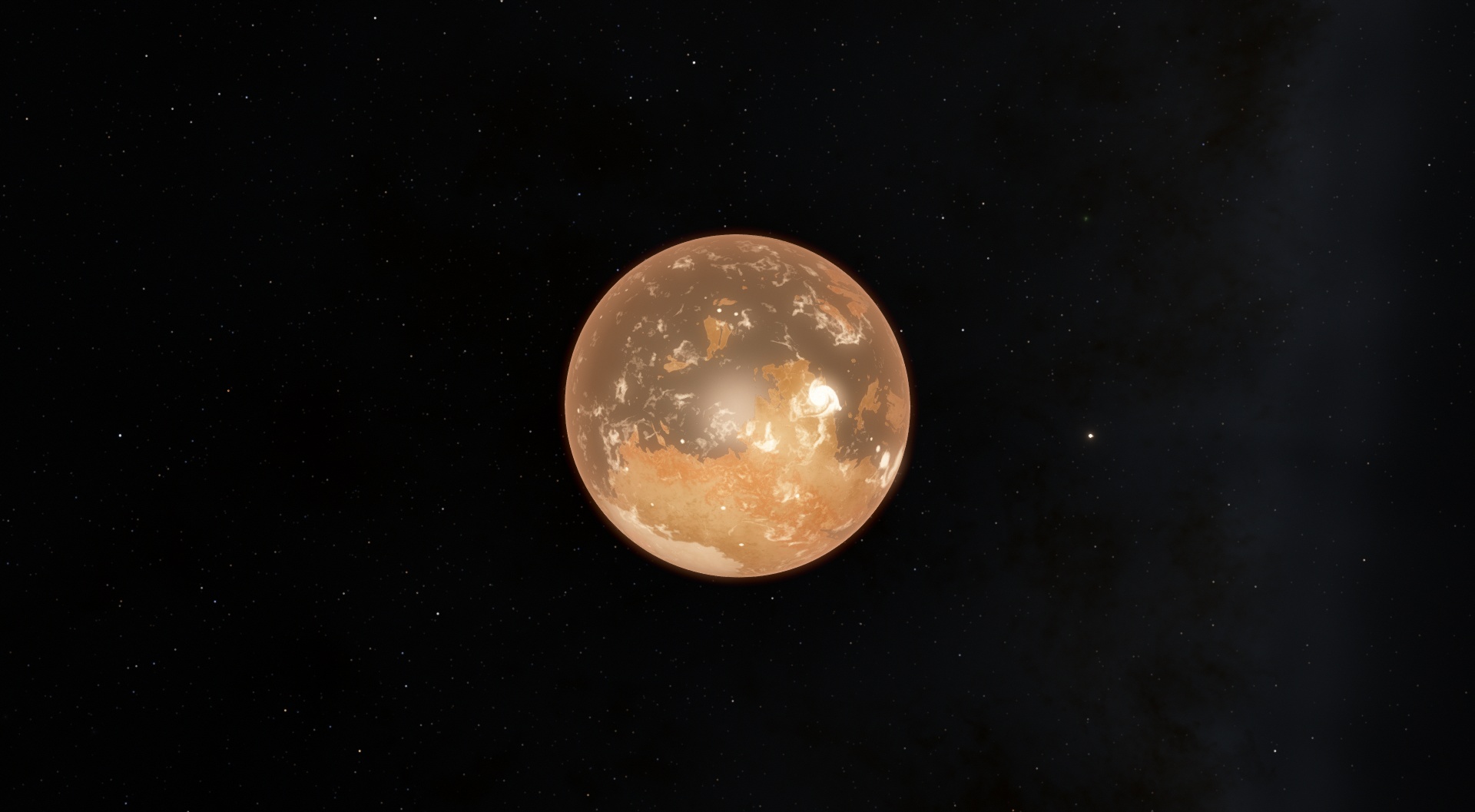
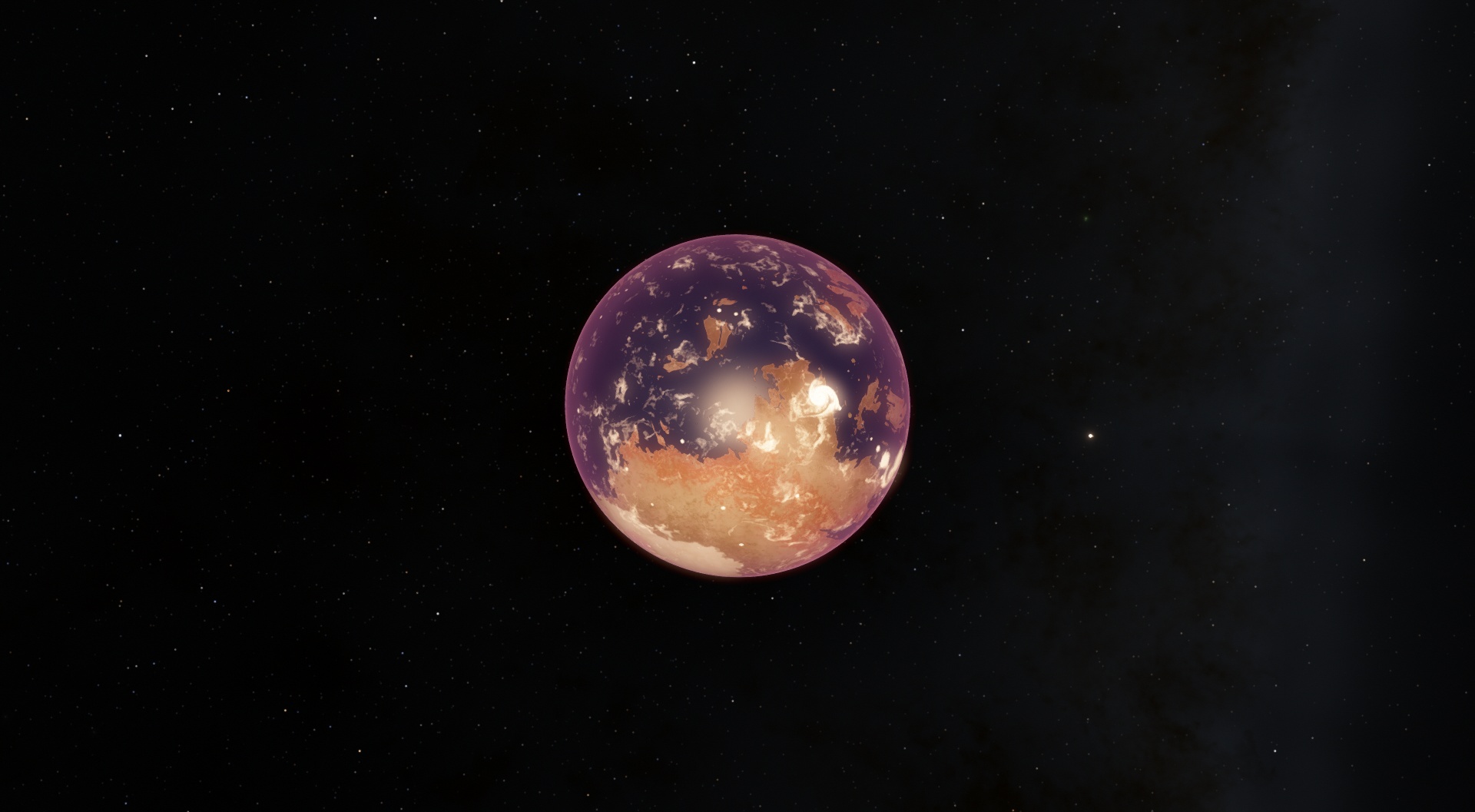
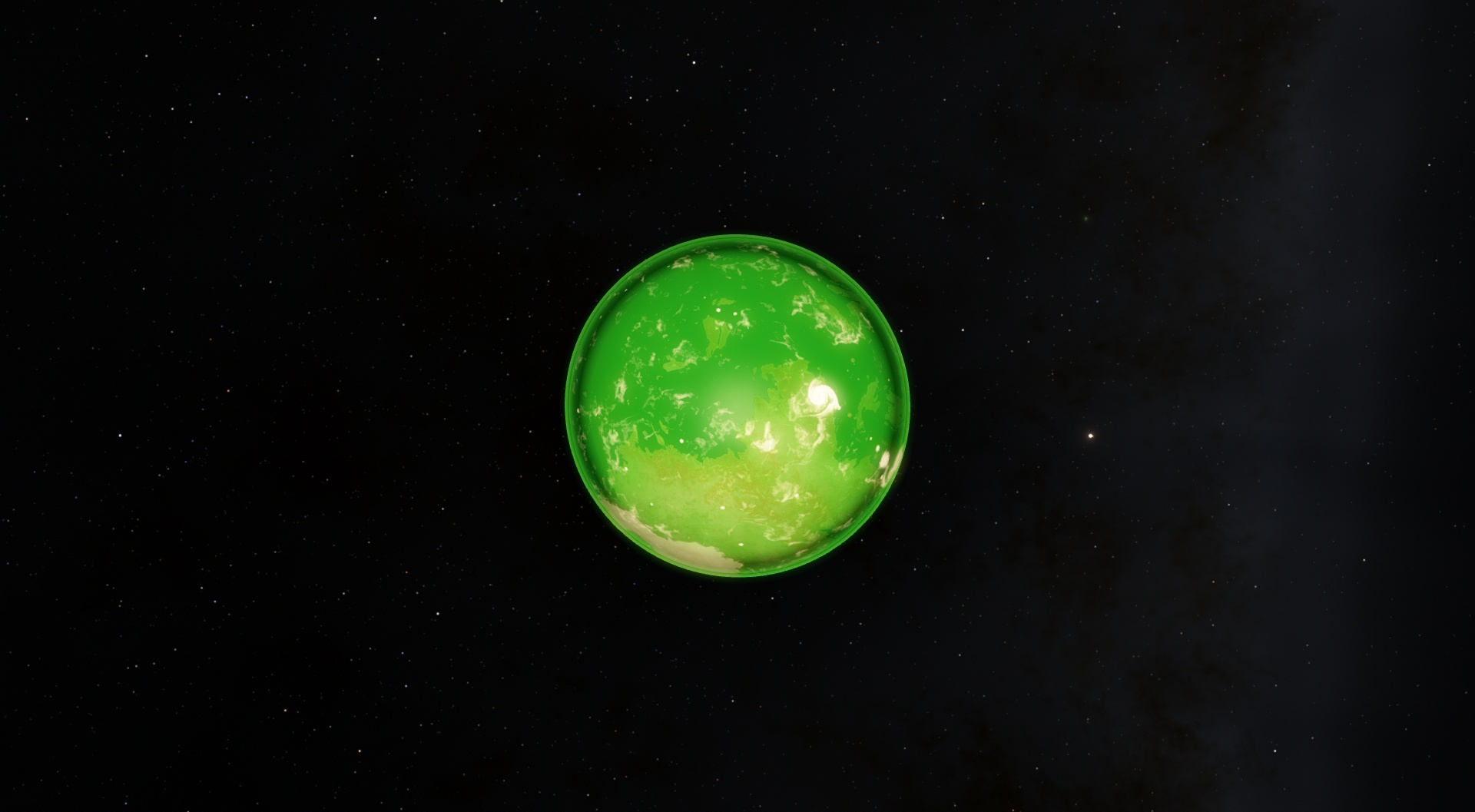
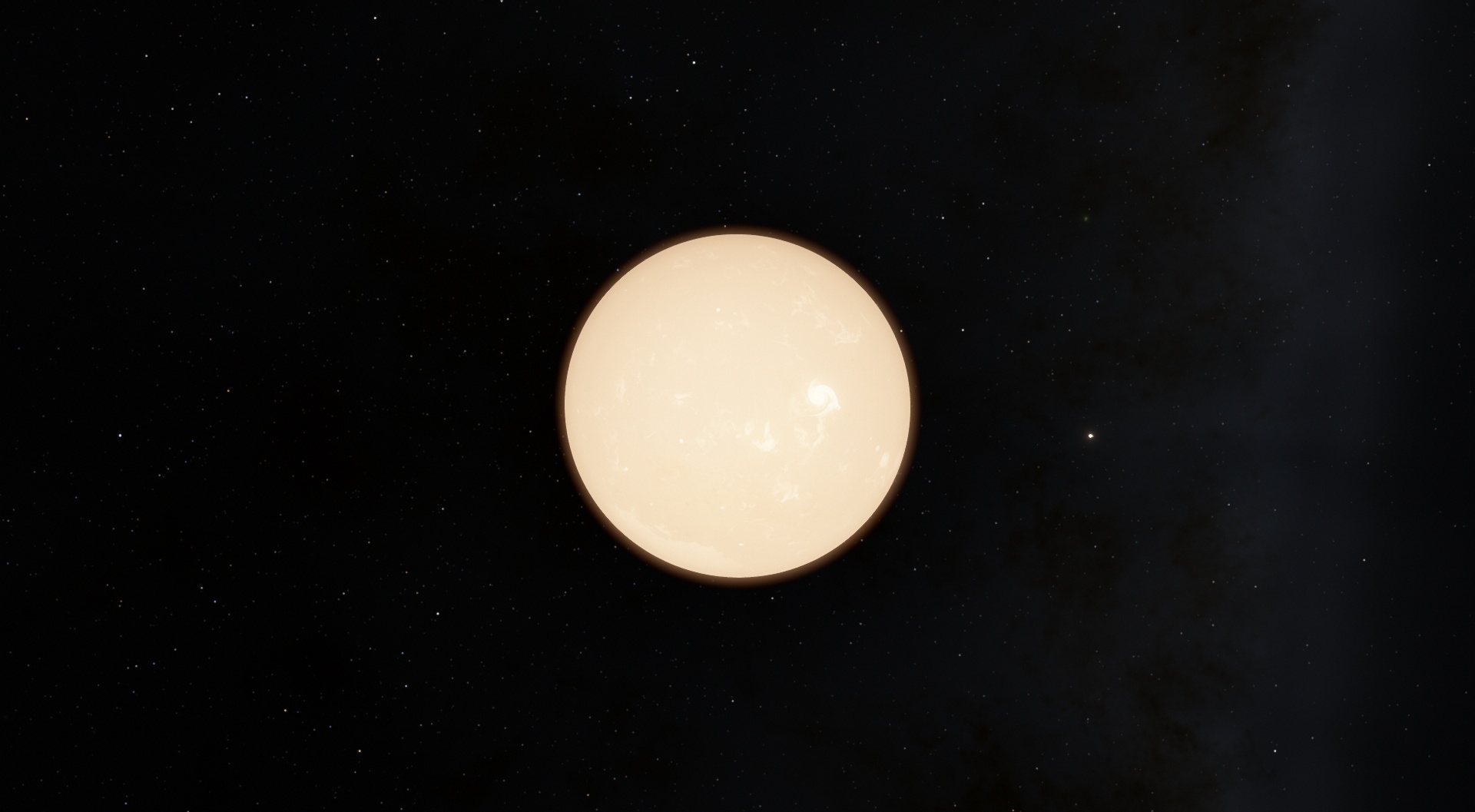
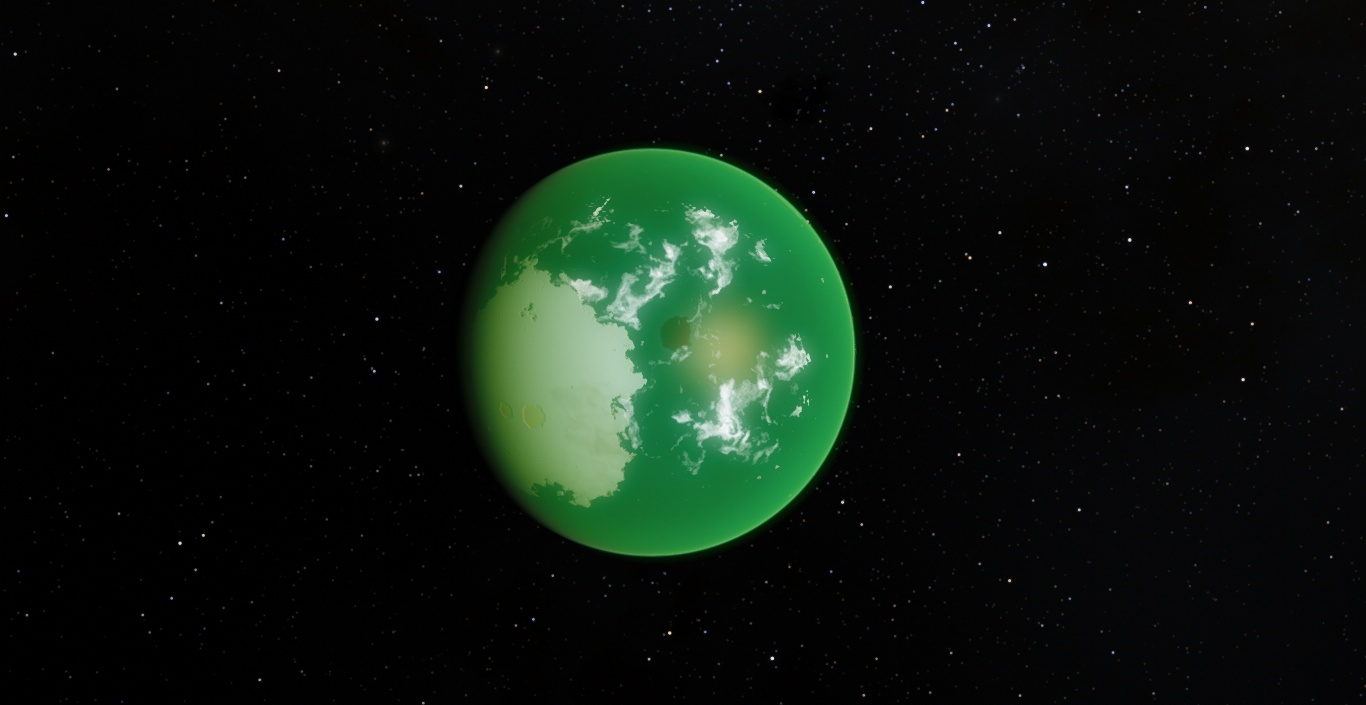
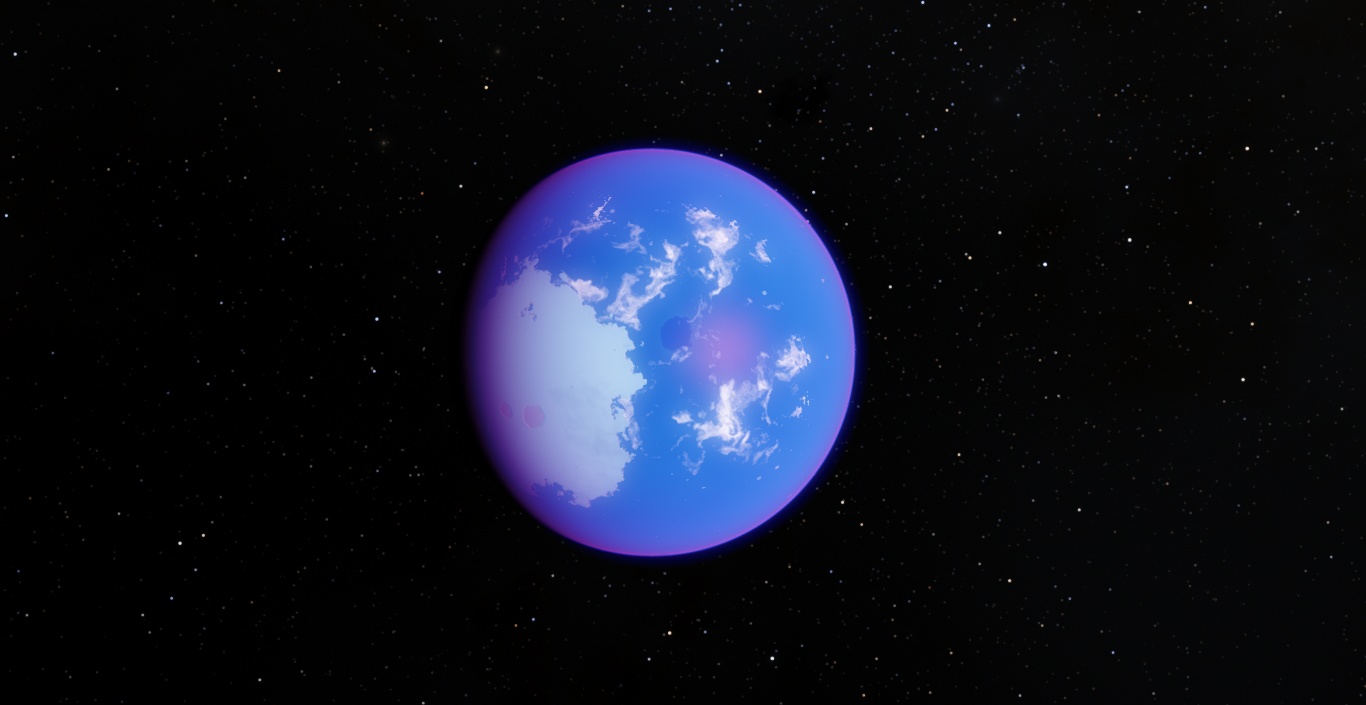
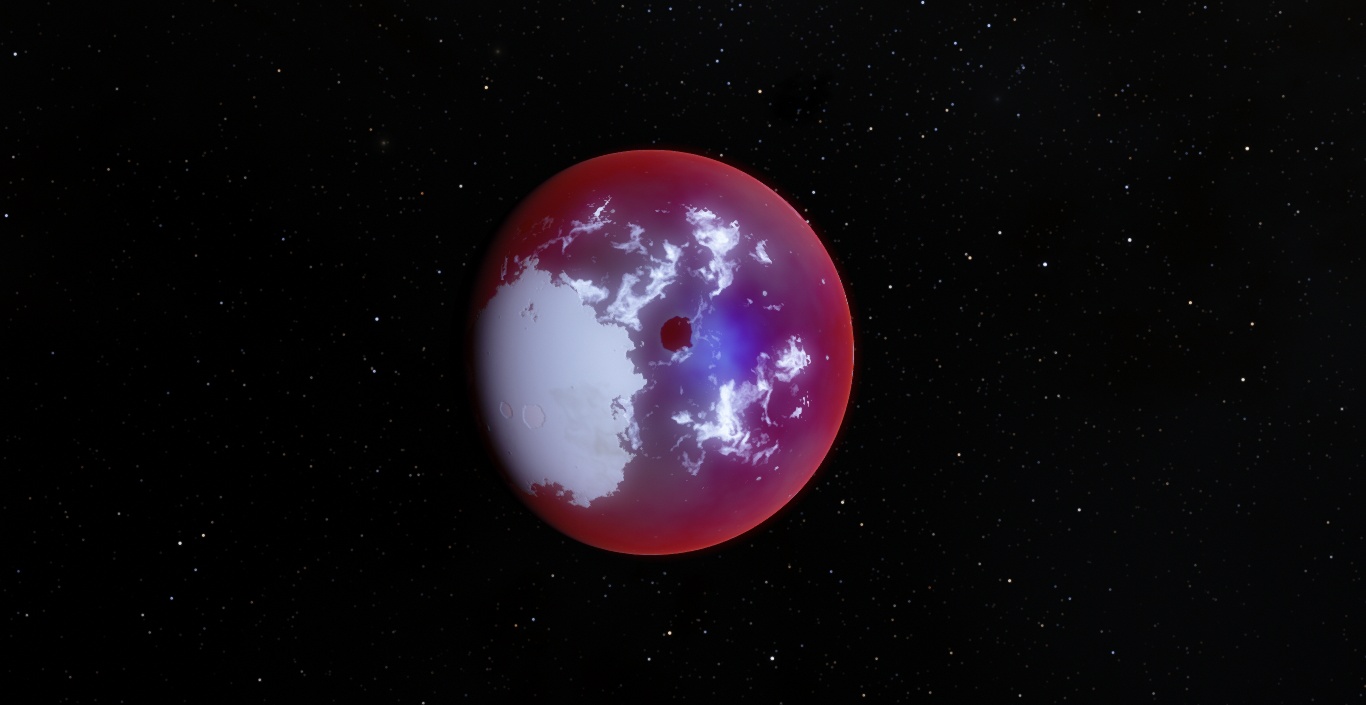
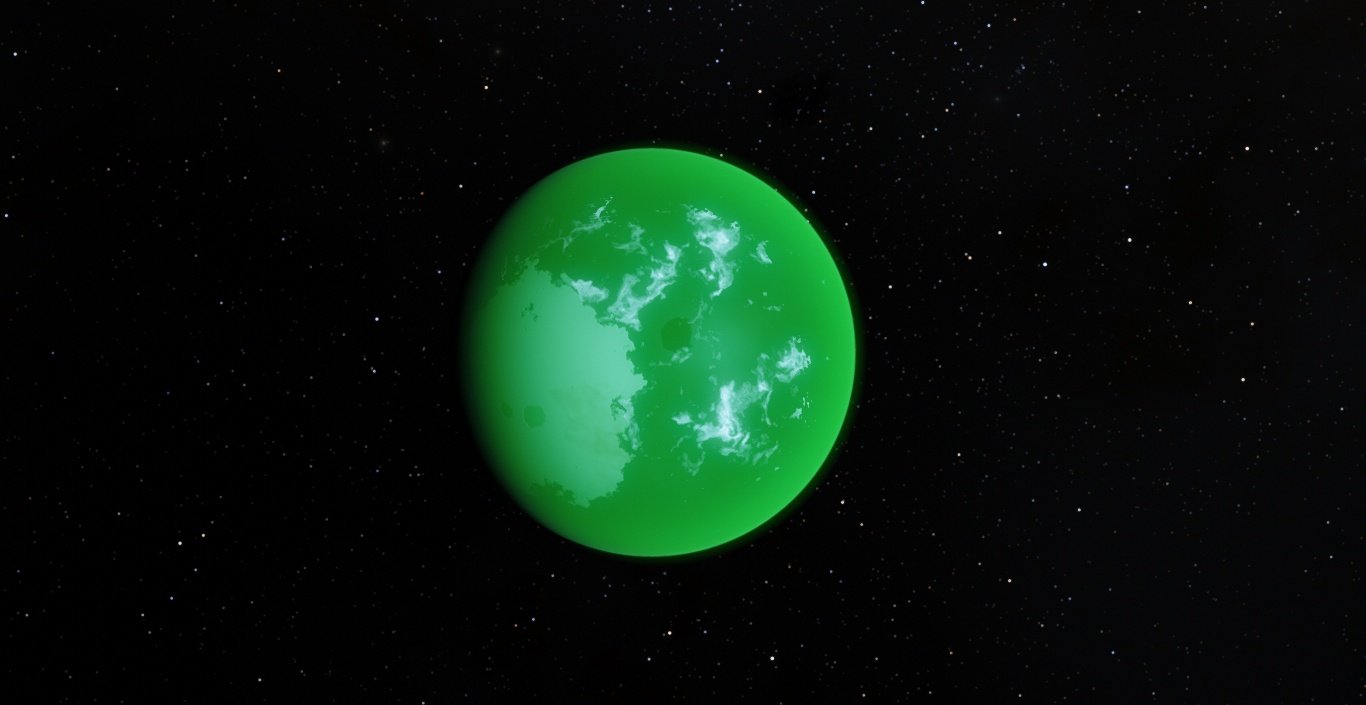
| Nothing special, just my atmospheres collection 
Download Link:
Credits go to quarior14 and Toty :)
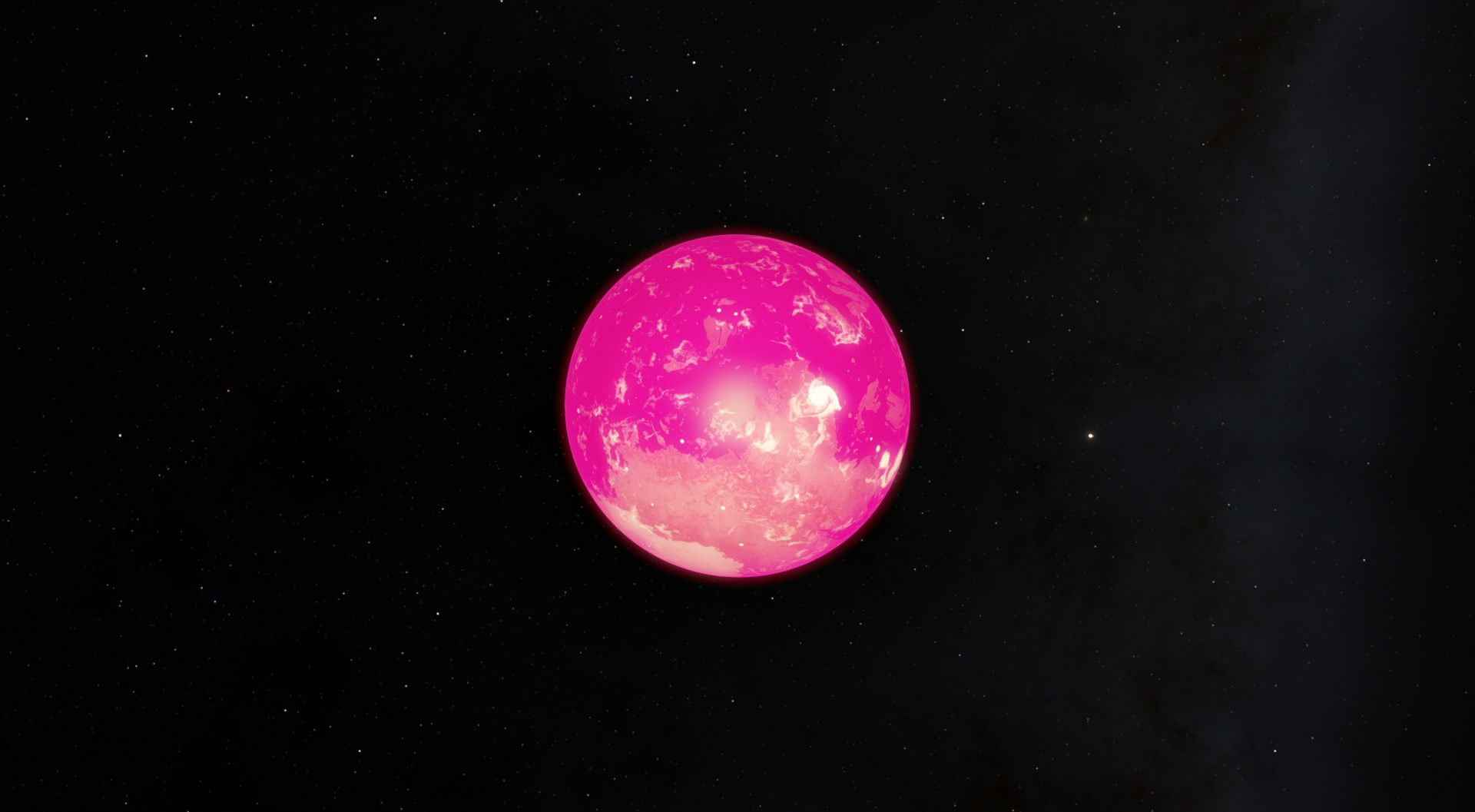
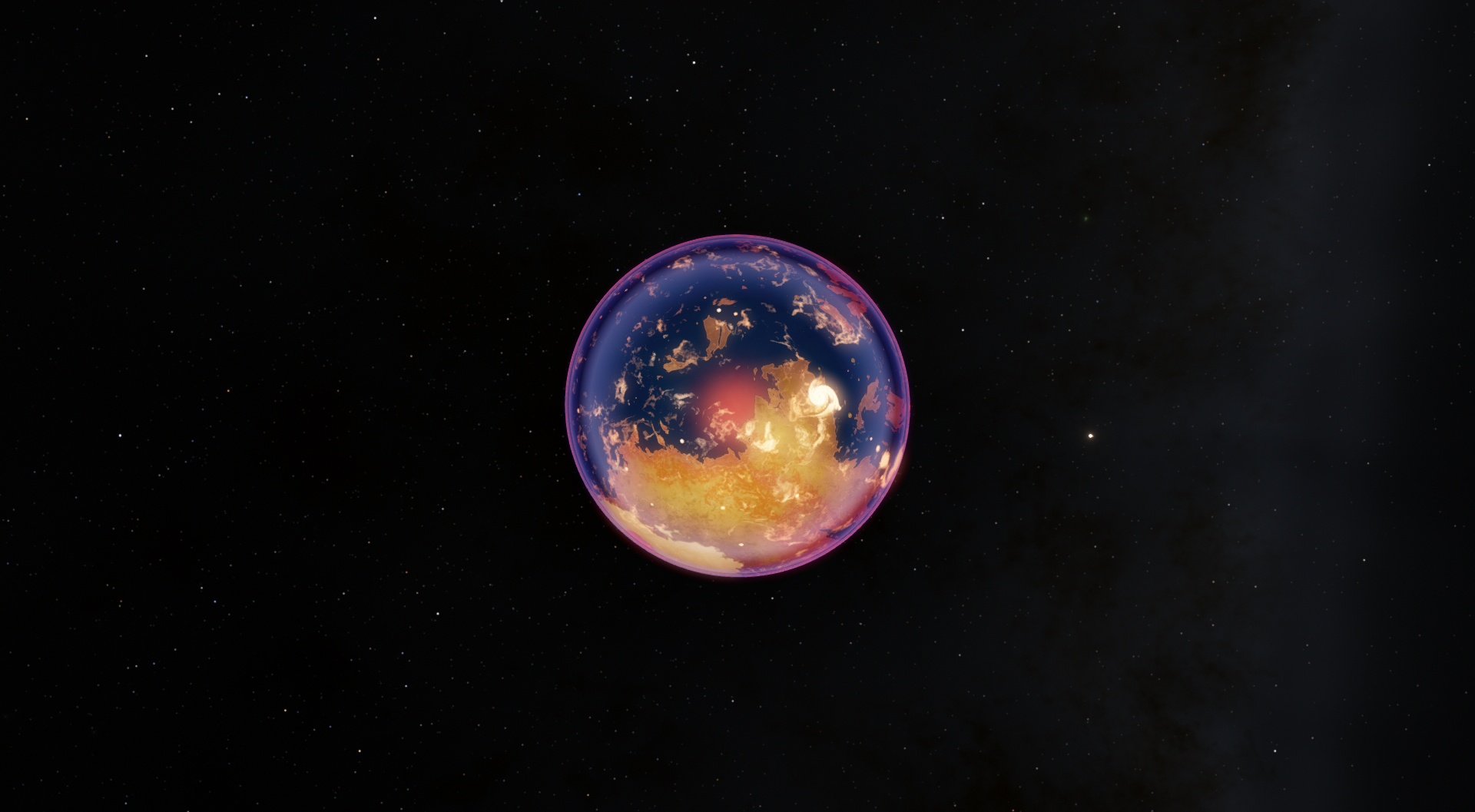
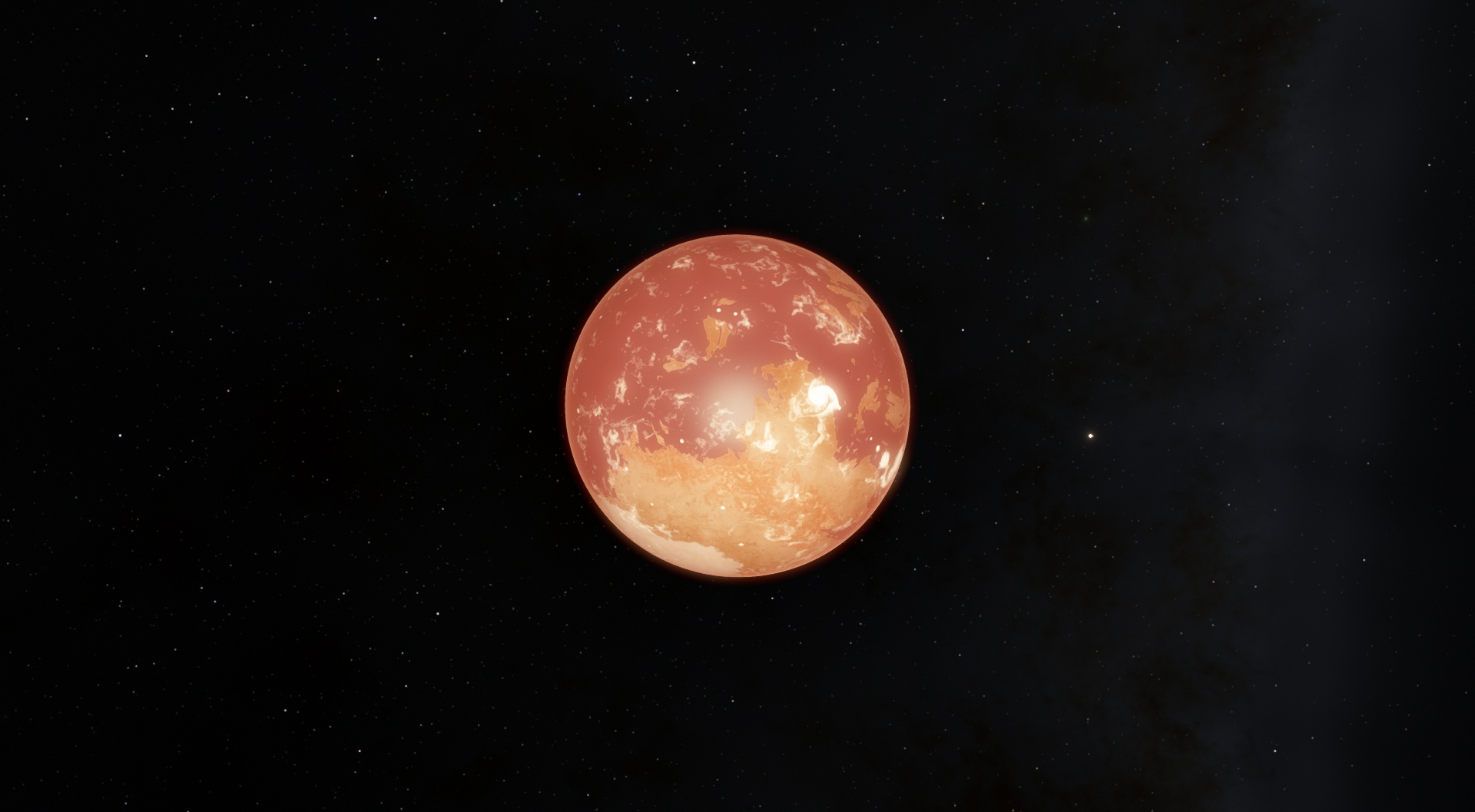
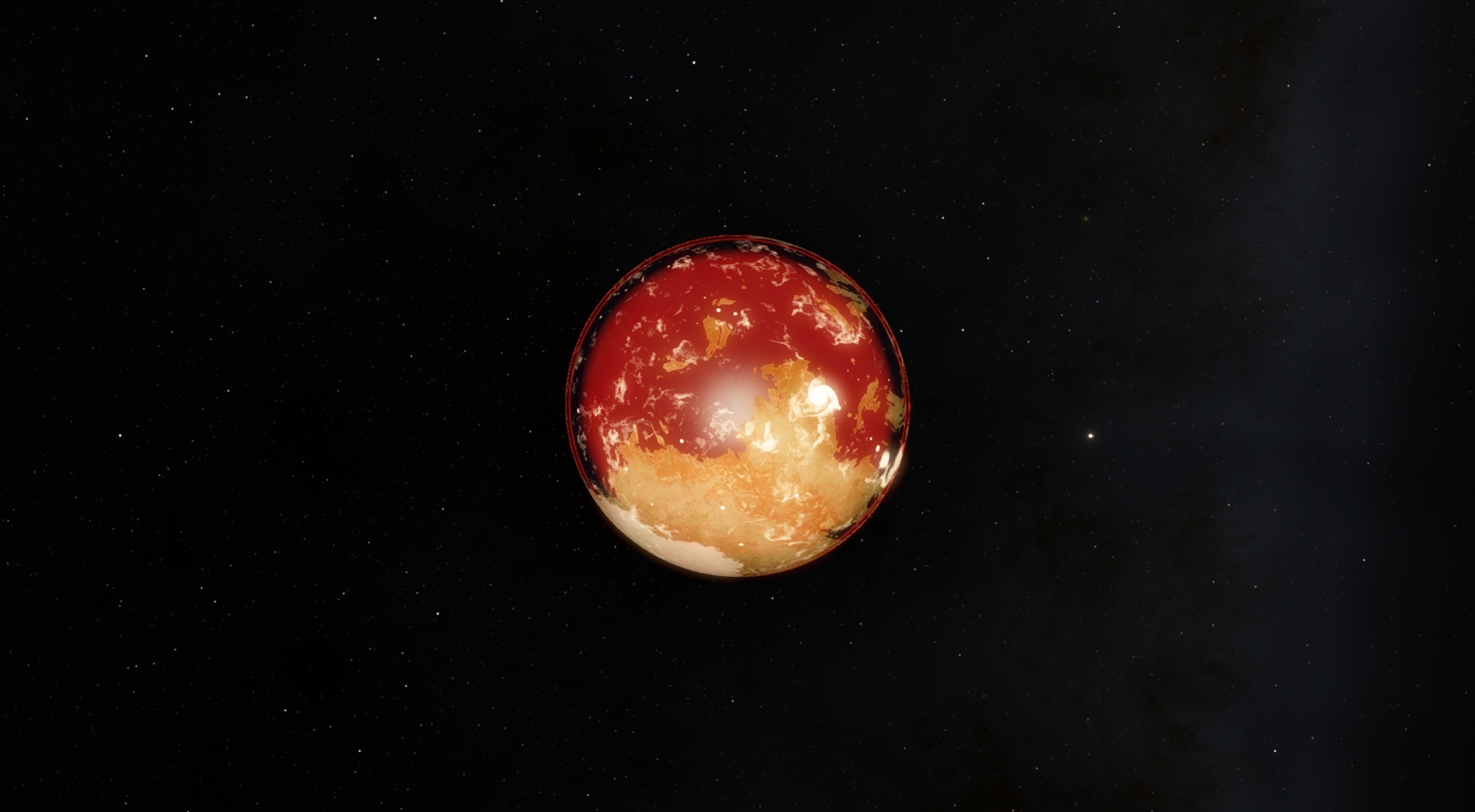
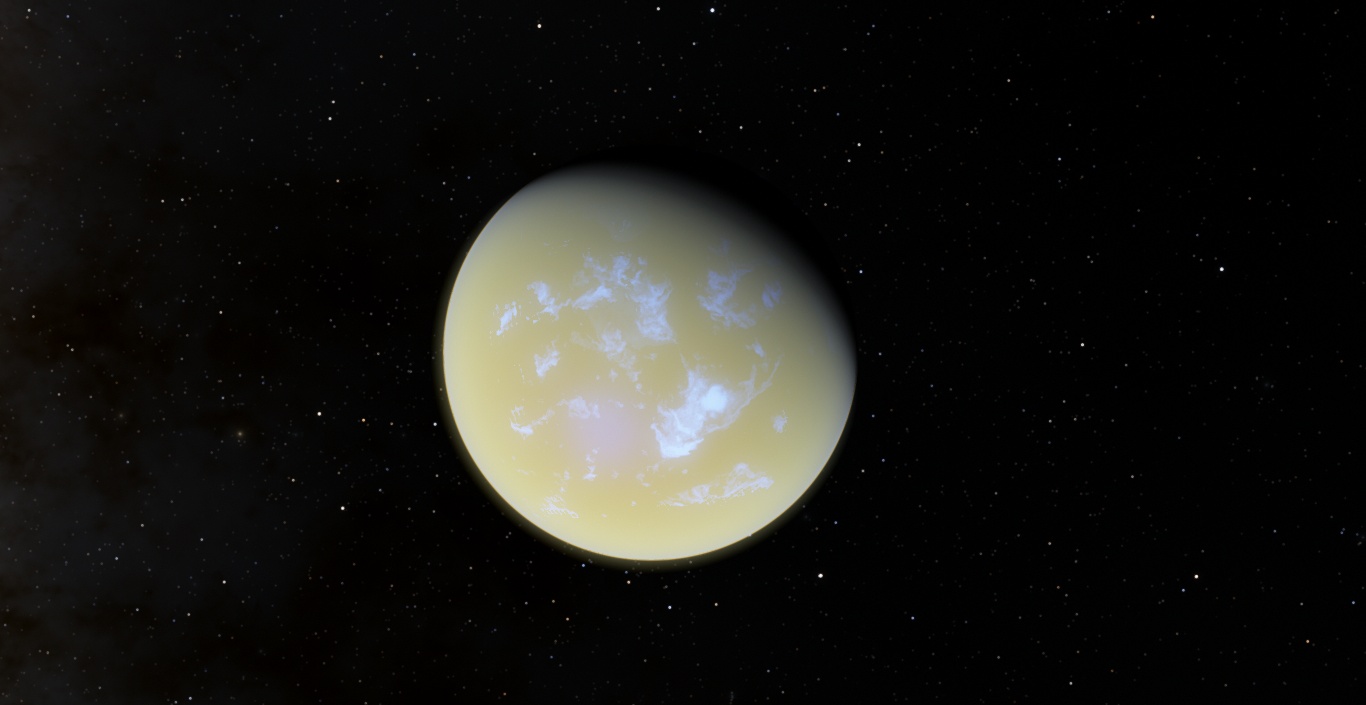
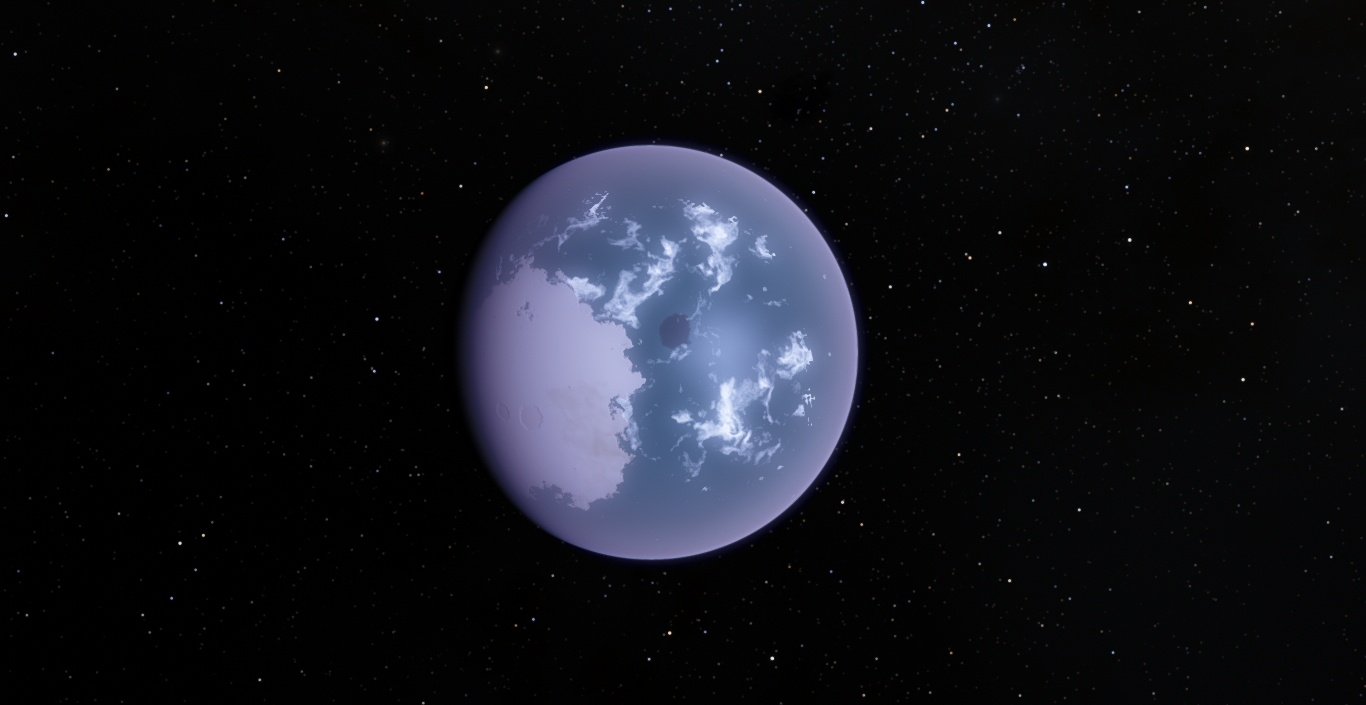
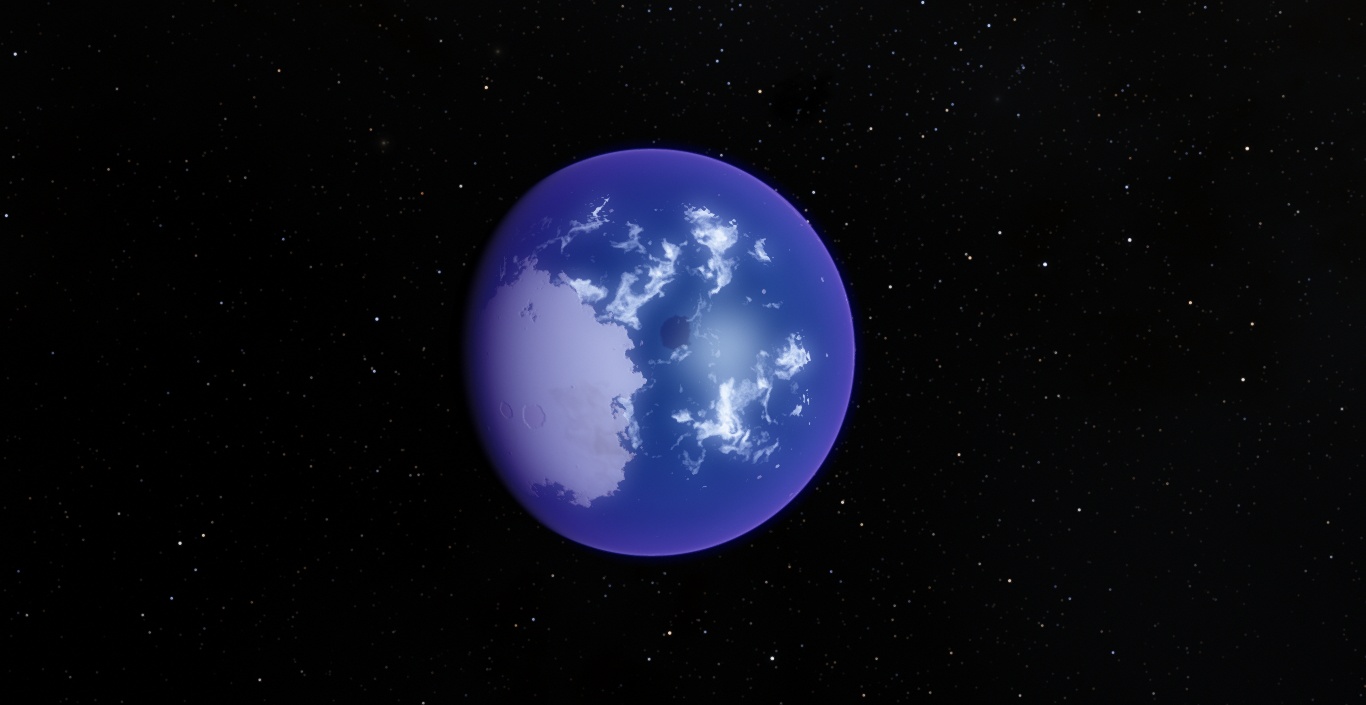
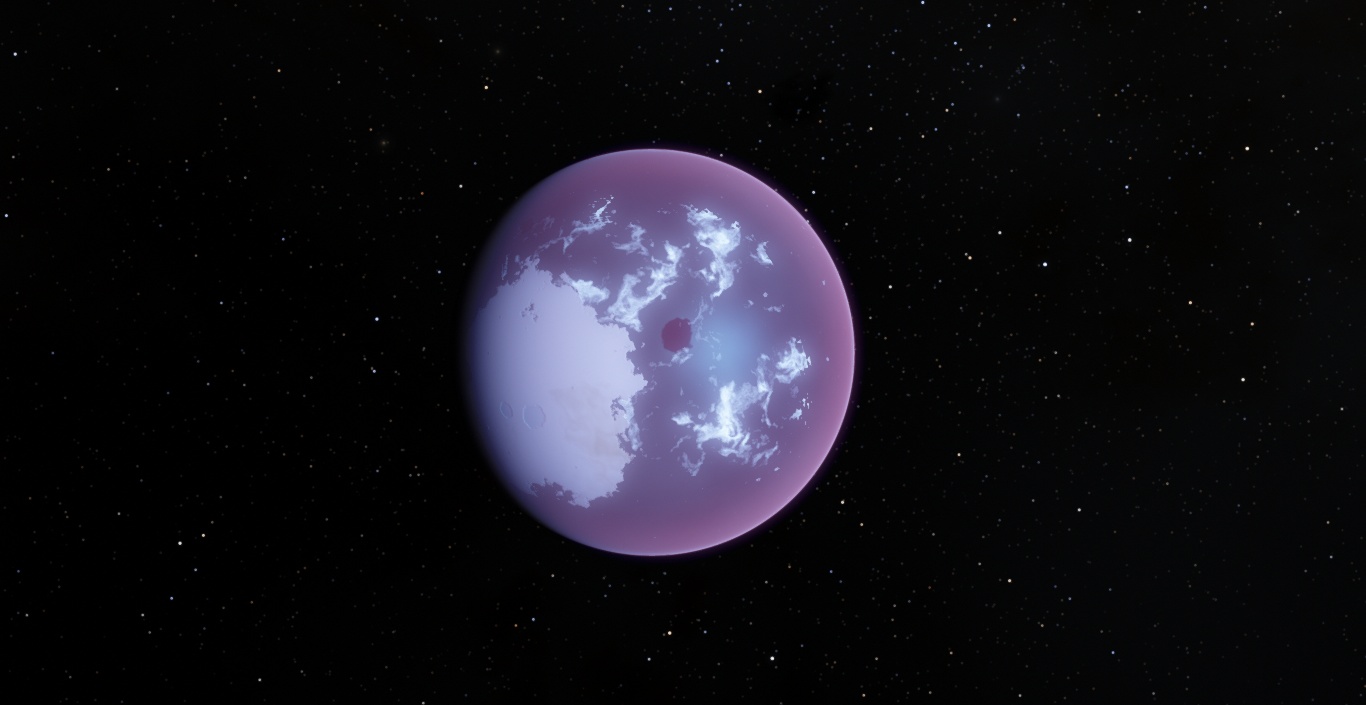
quarior14's atmospheres
Purpleworld
Amberworld
Greyworld
Pinkworld
Redworld
Toty's atmospheres
Greenworld
Rara
Sangre
Shrek
Where do I put this file? It's simple!
My Mods and Addons
Packard Bell
Windows 10 Pro
Intel® Celeron® CPU 1000M @ 1.80GHz 1.80 GHz
4 GB
64 bit Operative System
Edited by simonecinque1992 - Thursday, 30.06.2016, 14:03 |
| |
| |
| steeljaw354 | Date: Thursday, 30.06.2016, 15:26 | Message # 437 |
 World Builder
Group: Users
 Pirate
Messages: 862
Status: Offline
| Another customization to the solar system, download these files below to find out.
Edited by steeljaw354 - Thursday, 30.06.2016, 16:55 |
| |
| |
| simonecinque1992 | Date: Thursday, 30.06.2016, 16:37 | Message # 438 |
|
Pioneer
Group: Users
Italy
Messages: 470
Status: Offline
| steeljaw354,
Mercury is missing in the "CUMarcurys-1-.sc" file 
My Mods and Addons
Packard Bell
Windows 10 Pro
Intel® Celeron® CPU 1000M @ 1.80GHz 1.80 GHz
4 GB
64 bit Operative System
|
| |
| |
| steeljaw354 | Date: Thursday, 30.06.2016, 16:44 | Message # 439 |
|
World Builder
Group: Users
Pirate
Messages: 862
Status: Offline
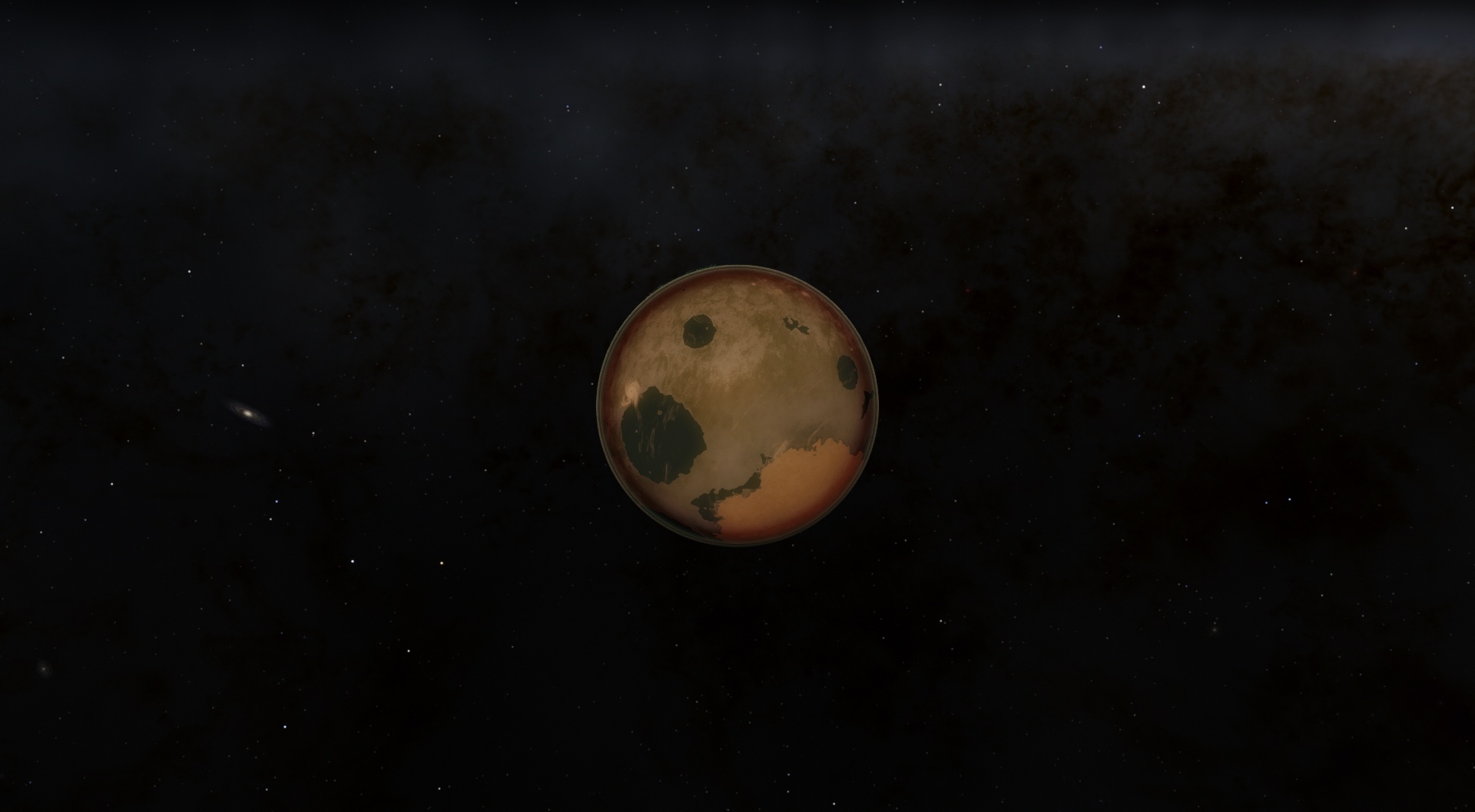
| That's intentional, I don't like the fact that mars and mercury were so close together and not tidally locked. I kept terraformed mars and removed mercury that orbited mars. I will soon be adding my other system onto this aswell if possible. I didn't like how close mercury and mars were, didn't seem realistic to me.
Edited by steeljaw354 - Thursday, 30.06.2016, 16:46 |
| |
| |
| simonecinque1992 | Date: Thursday, 30.06.2016, 16:51 | Message # 440 |
|
Pioneer
Group: Users
Italy
Messages: 470
Status: Offline
| steeljaw354, Oh , you mentioned that thing? Sorry, ;c
(also rename that file into "Terraformed Mars" or something else because there could be people that think it's Mercury)
My Mods and Addons
Packard Bell
Windows 10 Pro
Intel® Celeron® CPU 1000M @ 1.80GHz 1.80 GHz
4 GB
64 bit Operative System
Edited by simonecinque1992 - Thursday, 30.06.2016, 16:51 |
| |
| |
| steeljaw354 | Date: Thursday, 30.06.2016, 17:17 | Message # 441 |
|
World Builder
Group: Users
Pirate
Messages: 862
Status: Offline
| Can I have a little help making the sun be part of a binary system? I want 2 solar mass stars orbiting around each other, close enough so they aren't a contact binary and won't make great temperature issues on earth. I also want a Y dwarf star orbiting far out about where Sedna is between closest approach and farthest approach.
|
| |
| |
| Roswell | Date: Saturday, 02.07.2016, 01:21 | Message # 442 |
 Pioneer
Group: Users
 Canada
Messages: 500
Status: Offline
| Quote simonecinque1992 (  )
Oh my god. that COOL :O
ah why atmosphere's problem -_-
It's doesn't look like yours -_-
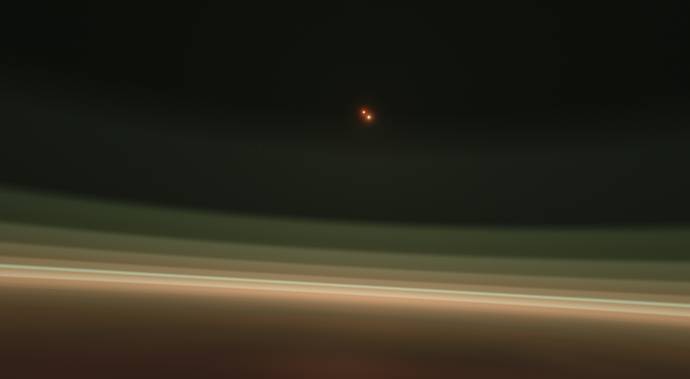
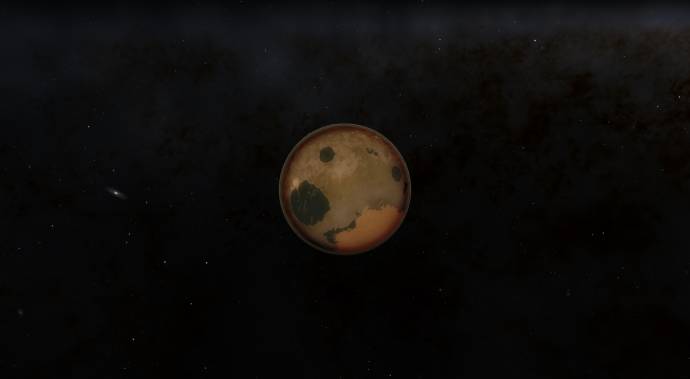
Shrek seem UGLY.
Purpleword turn into a pink world instead of exactly same has you and other colors -_-
I forgot to tell you, I'm on RC3 space engine.
Pandoran Updated :
Atmosphère fixed. Because in sunshine, the atmosphere are too yellow, now I increase the saturation to 1.016 for back to normal ^^
Edited by Roswell - Saturday, 02.07.2016, 02:11 |
| |
| |
| spacer | Date: Saturday, 02.07.2016, 01:47 | Message # 443 |
 Star Engineer
Group: Users
 Israel
Messages: 1258
Status: Offline
| simonecinque1992, working awesome! thanks!
Roswell, did you puted the file in addons folder?
and if so, you tried to see the atmospheres models with the editor?
give more info
"we began as wanderers, and we are wanderers still"
-carl sagan
-space engine photographer
Edited by spacer - Saturday, 02.07.2016, 01:48 |
| |
| |
| Roswell | Date: Saturday, 02.07.2016, 02:15 | Message # 444 |
|
Pioneer
Group: Users
Canada
Messages: 500
Status: Offline
| Quote spacer ( ) Roswell, did you puted the file in addons folder?
and if so, you tried to see the atmospheres models with the editor?
give more info
Yes, One I don't have atmosphere in models folder, I created a folder for atmosphere and I put all fils in atmosphere belong SC1992's Atmosphere collection fils. I tested to put SC1992's Atmosphere Collection in addons folder it's doesn't work and I put in models/atmosphres, it's work with big problem colors -_-
|
| |
| |
| spacer | Date: Saturday, 02.07.2016, 02:17 | Message # 445 |
|
Star Engineer
Group: Users
Israel
Messages: 1258
Status: Offline
| its need to be very simple, dont put addons in the original folders anymore, only in the addons folder.
it was needed to be simple, just to put the SC1992's Atmosphere collection pak inside the addons folder.
all of the RAR pak. not the files inside it
"we began as wanderers, and we are wanderers still"
-carl sagan
-space engine photographer
|
| |
| |
| Roswell | Date: Saturday, 02.07.2016, 02:22 | Message # 446 |
|
Pioneer
Group: Users
Canada
Messages: 500
Status: Offline
| only SC1992's Atmosphere collection ?
Alway the same problem -_-
Edited by Roswell - Saturday, 02.07.2016, 02:29 |
| |
| |
| spacer | Date: Saturday, 02.07.2016, 02:24 | Message # 447 |
|
Star Engineer
Group: Users
Israel
Messages: 1258
Status: Offline
| Roswell, just download SC1992's Atmosphere pak, you will see its kind of rar file and inside it models folder..
just dont do anything with the models folder inside this rar. take the rar.pak file you download and put it all in the addons folder, thats it.
"we began as wanderers, and we are wanderers still"
-carl sagan
-space engine photographer
|
| |
| |
| Roswell | Date: Saturday, 02.07.2016, 02:51 | Message # 448 |
|
Pioneer
Group: Users
Canada
Messages: 500
Status: Offline
| Ah you mean I need to extract the SC1992's Atmosphere pak. I am unable, even by installing the right place, the problems that continue with the same atmosphere's colors problem, maybe the atmosphere file is not compatible for RC3? 
|
| |
| |
| spacer | Date: Saturday, 02.07.2016, 03:03 | Message # 449 |
|
Star Engineer
Group: Users
Israel
Messages: 1258
Status: Offline
| i mean when you download the rar.pak file just drag it to the addons folder and that it.
it is working for me with rc3
"we began as wanderers, and we are wanderers still"
-carl sagan
-space engine photographer
|
| |
| |
| Roswell | Date: Saturday, 02.07.2016, 04:00 | Message # 450 |
|
Pioneer
Group: Users
Canada
Messages: 500
Status: Offline
| First it's amberworld, this color is PERFECT, it's the only colors is work fine.
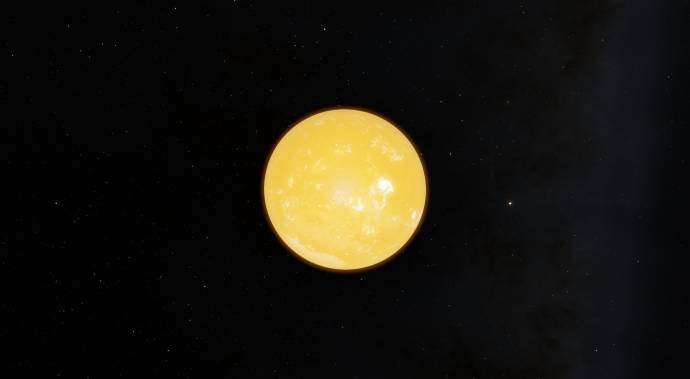
Second is the greenworld it's look like very strange because the dark line are there around planet, into the atmosphere. -_-
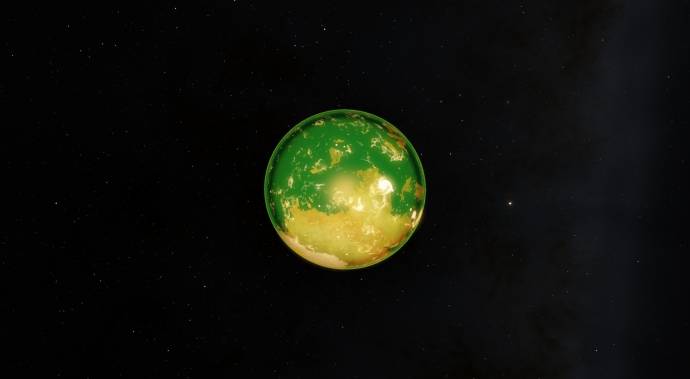
Ah yeah, there are the greyworld look like the brown world like the chocolate :blink:
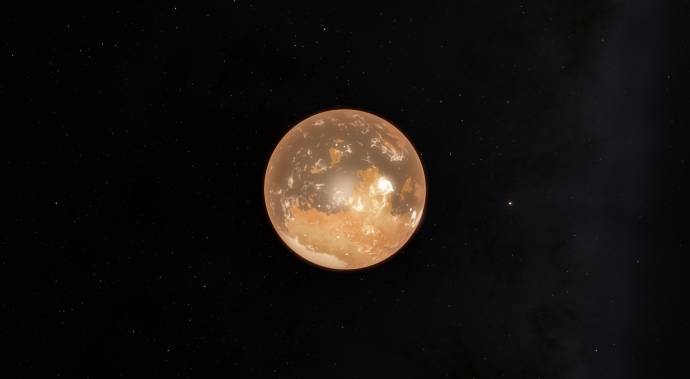
Pinkworld is a bit too pinks I thinks I saw the picture from simon who link here the pinkworld are normal and great, I download the atmosphere and the pink atmosphere is a bit strange.
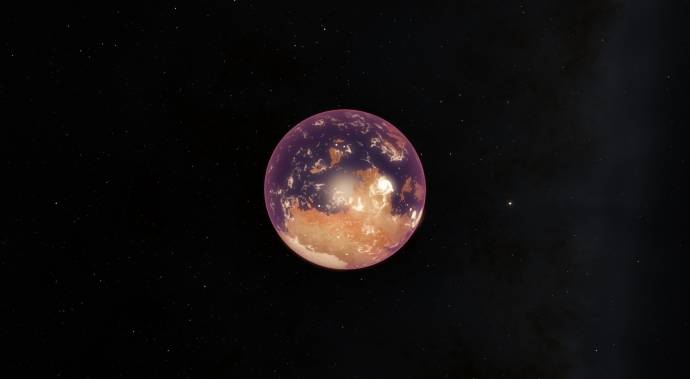
Purpleworld wow, do you see the funny colors. The purpleworld turn into a pinkworld.
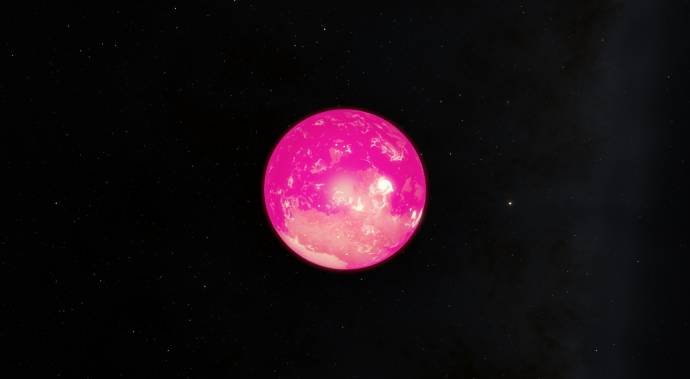
Ah Rara, funny atmosphere, you can see it.
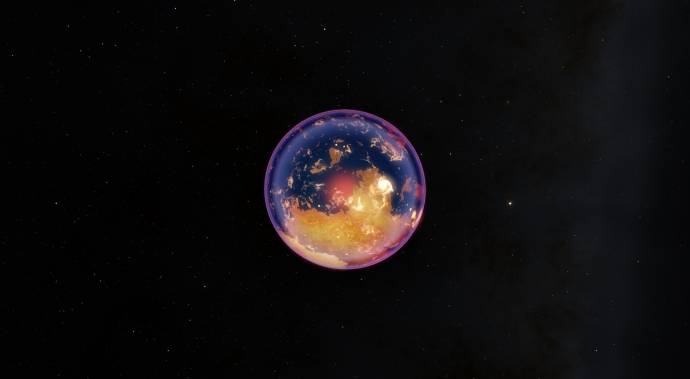
Redworld look like the orangworld instead of the real Redworld :'(
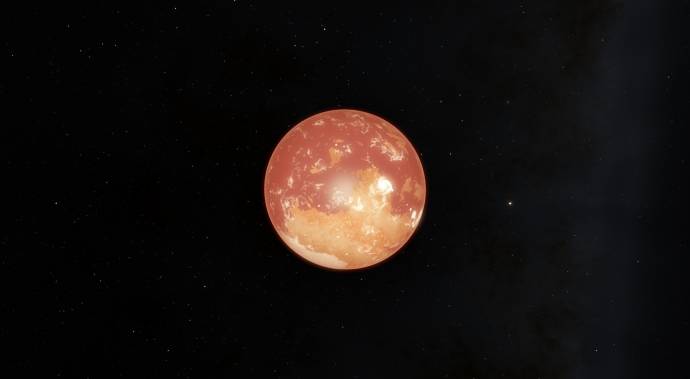
Sangre look like strange Redworld with the dark line around the planet.

Shrek seem ugly atmophere if I go into his atmosphere.
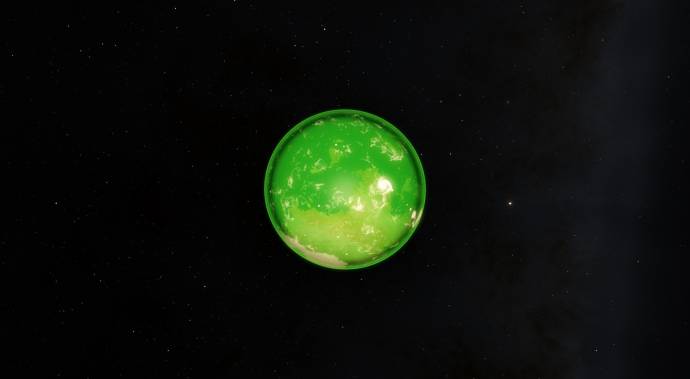
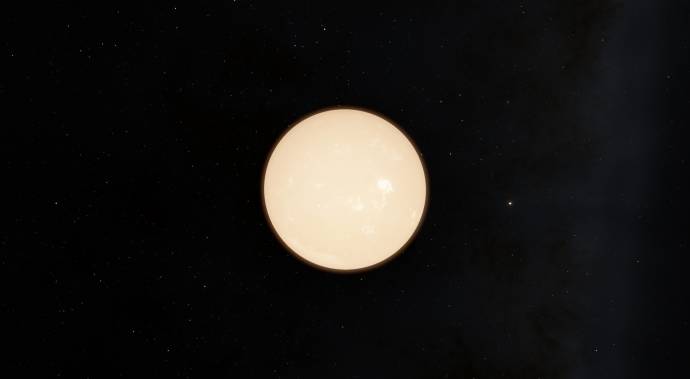
Withworld can make my eye's hurt lol
Edited by Roswell - Saturday, 02.07.2016, 04:05 |
| |
| |
 ENG
ENG New site


 Italy
Italy 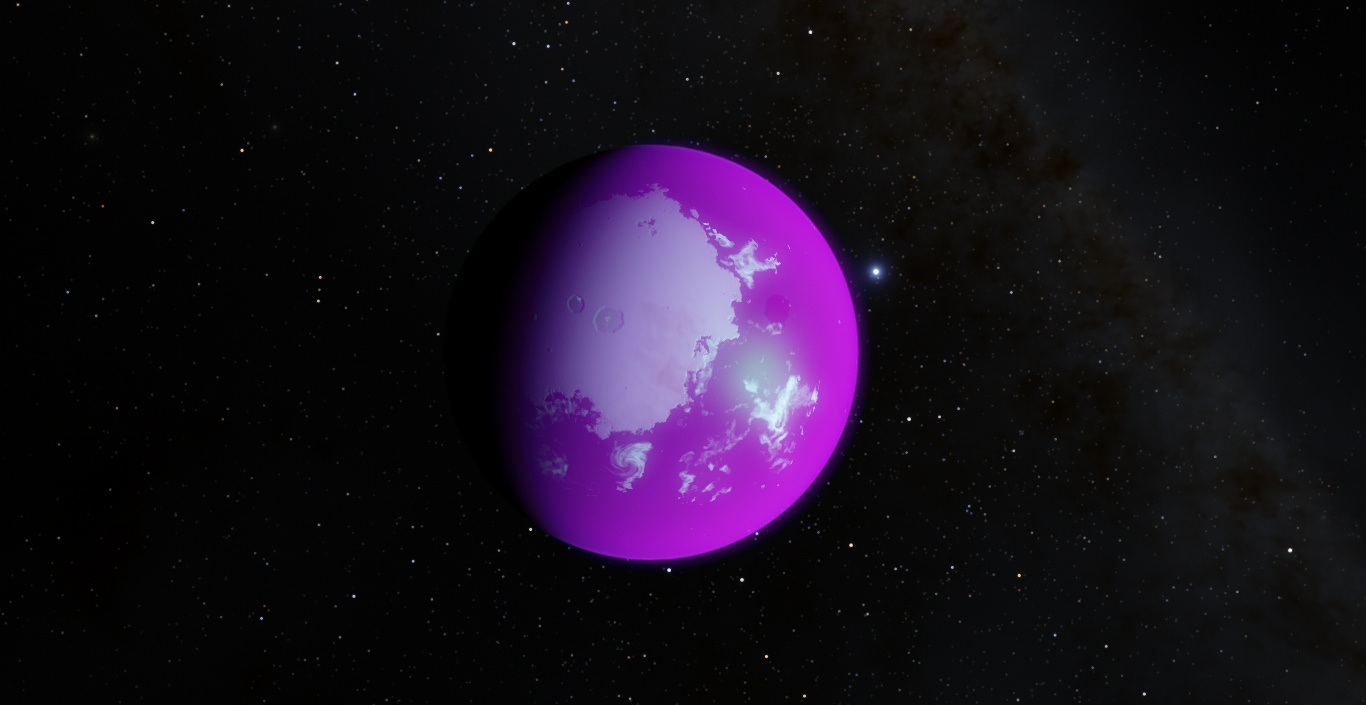


 Pirate
  Canada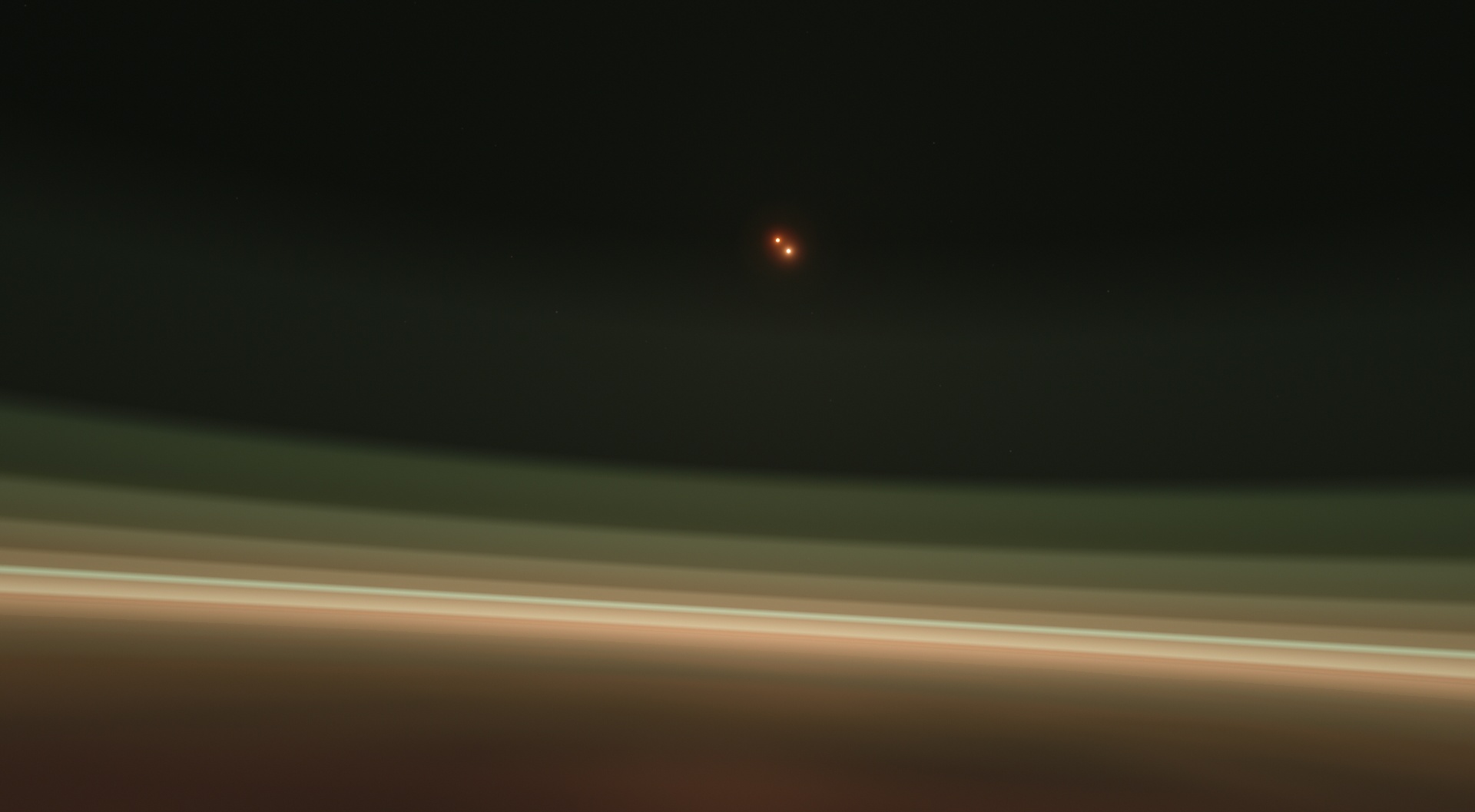
 Israel