Please post here all of your reports about bugs or crashes in SpaceEngine. Before you post any bugs, please follow these steps:
First of all, make sure you updated your video card drivers. This may solve 99% of all isues.
Read the Fixing common issues section below. It is possible that your problem can be solved there.
Read the List of known issues section below and make sure that your bugs are not on in it. You can use your browser's word finder to help search the list.
If the bug is not on the list then please post it in this thread. Attach to your message a screenshot (if possible) and a log file (it's called the se.log and is located in the SpaceEngine/system/ directory). Only the log file will help us to understand your problem and find a solution!
Fixing videocard-specific issues
If you do not know which videocard do you have, open the system/se.log file in the text editor and read the Vendor information in the beginning:
INITIALIZING OPENGL [MT] Vendor: ATI Technologies Inc.
Then look for a solution for you:
Nvidia: Major lag spikes
To prevent major lags with Nvidia, go into Nvidia control panel, and in SpaceEngine's profile set Threaded optimization to off.
Nvidia: Water missing on terras, clouds are below the surface
This is becasue of Nvidia driver update. Revert back to 365.19.
ATI/AMD: Crash on approaching to the black hole, neutron star or white dwarf, on using ship's hyperdrive, or when enabling the Oculus Rift mode or the Fish Eye mode
Open config/user.cfg and change this parameter value to false, so that it looks like this:
EnableMipmapsWarp false // use mipmapping for warp effects rendering
If crashes on enabling the Oculus Rift mode or the Fish Eye mode still remains, change these two parameters to false as well:
EnableMipmapsGUI false // use mipmapping for GUI FBO EnableMipmapsFrame false // use mipmapping for scene FBO
ATI/AMD: Crash on Startup on Windows 10
Open the system folder in your SpaceEngine directory and delete the file atioglxx.dll.
Intel HD: Glitchy landscape and textures on planets
Open config/user.cfg and change this parameter to true:
- "Error loading surface generator shaders. Press YES to run program with procedural planets disabled. Press NO to exit"
To fix that, download and install latest drivers for your video card. If you still get this message, it could be that you have an incompatible video card (see next paragraph).
But you still can try and run SpaceEngine by disabling checking of critical errors at startup. Open main.cfg and change value of this parameter to 'true':
IgnoreCriticalCheck true // ignore checking of OpenGL version and critical extensions supporting
NOTE: I can give no guaranties that SpaceEngine will be stable and work correctly if you do make this change.
If you have an "Error loading surface generator shaders" error and press Yes, SpaceEngine can run, but it will not be able to render procedural planetary landscapes.
After updating or rollback of the drivers, you must delete the cache folder in the SpaceEngine directory.
2) Weak system
SpaceEngine needs a modern "gaming" graphics card to run. Weak cards like Intel Graphics (many laptops have it) or 10 year old devices like GeForce 5700 will not run SpaceEngine. There is no way but to update your hardware. There are no plans to make a second version of the engine for weaker systems with simplified graphics, CPU texture generation, etc. It would be like coding another engine from scratch. Once again, I would remind everyone that the minimum system requirements can be found on the Home page, but I will mention it here as well:
CPU 2.0 GHz RAM 2 GB Video GeForce 8600, Radeon HD 2600 VRAM 512 MB
I stress the special role played by videocard onboard memory (VRAM). 512 MB is the absolute minimum. The engine uses a large amount of data that must be in video memory (textures, meshes etc). The goo performance will be only with a dedicated video card with 1024+ MB of onboard memory. Almost all modern $100+ devices can run SE smoothly. CPU power is not so important for SE, but having many cores could improve performance on fast interstellar and intergalactic flight. CPU does not significantly affect the landscape generation speed because it is done completely on the video card.
3) System with hybrid graphics (NVidia/ATI + Intel HD)
If you're running SE on a laptop with dual graphics, make sure SE runs on NVidia or ATI chip instead of Intel HD. You may see it in the beginning of the "SpaceEngine/system/se.log" file. If it says: Vendor: Intel Renderer: Intel® HD Graphics 4000
then you should open Nvidia Control Panel or ATI Catalyst and force SpaceEngine.exe run on NVidia/ATI graphics card. If you do not find a SpaceEngine profile there, create a new one.
4) Artifacts on procedural planets
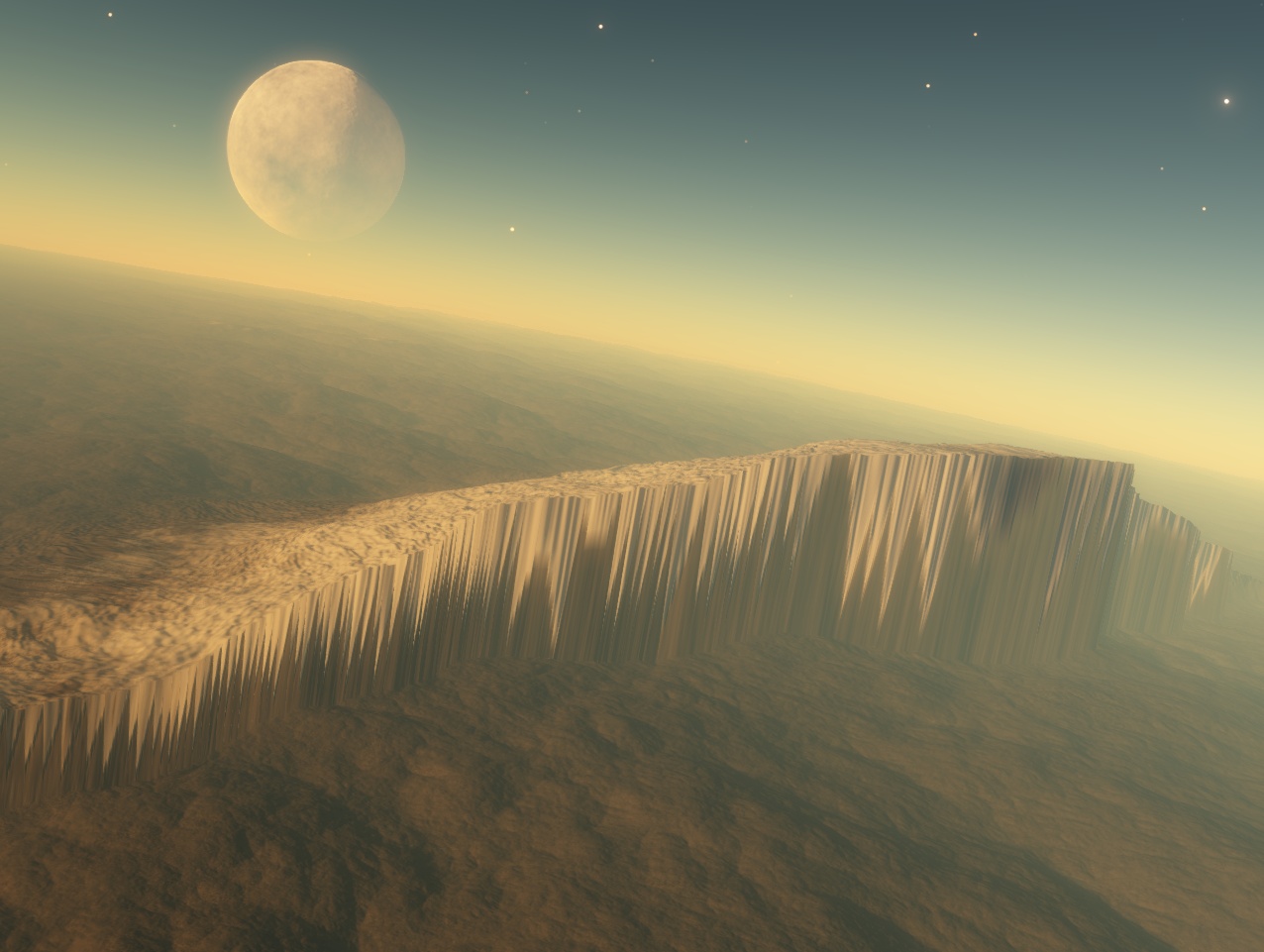
If you get missing landscape blocks, blurry or blinking textures, random spikes sticking out of surface, check out these recommendations here:
a) If you have a laptop with hybrid graphics, read item #3.
b) Make sure that you make a "clean" installation of SE (if it is a full version, not a patch!). If you install a new version overwriting the old one, you may get many bugs and glitches.
5) Frequent crashing while generating planetary surface
If you have frequent crashes on planets, or get an "OUT OF MEMORY" message on screen, or "Unexpected deleting of child node" in the log file, try taking these steps first:
- Close any other programs that can consume the video memory (games, video players, graphics editors, etc.). The video memory is the most important resource for SpaceEngine. It may help to disable the Windows Aero theme too, as it consumes a lot of video memory. - Disable "3D water" in Graphics settings (Ctrl-F4) - Reduce "Landscape LOD" to -2 in Graphics settings (Ctrl+F4) - Set up the amount of video memory in the main.cfg file:
VideoMemorySize 2048 // video card onboard memory (VRAM) in megabytes
The value must not be less than 1024, but not more than the total amount of physical video memory plus amount of RAM. For example, if you have a graphics card with 1024 MB of video memory, and more than 2 GB of RAM, you can increase VideoMemorySize to 2048.
6) Spaceship disappears when far from a star
This is not a bug. The current version does not yet have a completed spaceship rendering system - they cannot be rendered if there are no stars or planets in the renderlist. Just imagine that the ship is in hyperspace, so cannot be seen :)
7) Blurry textures on Solar system planets
This is not a bug. Our Solar system planets and its satellites have no procedural textures, they use real ones with limited level-of-detail. You can download addons with high resolution textures to increase the level of detail of real planets. But don't expect 1 cm level of detail; these addons also have limited size, and thus limited resolution (up to 150 meters per pixel for some bodies).
8) Problems with very high resolution displays
If you're using a very high display resolution and have problems selecting things with the cursor, or your screenshots are being output at a lower resolution than you're using, try the following:
1) Open Windows Control Panel, navigate to Display, and set the DPI scaling to "Smaller - 100% (default)" - it should look like this.
2) If you want to adjust the DPI scaling, click on "Set custom text size (DPI)" in the sidebar and change its value to suit your preference.
9) Problems in Windows 10 + AMD/ATI
Delete the file system/atioglxx.dll
List of known issues
Green items have been fixed for the next release
Not real bugs, but effects caused by limitations in the engine:
- Star mode "points" and "sprites" look the same. This is right! This switch changes the rendering technology, not the visual appearance. - Ships do not render in interstellar space - Star catalog has many errors in star classification, so there are many "giant dwarfs" and "dwarf giants" - Many real binary stars rendered as single, and many single rendered as binary - SE simply have incomplete catalog of binary stars - Comet nucleus star-sprite will shine through planets[example]. - Galaxy/nebula sprites will rotate when seen from certain angles - Auroras, comet tails and rings can be rendered in front of ships/moons sometimes - Lens flares are distorted by gravitational lensing (black holes and ship warp drive effect) - Text editor for Wiki descriptions is not working - it is not implemented yet - Solar system moons don't have extremely accurate orbits (requires implementation of custom orbit models, e.g. VSOP-87) - Sunspot distribution is not always realistic - Ocean tag not yet implemented in planet editor - Rounding errors (e.g. 30° in catalog rounds to 29°59'59.99" displayed on HUD) - Bloom effects from the bottom of the screen are replicated at the top of the screen in anaglyph mode - Many HIP and HD stars do not appear in the search menu
Real bugs:
- Cloud cyclones have cut edges sometimes - Lines or junctures are visible on planetary surface - Changing "modes" between simulation and orbital when piloting ships can cause glitches - Few issues with asynchronous loading (stars don't always generate properly, especially when flying to new galaxies) - Flashing landscape LOD on a planet when Wiki for it is displayed - GUI response issues with some users (interface items glitchy or not respond easily) - Flickering flare color in close binary systems [example] - Auto-exposure does not react when a sun is blocked while diffraction spikes are set to normal or super - "Eclipse bug" on distant planets (weird dark shimmering on outer planet caused by inner planet crossing the sun or two suns eclipsing) - Level horizon command (End key) doesn't work properly on oblate objects - Weird behavior of movement keys in tracking mode (T) and after releasing it - If a galaxy model is selected, the camera is not following any object, and the program is in Edit Mode, closing and restarting the program will cause the WASDRF movement keys to behave incorrectly until the camera is set to follow an object - Problems when releasing Left + Right click - Music player will unpause when SE window is minimized and restored, or when entering and exiting the main menu - Switching to fullscreen doesn't work sometimes - Automatic reference object setting with spacecraft doesn't always choose the best object (for example, when near dwarf moons or debris asteroids close to a planet you are trying to orbit) - 3D water fog sometimes starts above the water surface - Visual atmosphere heights are inconsistently and unrealistically generated - Physical atmosphere properties are inconsistently and unrealistically generated, and are not tied to the visual models - Cyclones are not generated in the southern hemispheres of gas giants - Shimmering bloom splotch when very close to the surface of a planet [example] - Lighting errors in system browser when viewing from outside the system - "Sky lighting shadow" in the subsolar region of atmospheres - Problems with the skybox export interface, and with the planetarium after using it, for some users - Camera will be set to 90° FOV when returning from fisheye or cubemap view sometimes - If spacecraft .sss Length is very different from its .cfg length, there may be rendering glitches - VSync doesn't work after usage of Oculus Rift in the Direct mode, sometimes it doesn't work at startup when Oculus Rift is connected.
I can't get Space Engine to start. When loading, it runs out of available vRAM. Now my GTX 650 has 2 gigs of vram, waaay more than the 512 MB recommendation. Am I missing something here?!?!
I tried uninstalling and re-installing it, to no avail.
Here's the se.log. It stops when it starts initializing the engine.
I've been following this thread for months in hopes that a solution would work.
I posted back on page 4 the following:
Quote
Help needed.....
The new version is crashing upon launch for me. Meanwhile an installation of 0.9.7.2 runs just fine.
My video card is an AMD R9 270X.
My se.log file is attached.
The solution offered was:
QuoteHarbingerDawn ()
Quote Jadestar () The new version is crashing upon launch for me.
Try deleting atioglxx.dll from the system folder.
I've tried this but still haven't been able to get past the crash at startup. (see screenshot)
Before deleting atioglxx.dl:
AFTER deleting atioglxx.dl:
As you can see, there is no change.
Has anyone else with an ATI card had this problem persist after deleting atioglxx.dll? Did you eventually solve it?
I have no problems running .0.9.7.2 but 0.9.7.3 and higher all crash on startup.
I've done several clean installs of 0.9.7.2 + the 0.9.7.3 patch without any success at all. I really hope I am not going to be stuck with 0.9.7.2. That would be incredibly sad.
I love Space Engine, I've even donated. I don't want to get left behind.
I have discover space engine a few days ago, and I love it. I was playing the 0.9.7.2 version and it worked really smooth on my laptop.
After the latest update, it have change. My specifications are more than enough to run SE, but it still having a LOT of lag in some situations, even flying trough the stars.
I have set up the graphic options to somethig lower but still happening... I´m getting very annoyed about this, and guys, I need your help.
My specs are:
Windows 7 64 bits
8 gigs of RAM
AMD Radeon HD 7730 M (2Gb)
i7-3632QM CPU @ 2.20 GHz
I did force SE to work with my ATI card instead of the intel integrated card too
Somebody have an idea of why it´s going laggy.
(Note: I can play games as Dragon Age: Inquisition, Sniper Elite 3 and other high ending graphics games in High settings...)
I was flying in a starship, and I changed its mode while it was close to a planet, after a long time struggling with starship controls. (I think I had the planet I was orbiting selected.) Space went black except for the HUD and arrows, and the distance between me and the planet I had been orbiting was, at one point, 23,870,602,410.821 Gly. Basically, I teleported outside the Universe. (And there was no Multiverse!)
I closed and re-opened Space Engine. I was still outside the Universe, but now I was able to teleport to the planet I was orbiting. Suddenly, the center of the Milky Way was MUCH closer than before. I teleported to Earth. The same was true; the center of the Milky Way appeared much closer than before. In addition, I could not see the Sun, the Magellanic Clouds, Andromeda, or Triangulum, and nebulas and clusters were visible that should not have been there. Fixes?
Hi there. I found a rather odd bug involving Arp 273 (otherwise known in SpaceEngine as UGC 1810) texture. While the galaxy itself is fine, there are some red and green artifacts around the galaxy which disappear when closing into them. I did not find a similar problem in any other galaxy.
I don't know if this is the right place for this, but I have recently downloaded Space Engine and at first it was fine but after a few minutes I may have hit something and now I cannot rotate. I have tried exiting but it just does the same ting once I open it back up. Any help please?
 ENG
ENG New site




 Russian Federation


 United Kingdom


 Pirate

 United States



 Germany

 Italy
Italy 

 Canada